
There are several mobile operating systems available for smartphones but Android from search engine giant Google is most popular one with big market share around the world as it’s open source most mobile companies pre-installing Android over other operating systems like iOS, FirefoxOS, Symbian, Java etc.
However, Apple’s iOS is more secure because of closed operating system but iOS is not customizable like Android thus many iOS users switch to Android or like to install Android on Apple’s iOS but it is near to impossible as both are based on different software and hardware.
Now a days, most people buying big ram and rom Android powered smartphones but some users for whatever reason still use old smartphones that has low storage and memory thus they are unable to play big games and run apps and to fix that problem majority of users buy SD cards or pendrive etc but there is an easy way to fix this using cloud technologies.
Recently, we found a platform named LD Cloud by using that you can run Android on cloud 24/7 with numerous features on Android and iOS powered smartphones but on free plan you only get 2 hours upon expire you have to upgrade, isn’t amazing? If yes let’s know little more info before we explore more.
• LD Cloud official support •
– Discord
– YouTube
Website : ldcloud.net
Email : idcloudphone@gmail.com
• How to download LD Cloud •
It is very easy to download LD Cloud from these platforms for free.
– iOS
• LD Cloud key features with UI / UX Overview •
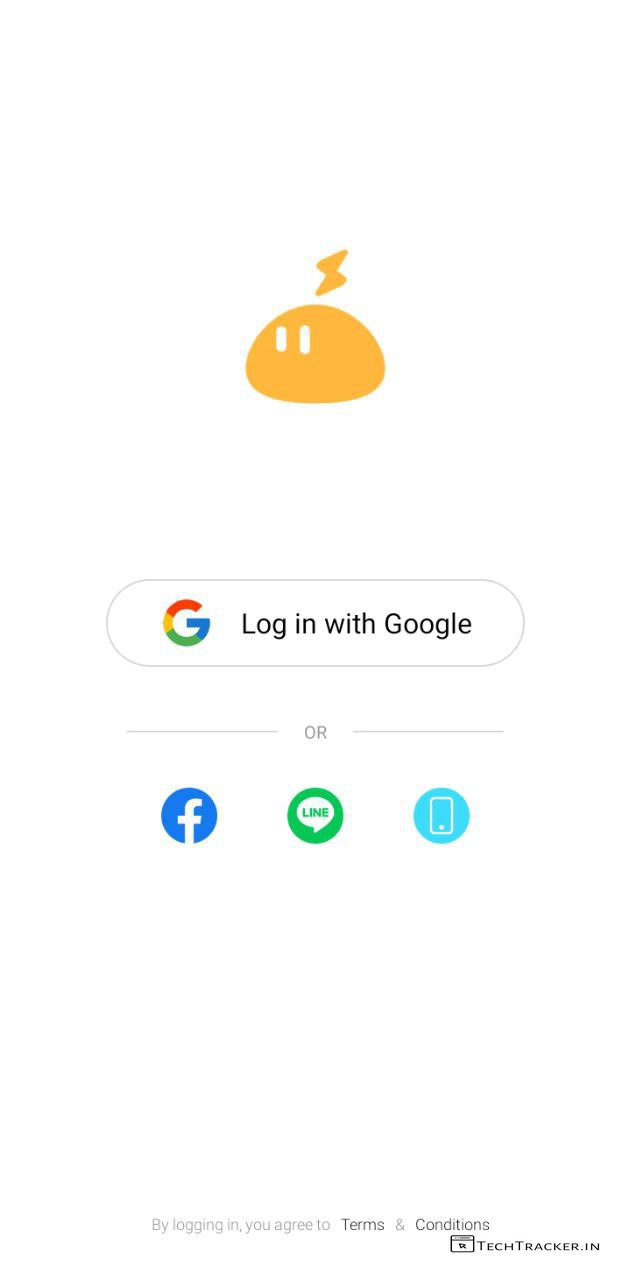
– Open LD Cloud then login in with Google, Facebook, Line or Phone number.
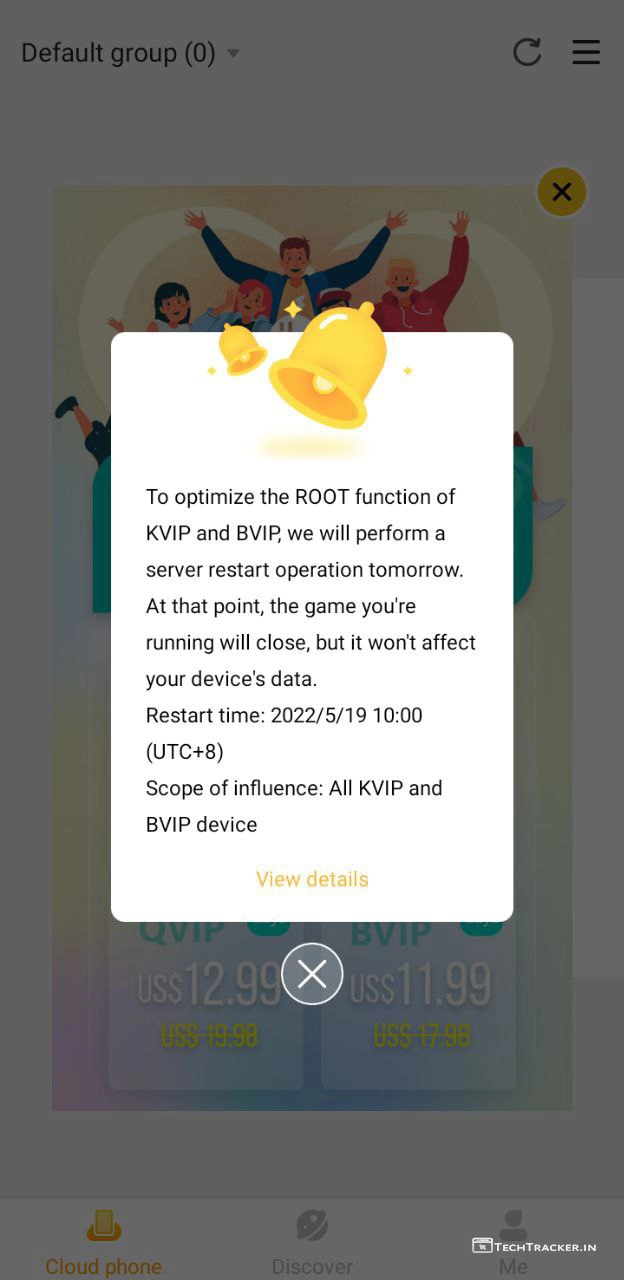
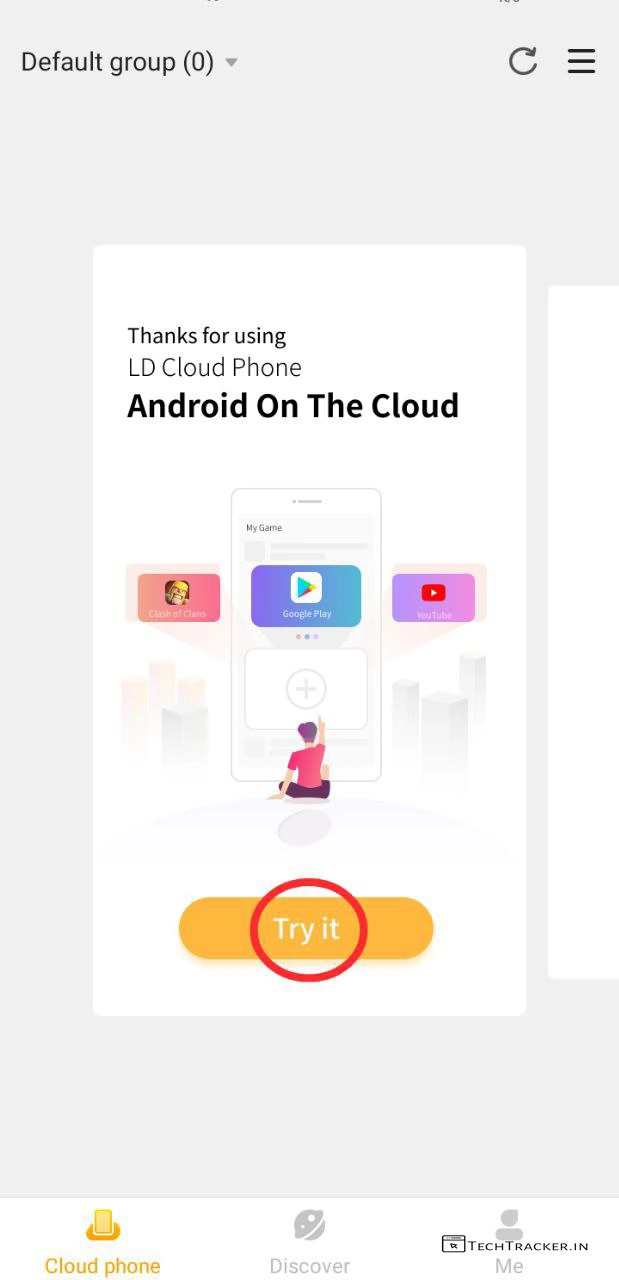
– Tap on Try it.
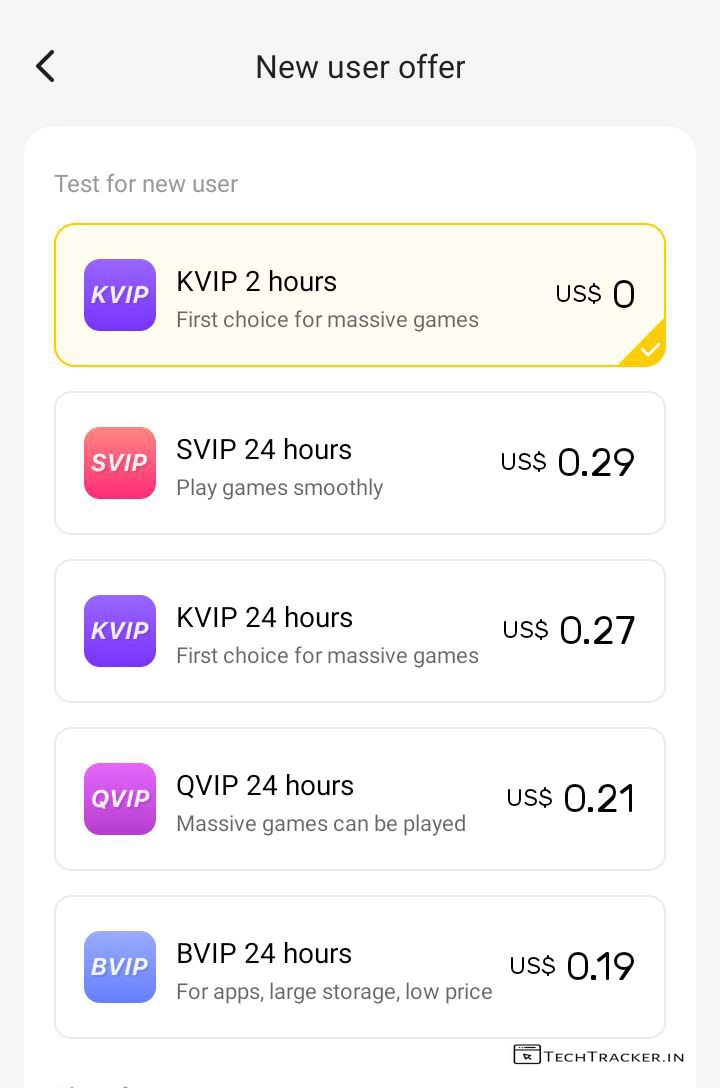
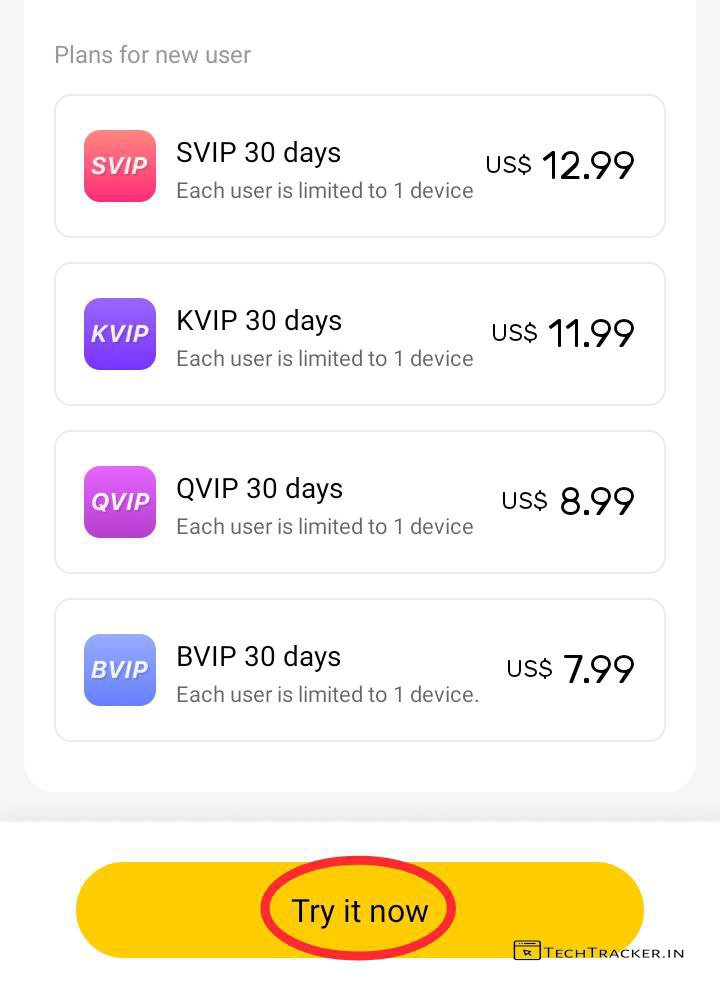
– Select KVIP 2 hours US$ 0 or buy any paid plan you like then tap on Try it now.
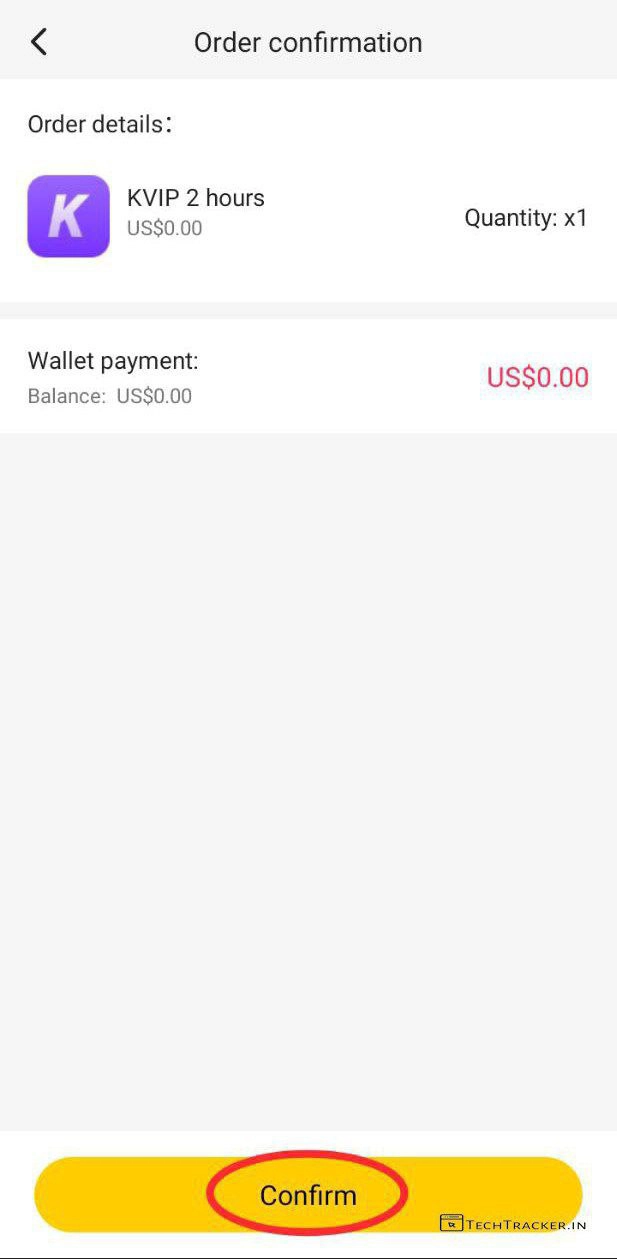
– Tap on Confirm
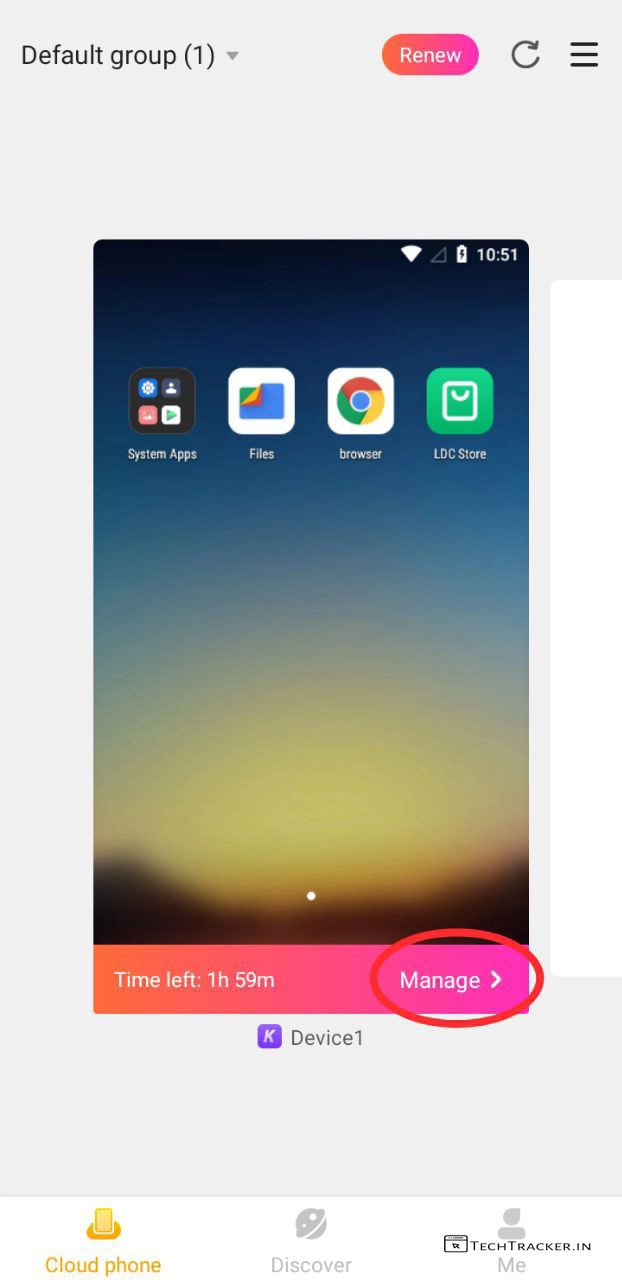
– Done, you successfully created Android on cloud, now simply tap on Manage >
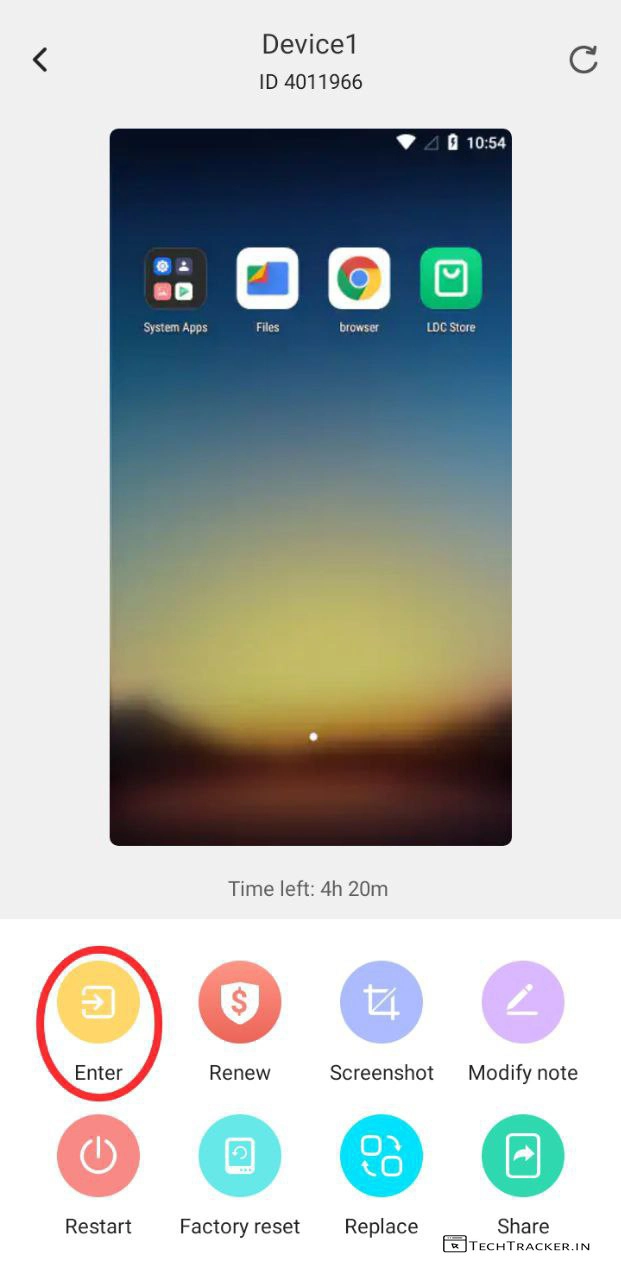
– Tap on Enter to get into Android on cloud or try out other features.
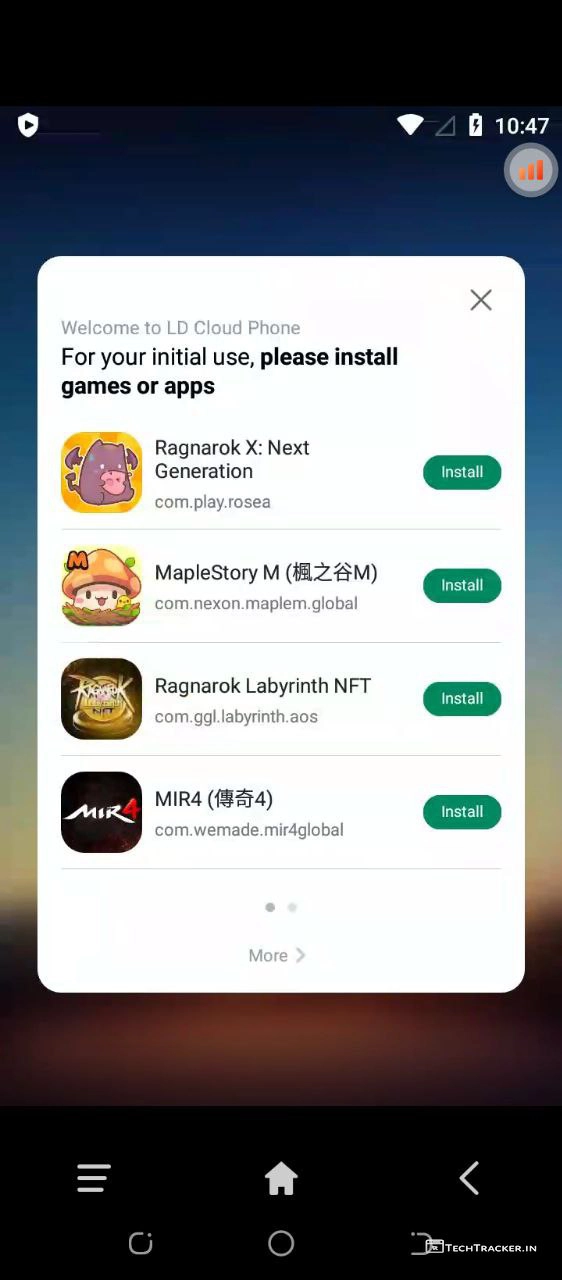
– You’re in LD Cloud, use it like regular smartphones to install apps or games.
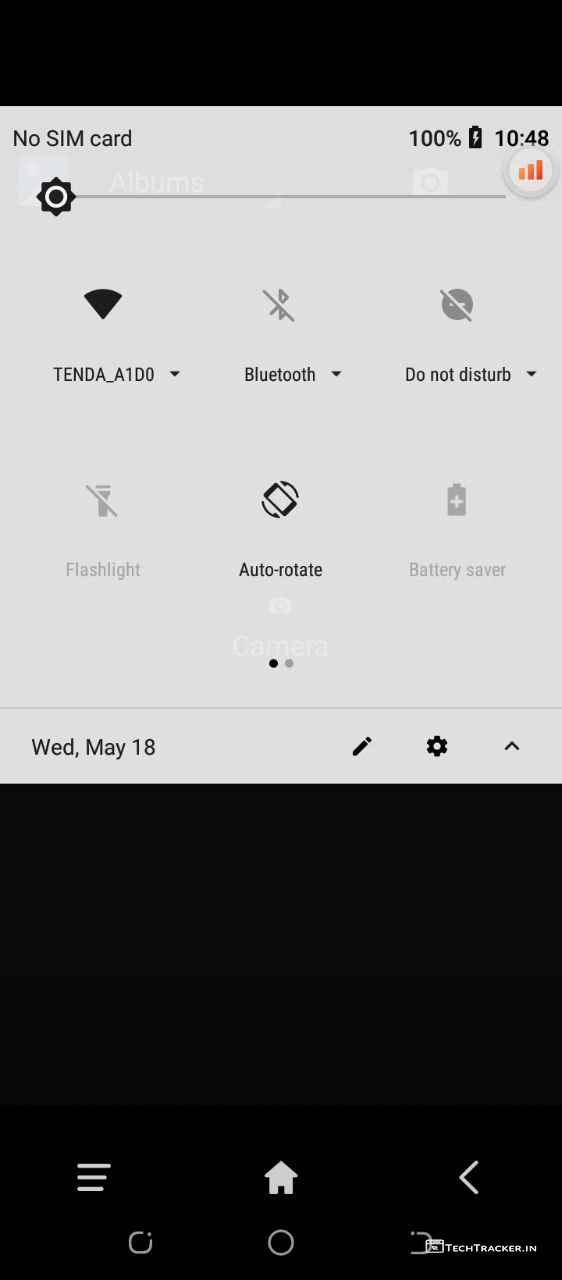
– The Android that we got on cloud is using TENDA_A100 WiFI to provide internet.
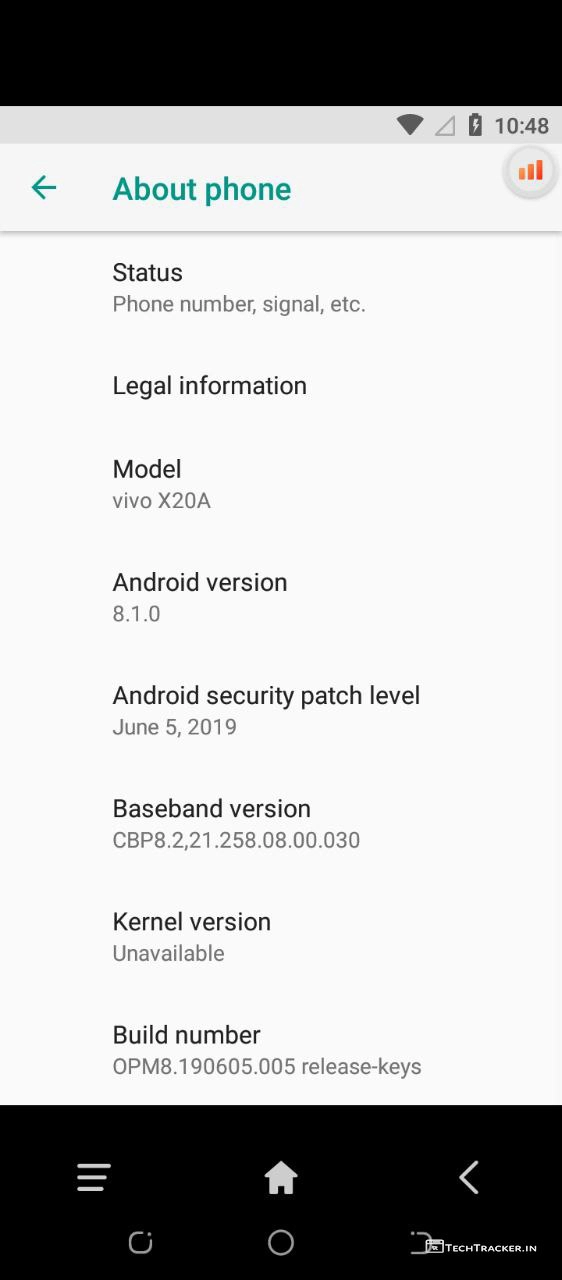
– Here, I got Android 8.0 orea but you may get other Android versions.
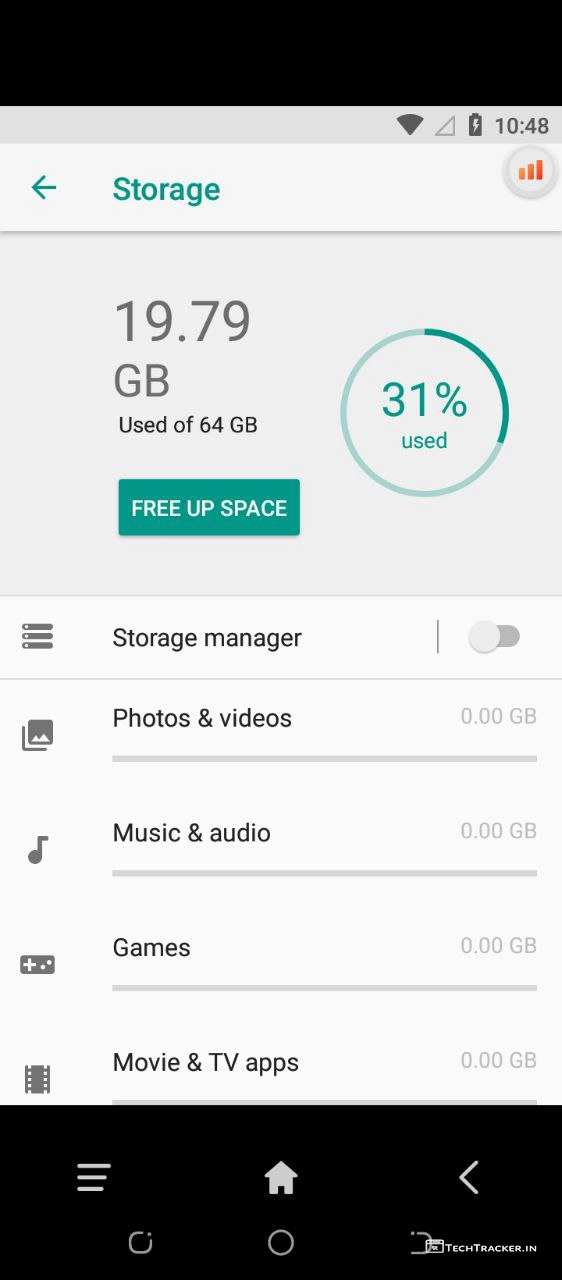
– Storage space.
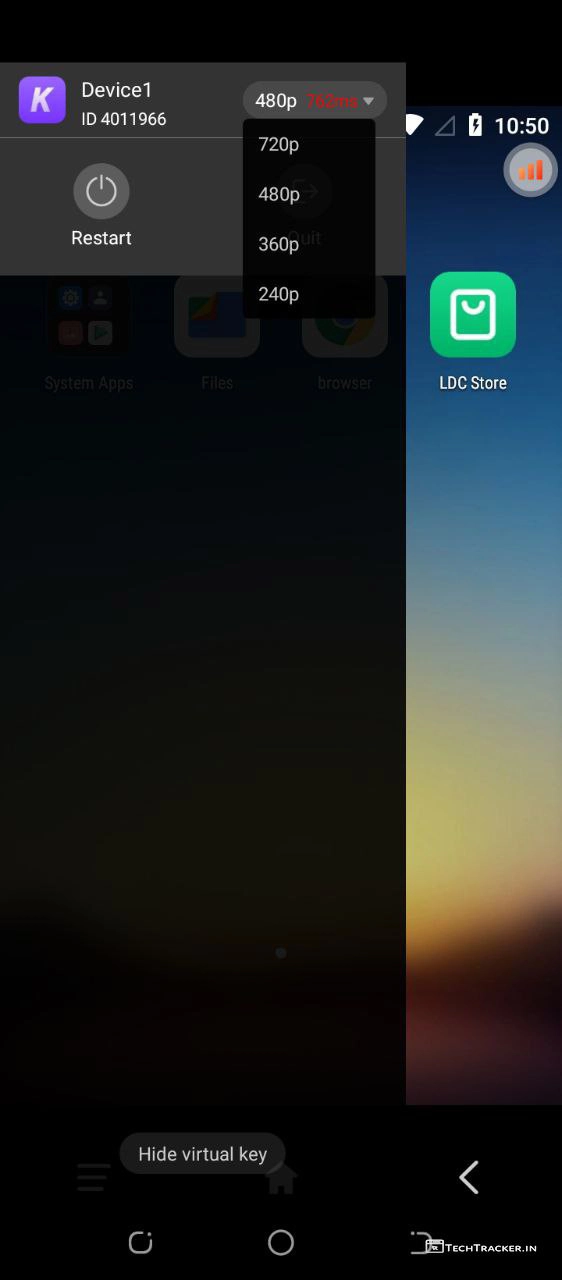
– In menu, you can select quality of cloud stream from 240p to 720p to increase or reduce quality.
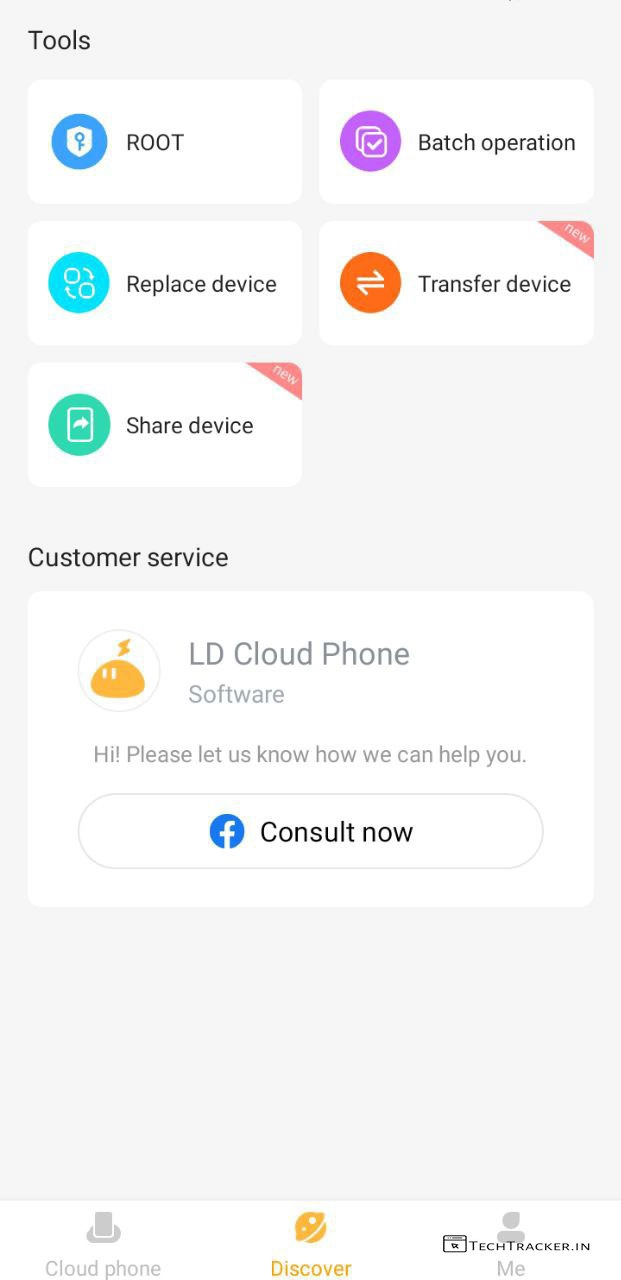
– Tools
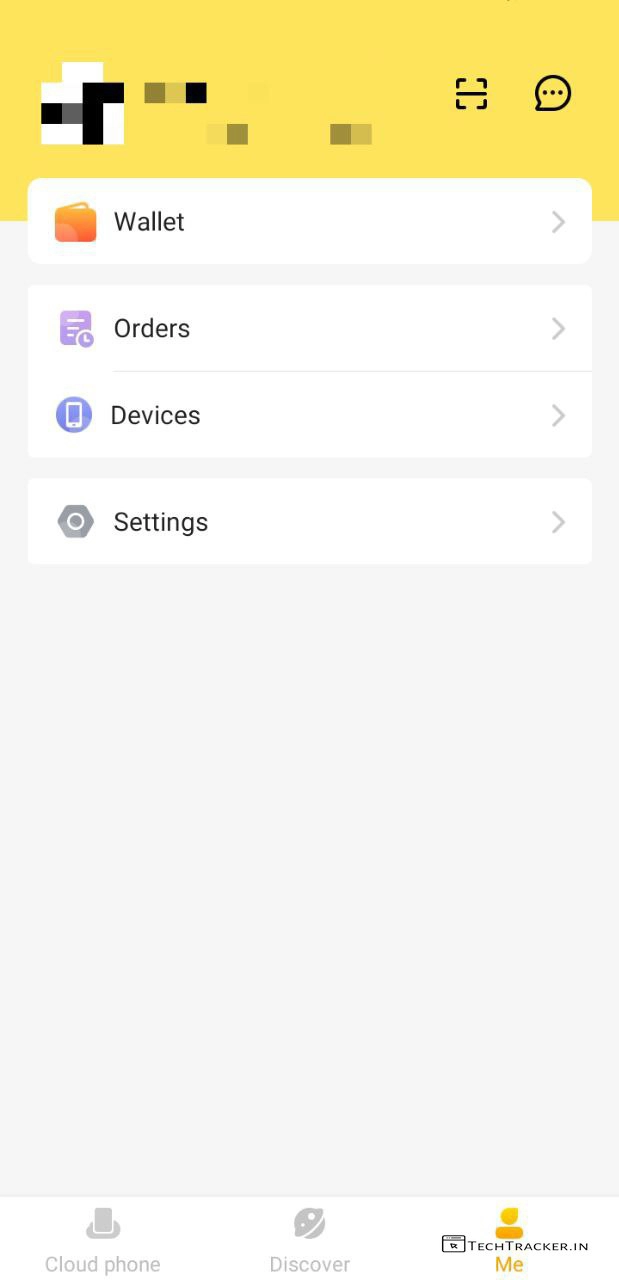
– Profile settings.
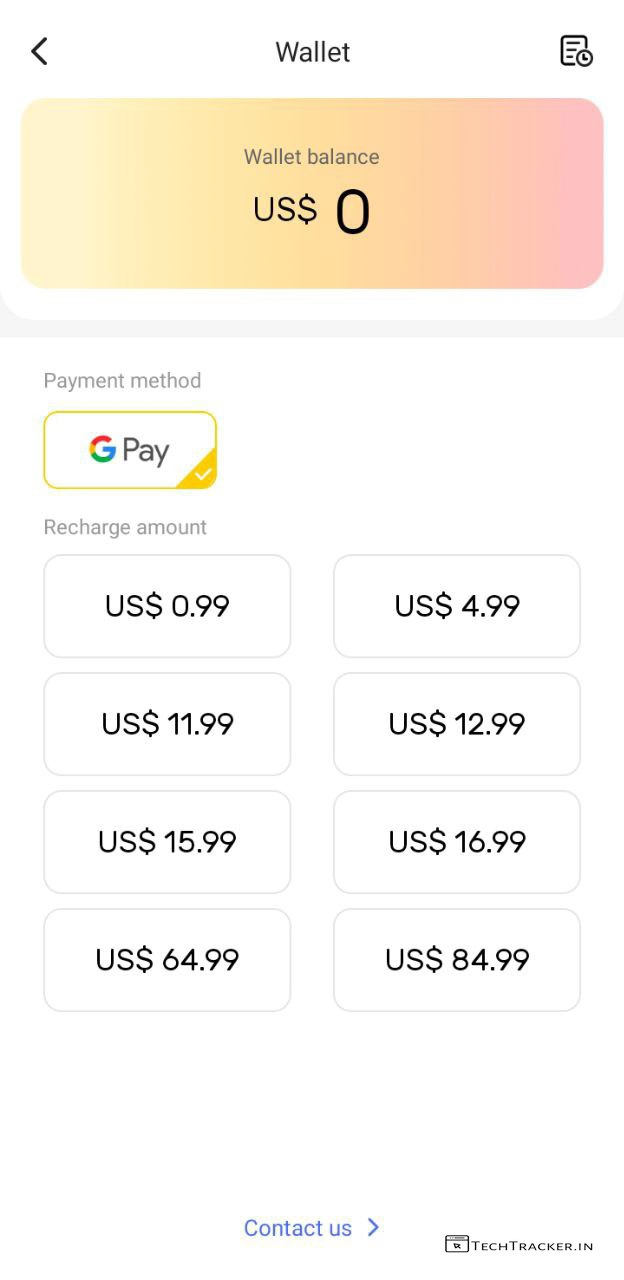
– Wallet
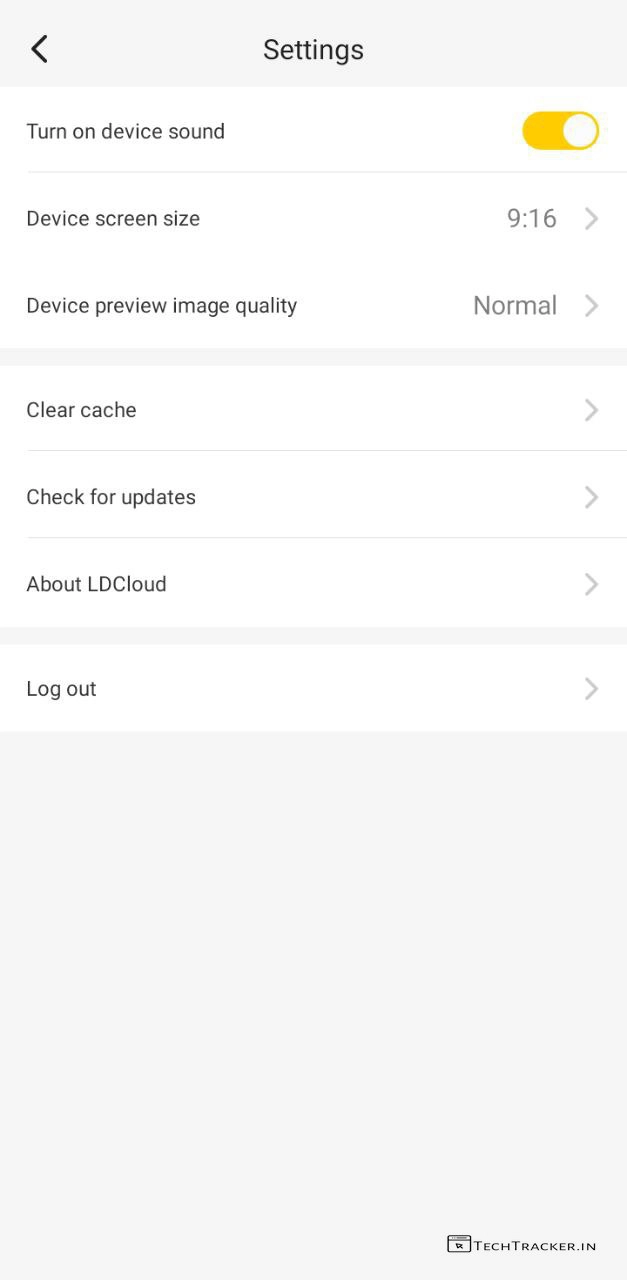
– Settings
Atlast, this are just highlighted features of LD Cloud there may be many hidden features in-build that provides you external benefits to give the ultimate usage experience, anyway if you want one of the best app to run Android on cloud in smartphones then at present LD Cloud is best on go choice.
Overall, LD Cloud comes with light mode by default, it has clean and simple user interface that ensures user friendly experience, but in any project there is always space for improvement so let’s wait and see will LD Cloud get any major UI changes in future to make it even more better, as of now LD Cloud is impressive.
Moreover, it is definitely worth to mention LD Cloud is one of the very few platforms available out there on internet which you can use to run Android on cloud for free, yes indeed if you’re searching for such platform then LD Cloud has potential to become your new favourite.
Finally, this is how you can run Android on cloud 24/7 via LD Cloud platform using smartphones for free, are you an existing user of LD Cloud? If yes do say your experience and mention which feature of LD Cloud you like the most in our comment section below, see ya 🙂