

Now a days, creating and publishing your own website on world wide web is super easy thanks to simple yet feature packed cms aka content management systems like Blogger and WordPress but not every one like to use them for whatever reason eventhough most popular cms platforms usually provide best in class security.
However, most websites that are hosted on cms platforms face big DDOS attacks which will increase server load to such level where your website server can’t handle more requests thus cms server willl go offline, that’s why to secure and safeguard website majority of bloggers started creating Web3 website or using Cloudflare.
Web 3, a decentralized internet is the future of internet where websites no longer use single centralised servers which are managed by one or multiple companies that are prone to hacking and DDoS mitigation attacks instead Web3 platforms are divided into numerous parts and encrypted then they will be hosted on decentralized servers provided by individuals like you around the world thus it’s near impossible to hack and make you website offline but Web3 is still in early access phase as of now so Cloudflare is working as an alternative to Web3.
Cloudflare is popular and reliable platform that provide many cloud technologies to make your website faster and protect from DDOS mitigation attacks way better then cms platforms and in December 2020 they launched Cloudflare pages by using that you can easily host your website for free.
if you’re from someone who want to host your website without cms aka content management systems and hosting platforms without compromising on security and privacy then Cloudflare pages is your 1 and only destination that you have to cherish isn’t?, so do you like Cloudflare pages? are you ready to deploy website? If yes let’s know little more before we explore more.
• How to host your website using GitHub and Cloudflare Page with key features and UI / UX overview •
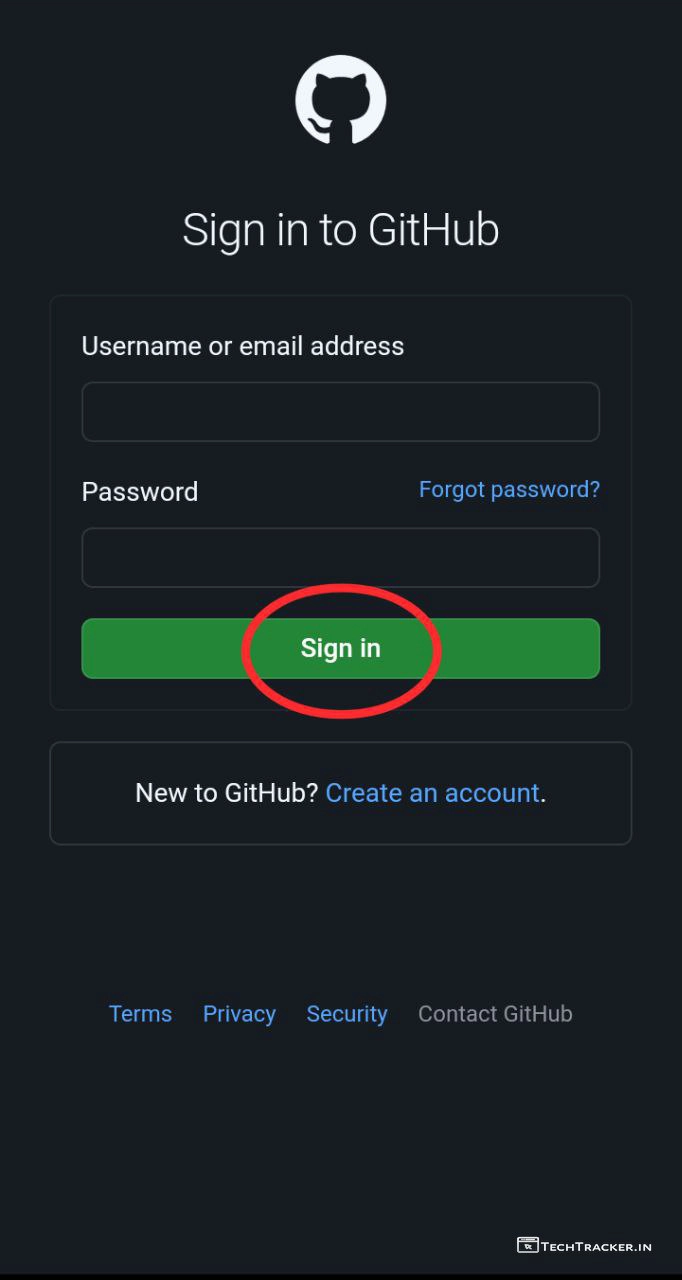
– Go to gitHub.com/login and signup or login into dashboard..

– Tap on Start a project
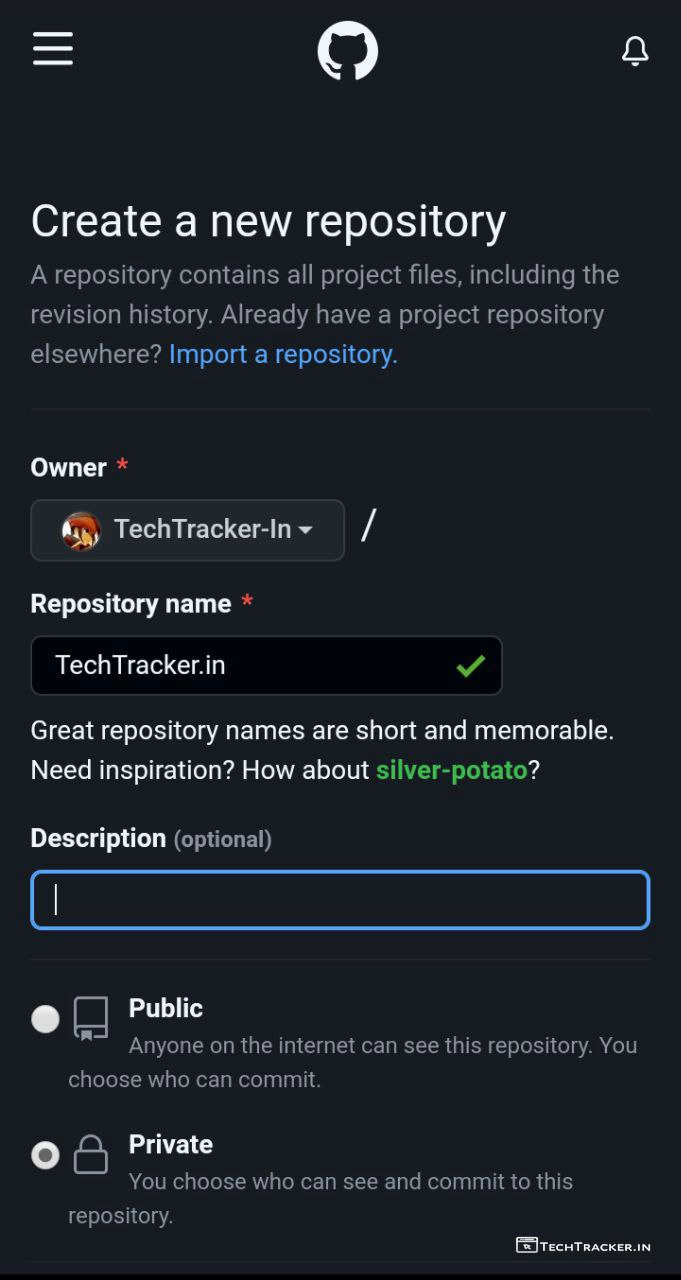
– Enter Repository name, Description, Private then scroll down.
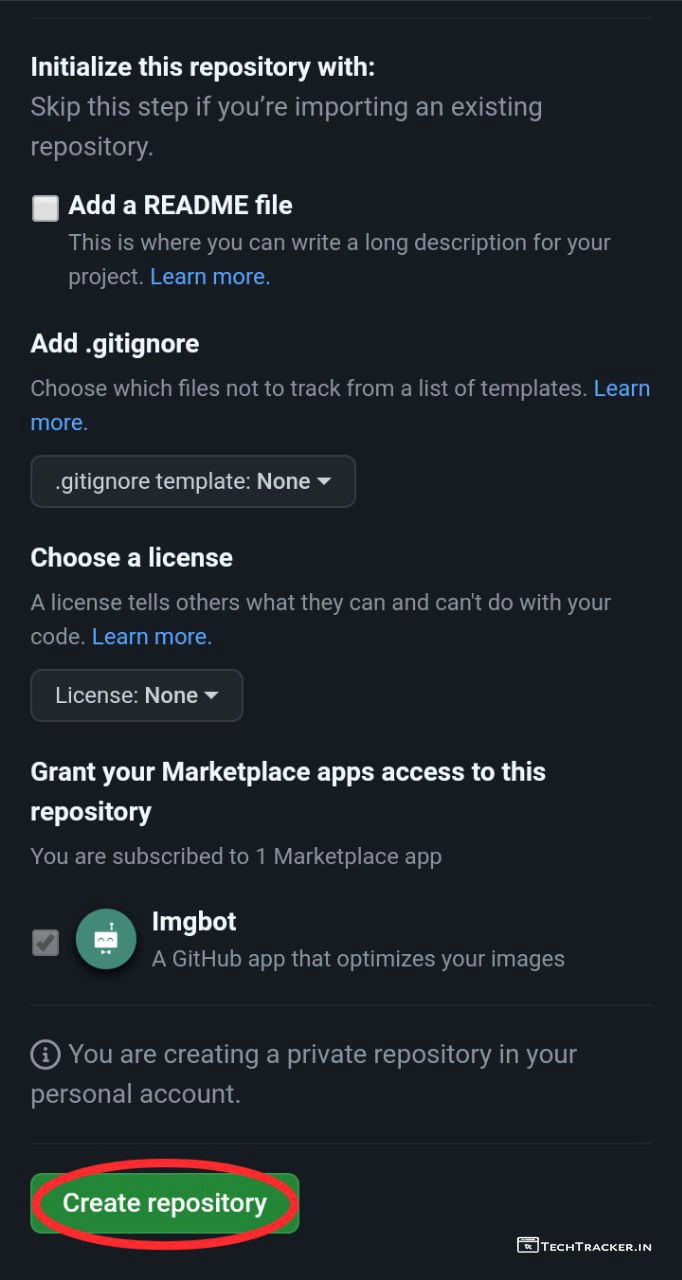
– Tap on Create repository
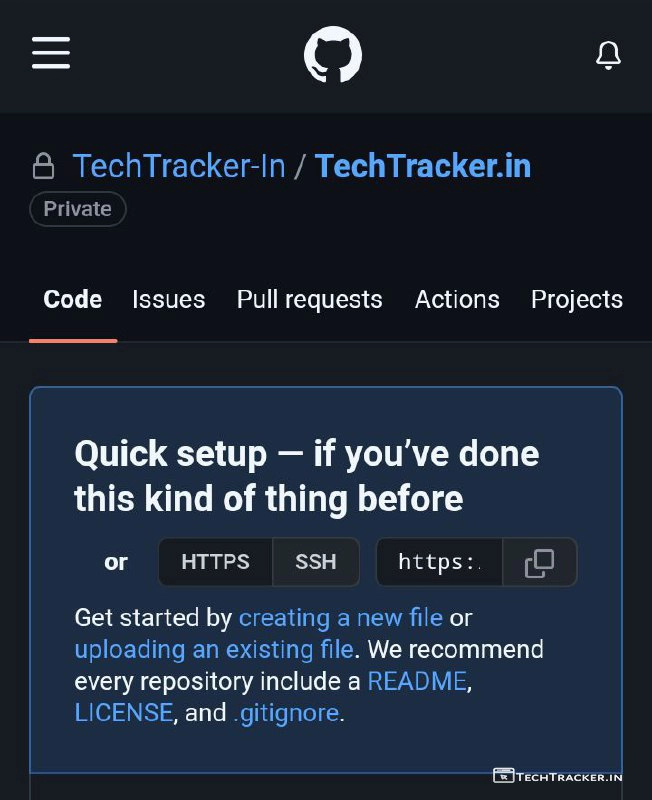
– Tap on creating a new file or uploading an existing file.
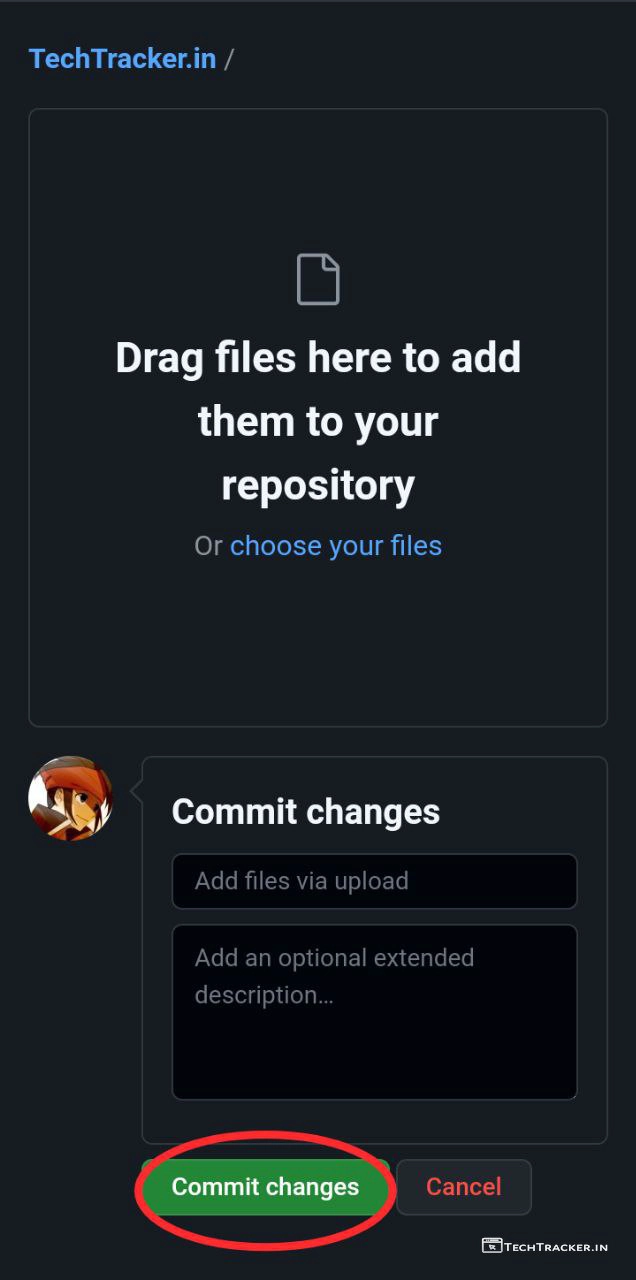
– Create or upload youy website assets, .html, css, javascript etc files then tap on Commit changes.
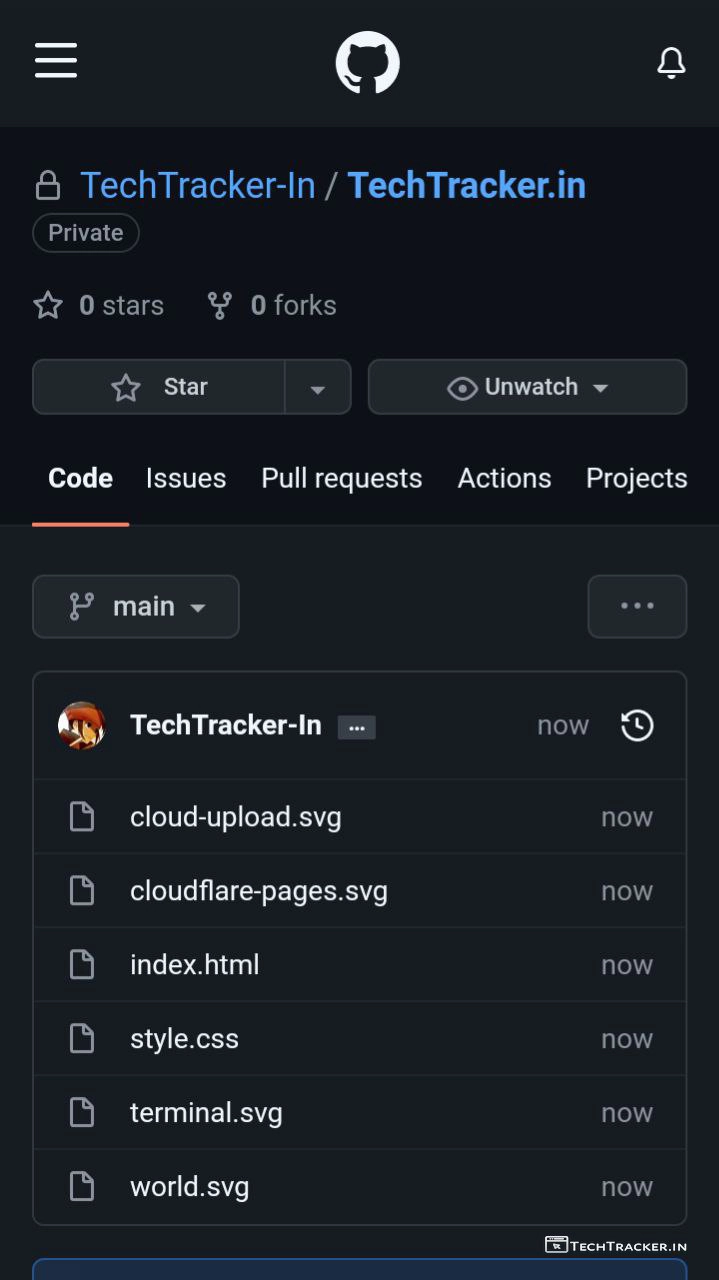
– Once your upload your website files then go back to Cloudflare.
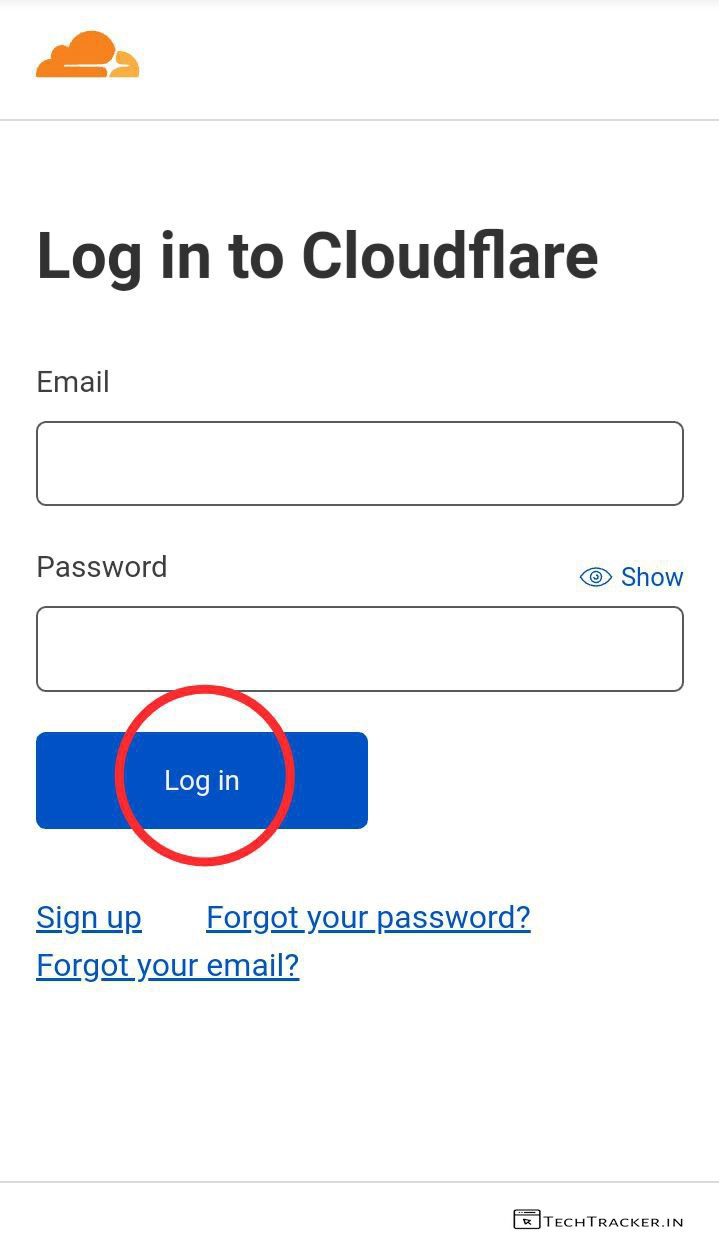
– Go to cloudflare.com/login then sign up or login and add your domain.
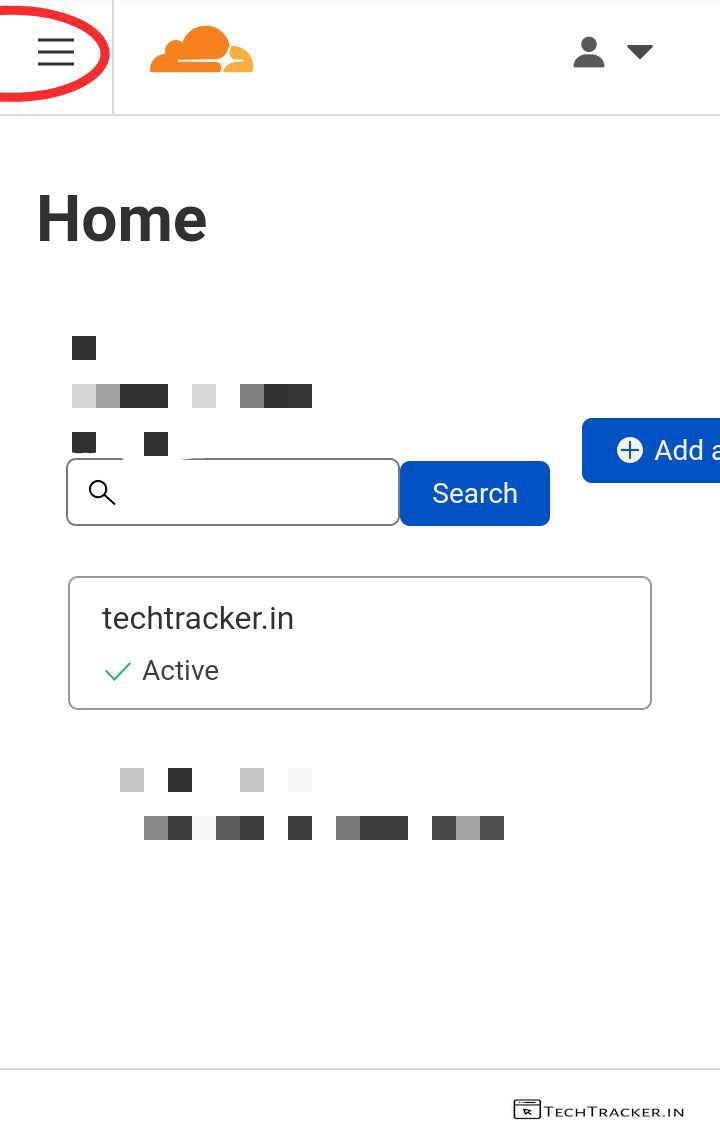
– Tap on ≡
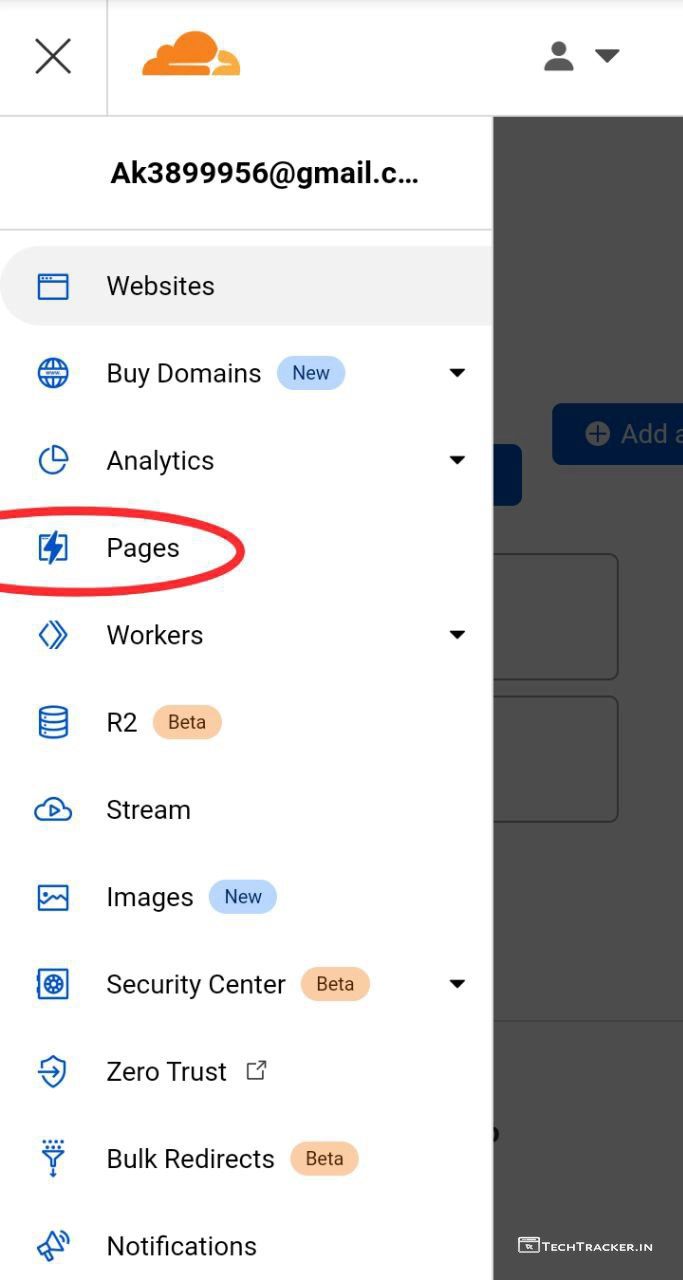
– Tap on Pages
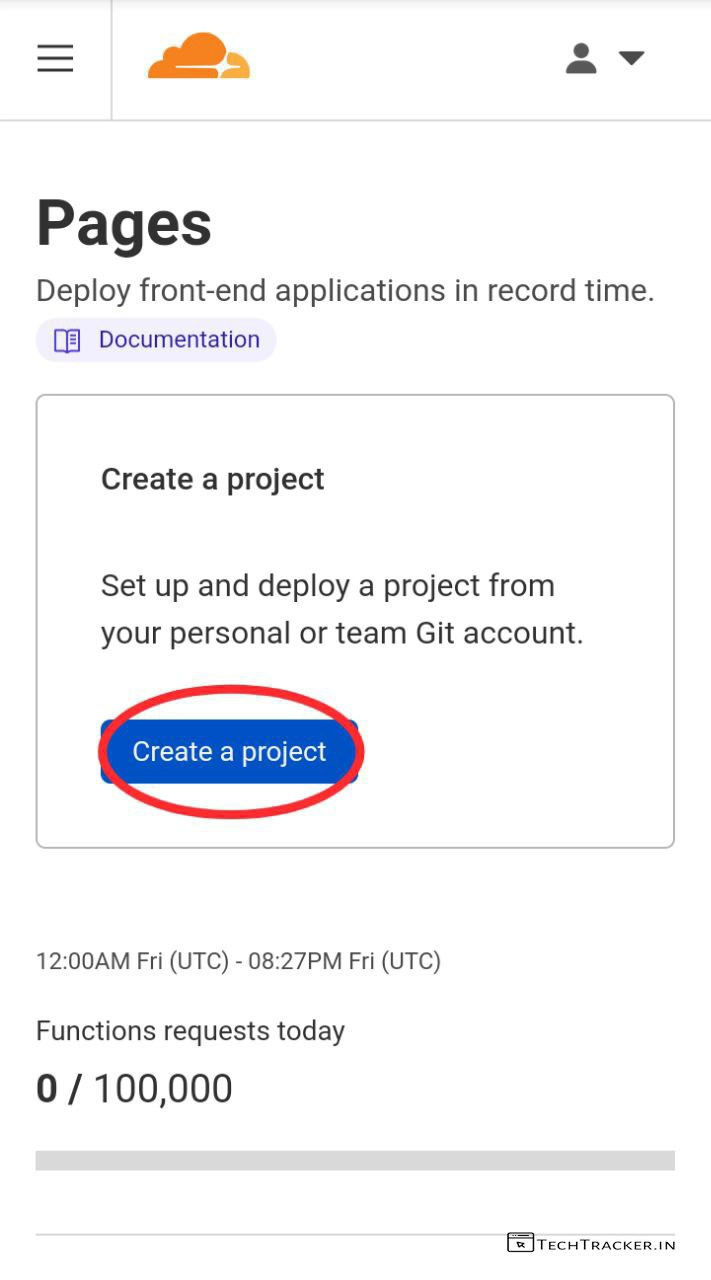
– Tap on Create a project

– Tap on Connect to Git
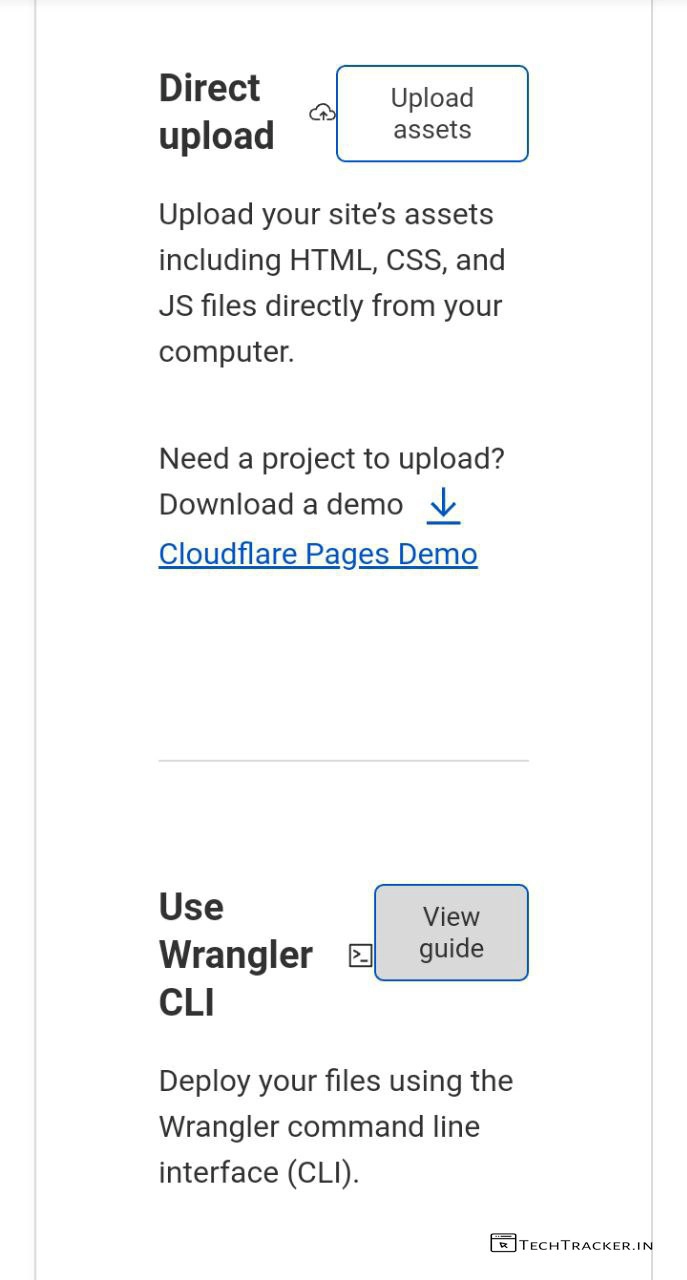
– You can also upload your website files from storage of use Wrangler CLI.
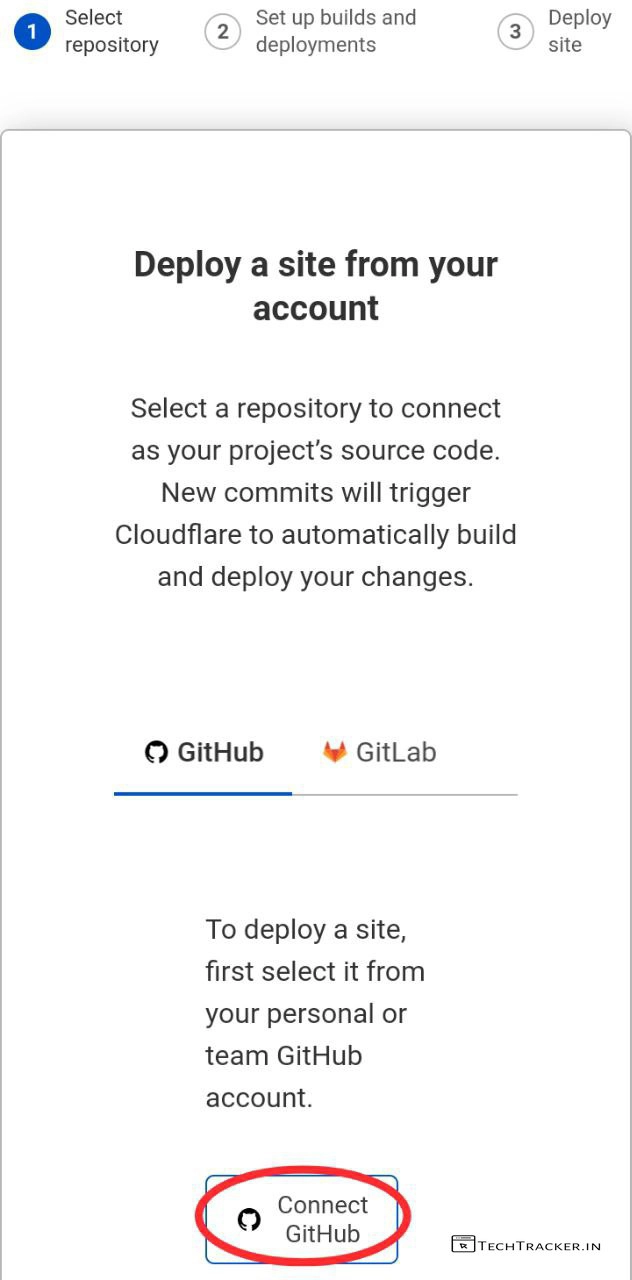
– Here, I’m using GitHub.
– Simply tap on Connect GitHub or Connect GitLab.
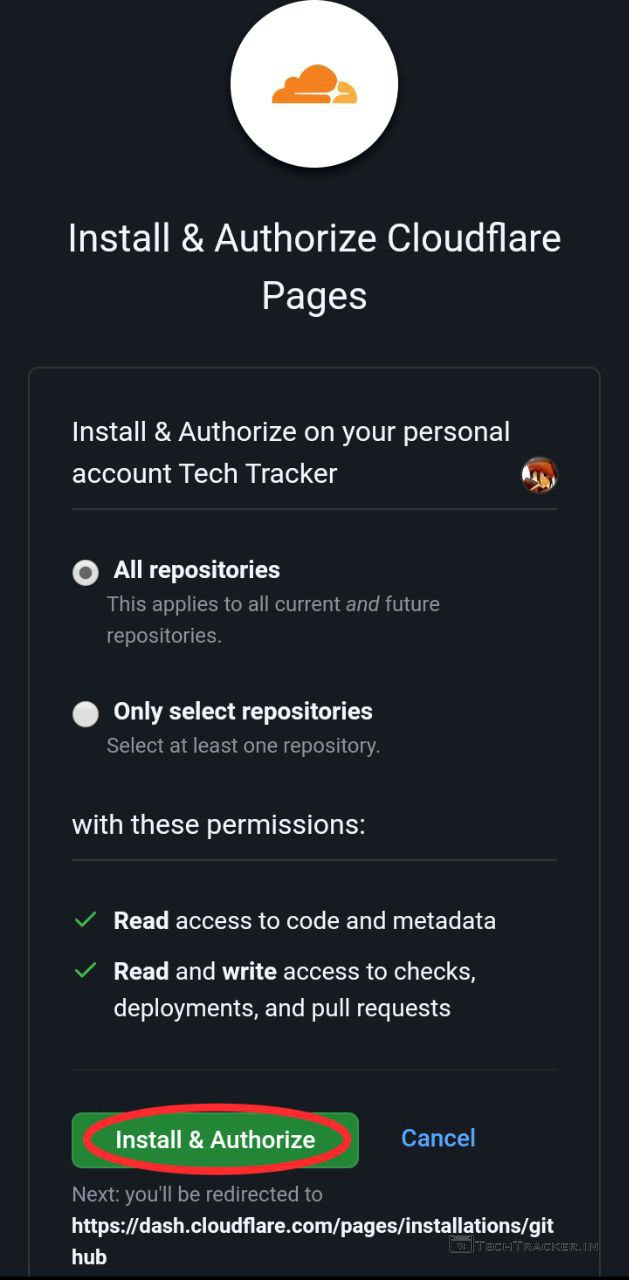
– Select All repositories or only select repositories then tap on Install & Authorize
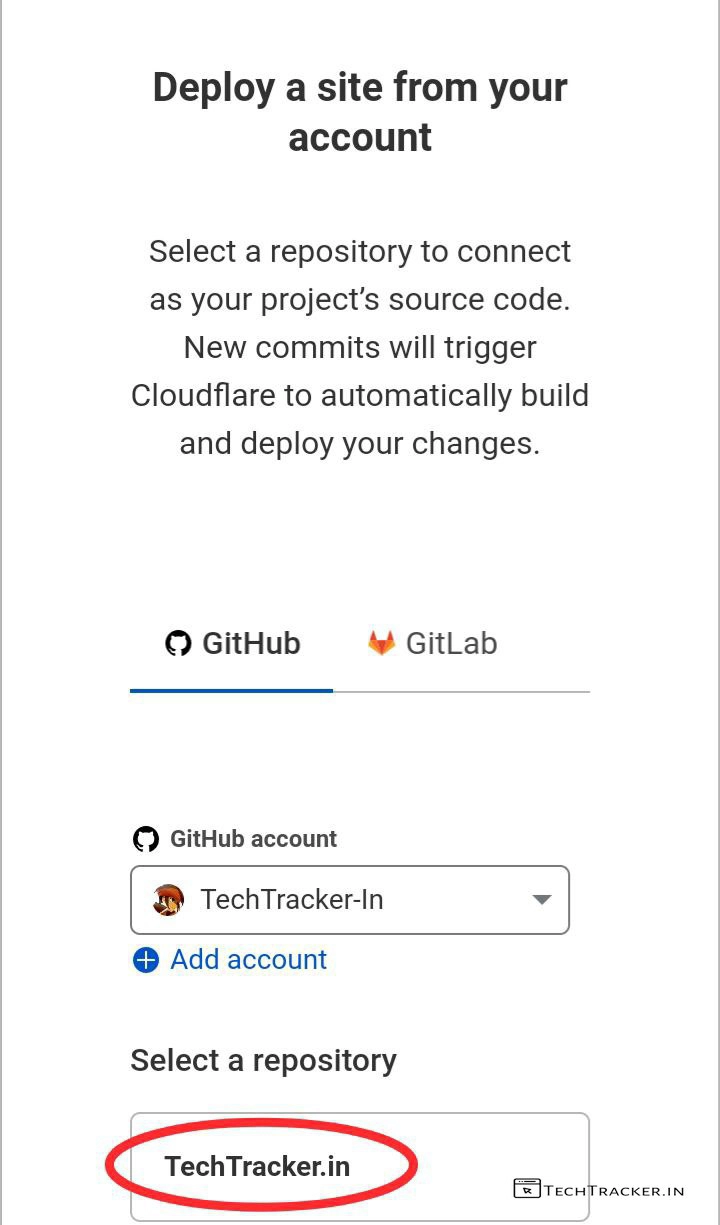
– Select your repository where you created or uploaded your website files.
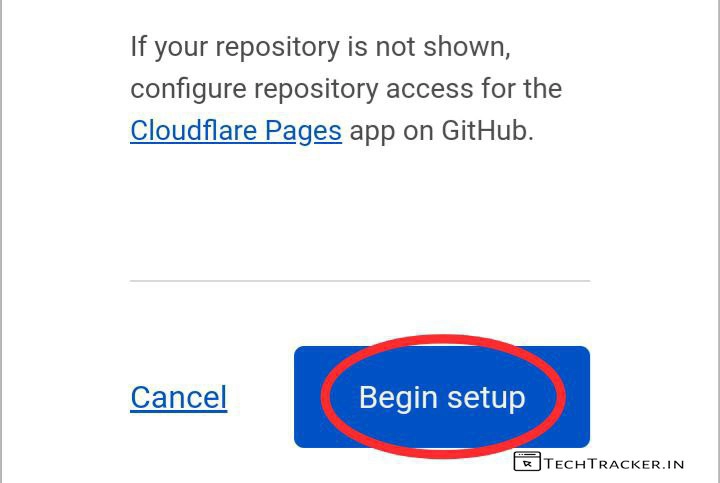
– Scroll down then tap on Begin setup
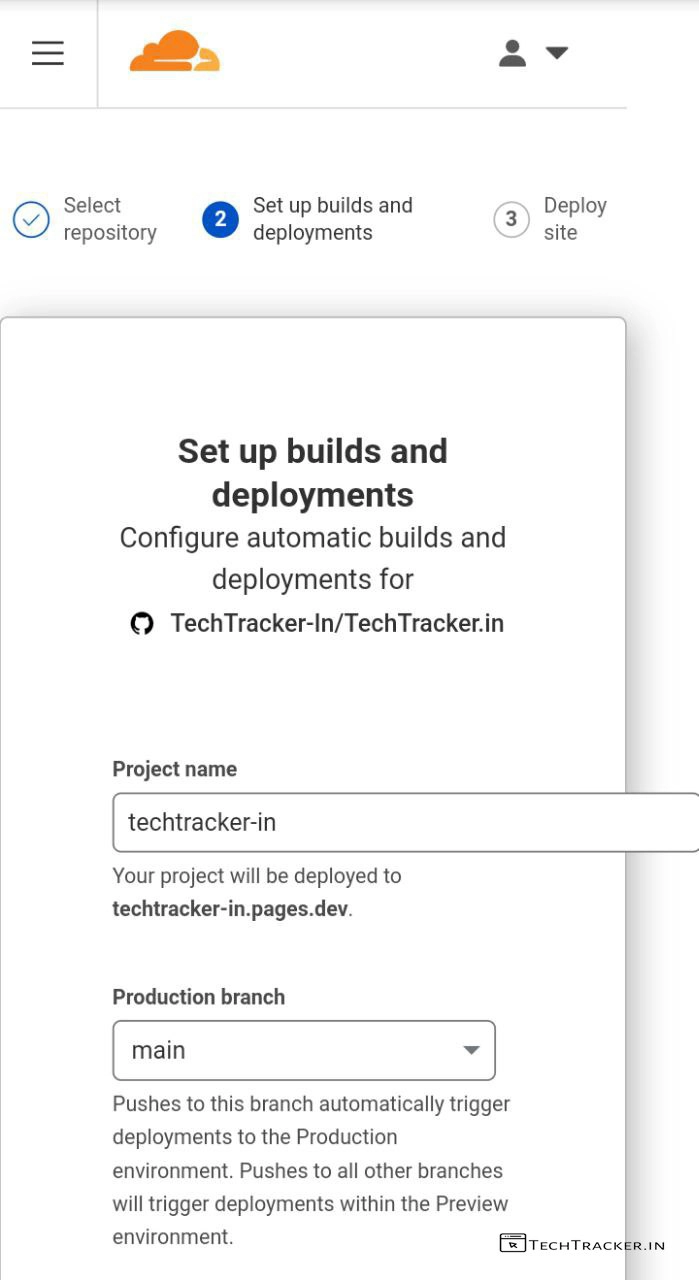
– Enter your preferred Project name, Production branch : Main then scroll down.
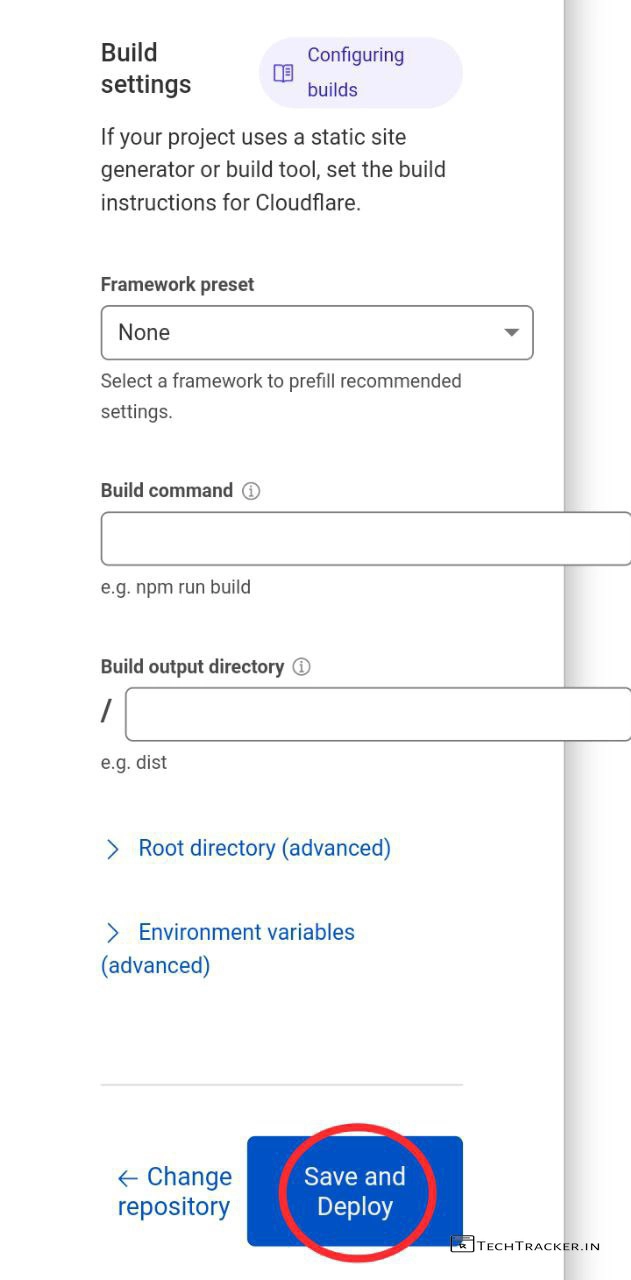
– You can change other settings if you know what you’re doing then tap on Save and Deploy.
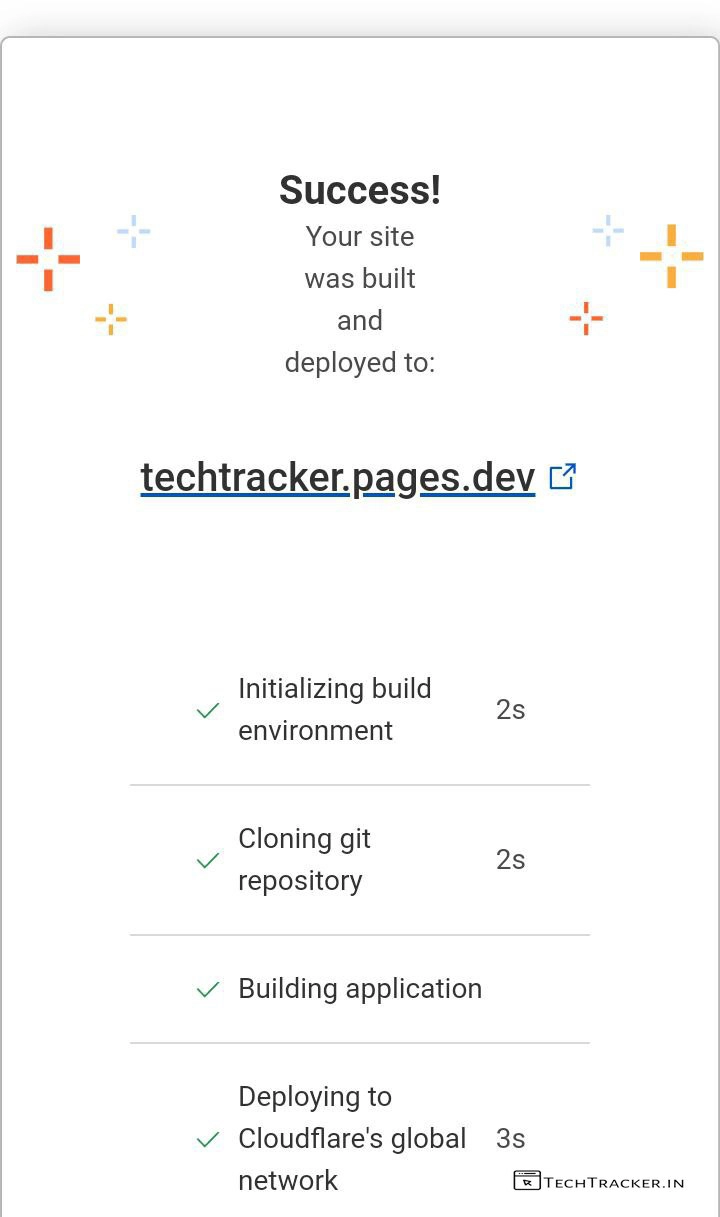
– In few seconds, your website will be deployed on Cloudflare.pages.
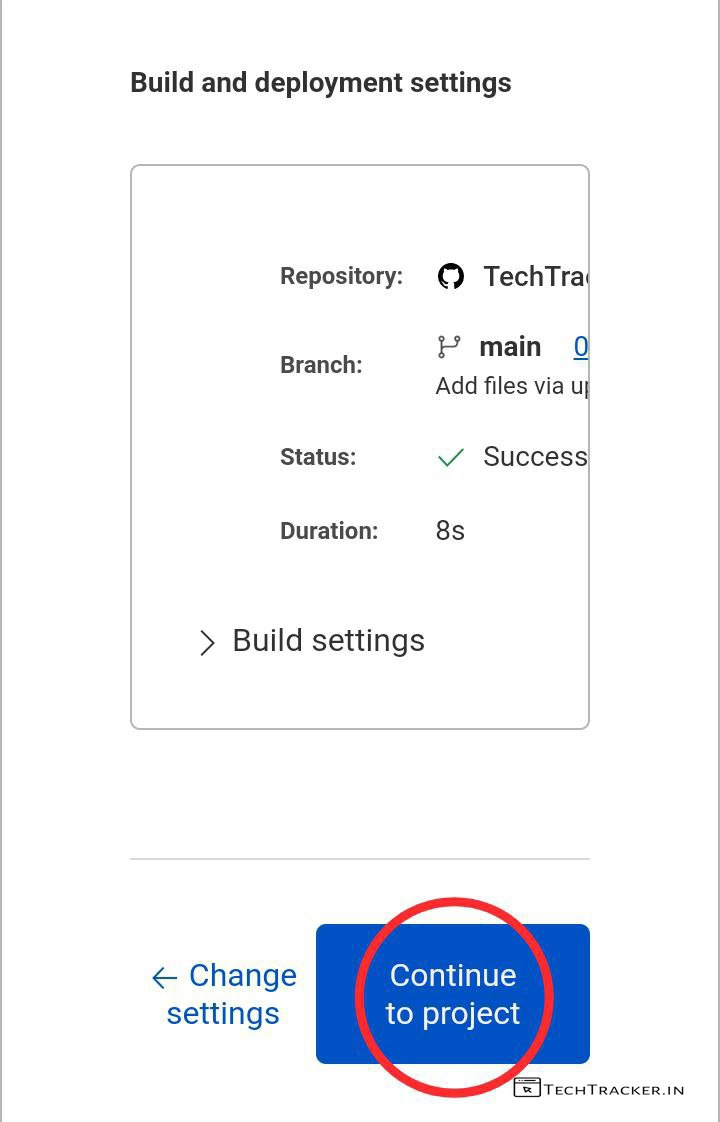
– Tap on Continue to project
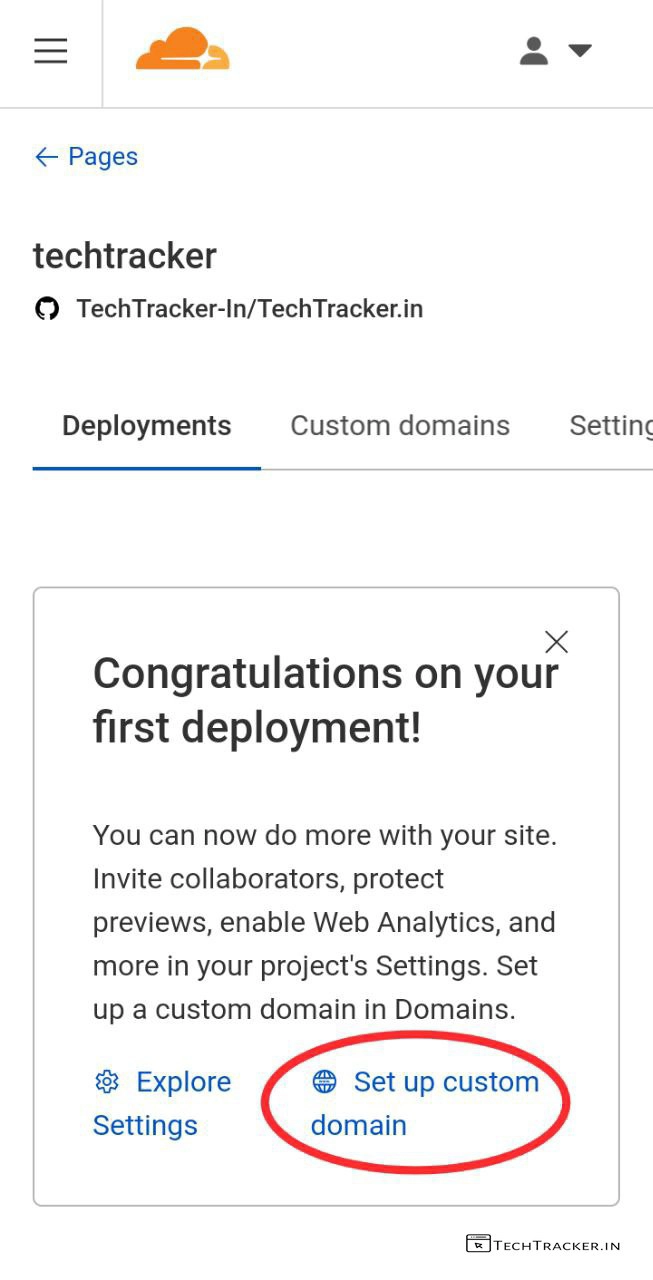
– Tap on Set up custom domain
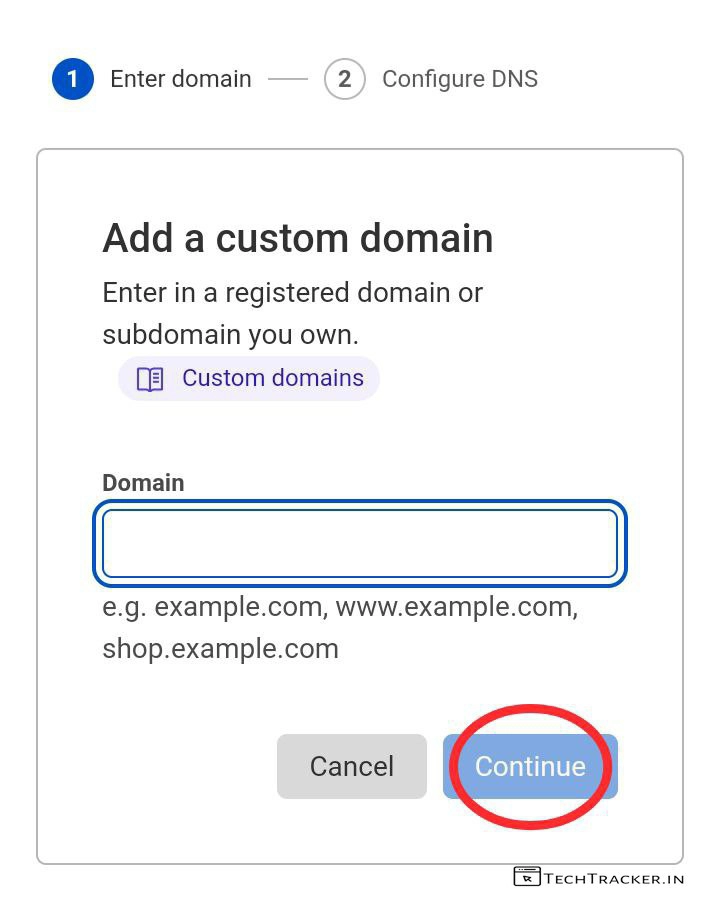
– Enter your custom domain or subdomain then tap on Continue
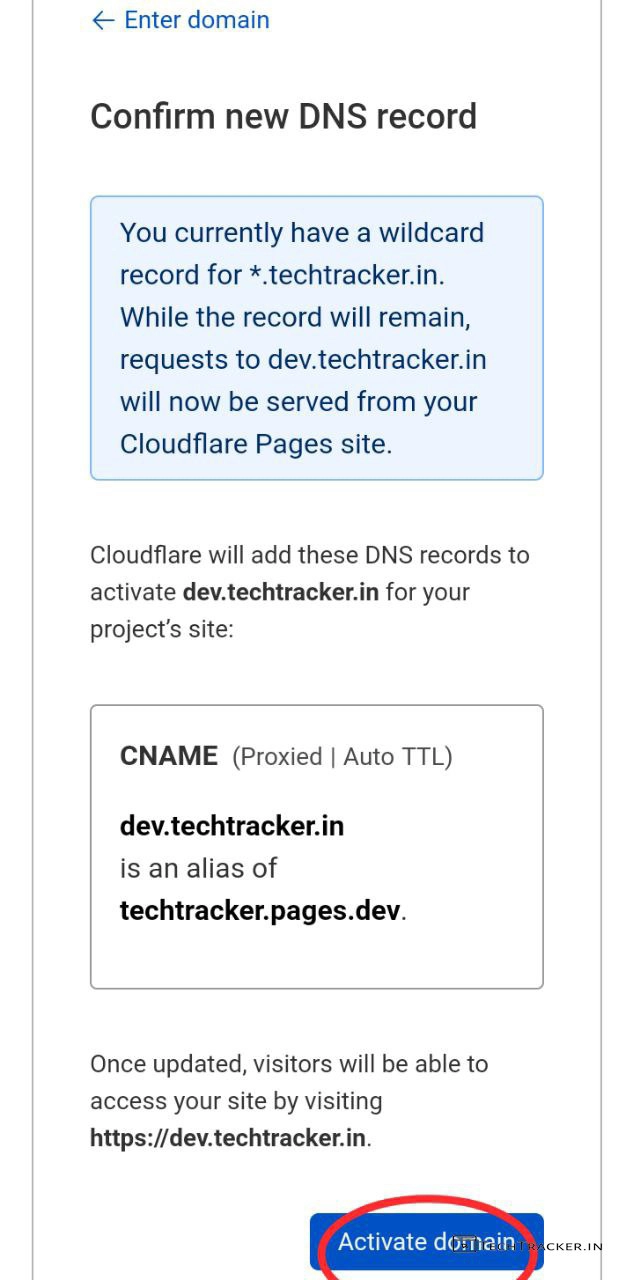
– Now, add CNAME record as required by Cloudflare then tap on Activate domain.
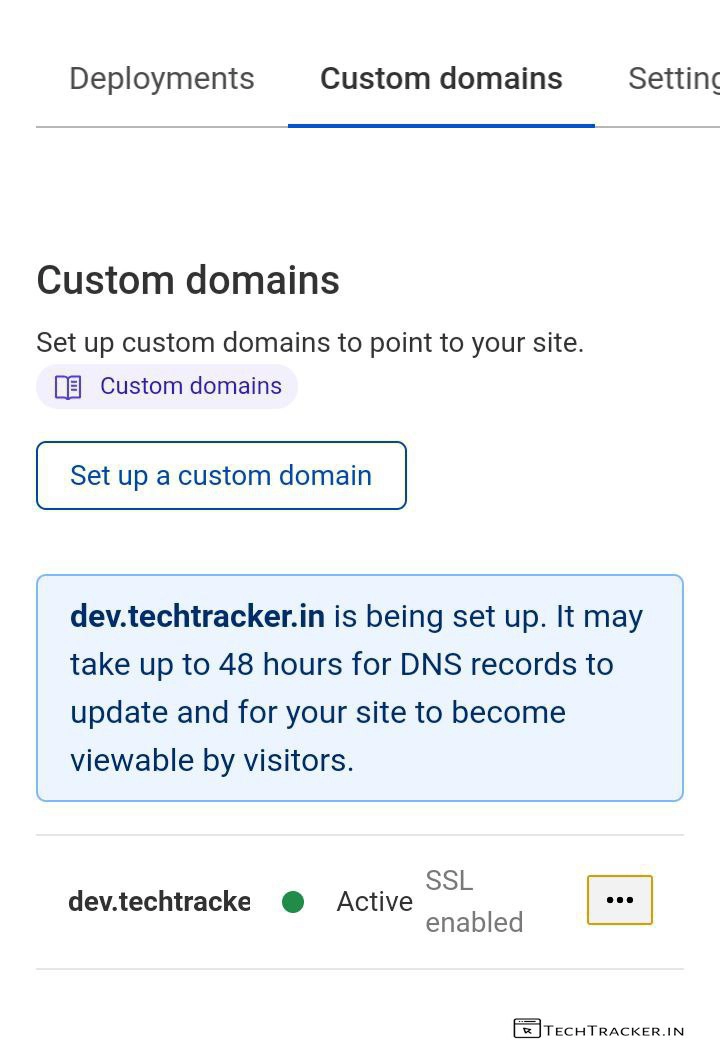
– Perfecto, you successfully deployed your own website using Cloudflare pages.
Atlast, this are just highlighted features of Cloudflare Page there may be many hidden features in-built to provide external features for ultimate usage experience, anyway if you want to host your website for free on such platforms where you will get top most security then Cloudflare pages is right choice.
Overall, it is very easy to implement and host your website on Cloudflare pages using manual upload of files or GitHub and Wrangler CLI, thanks to clean and simple interface of Cloudflare that ensures user friendly experience but in any project there is always space available for improvement so let’s wait and see will Cloudflare pages get any major changes in future to make it even better as of now it’s awesome.
Moreover, it is definitely worth to mention Cloudflare pages is one of the very few methods available out there on internet to host your website for free, yes indeed if you’re searching for such method then Cloudflare pages has potential to become your new favourite.
Finally, this is how you can host your website on Cloudflare pages to free, are you an existing user of Cloudflare pages? if yes do say your experience and mention if you know any other better way to host your website in our comment section below, see ya 🙂