

When you want to create a website or blog there are two options available either you code website and host it on your pc or smartphone or use online cms – content management platforms like Blogger or WordPress where you just have to setup and connect your domain to write content and publish them on world wide web instantly for free.
Blogger by Google and WordPress by Automatic Inc are most popular content management systems in the world but WordPress offer advanced and powerful plugins to do almost anything on website thus users who manage heavy resources website use WordPress, while blogger is simple with basic widgets with no hosting charges thus blogger is preffered by those who are new to websites and blogging.
In sense, Blogger is biggest competitor to WordPress, Eventhough, both Blogger and WordPress are used by professionals yet beginners who want to super customize and upgrade thier blog or site eventually move from Blogger to WordPress but the problem here is Blogger don’t have any option to migrate to WordPress.
If you want to transfer your Blogger website to WordPress then you have to do that carefully as anything wrong you perform will impact SEO, fortunately Blogger has option to backup content in .xml format so by using that .xml file you can easily switch from Blogger to WordPress in 3 steps, isn’t cool?
However, Blogger over the years got numerous modern themes, widgets and scripts with many useful settings to give edge to edge competition to WordPress including that you can connect Blogger with Cloudflare to get WordPress type features, anyway if you still want to transfer your Blogger website to WordPress then let’s get started.
• How to transfer your Blogger website to WordPress •
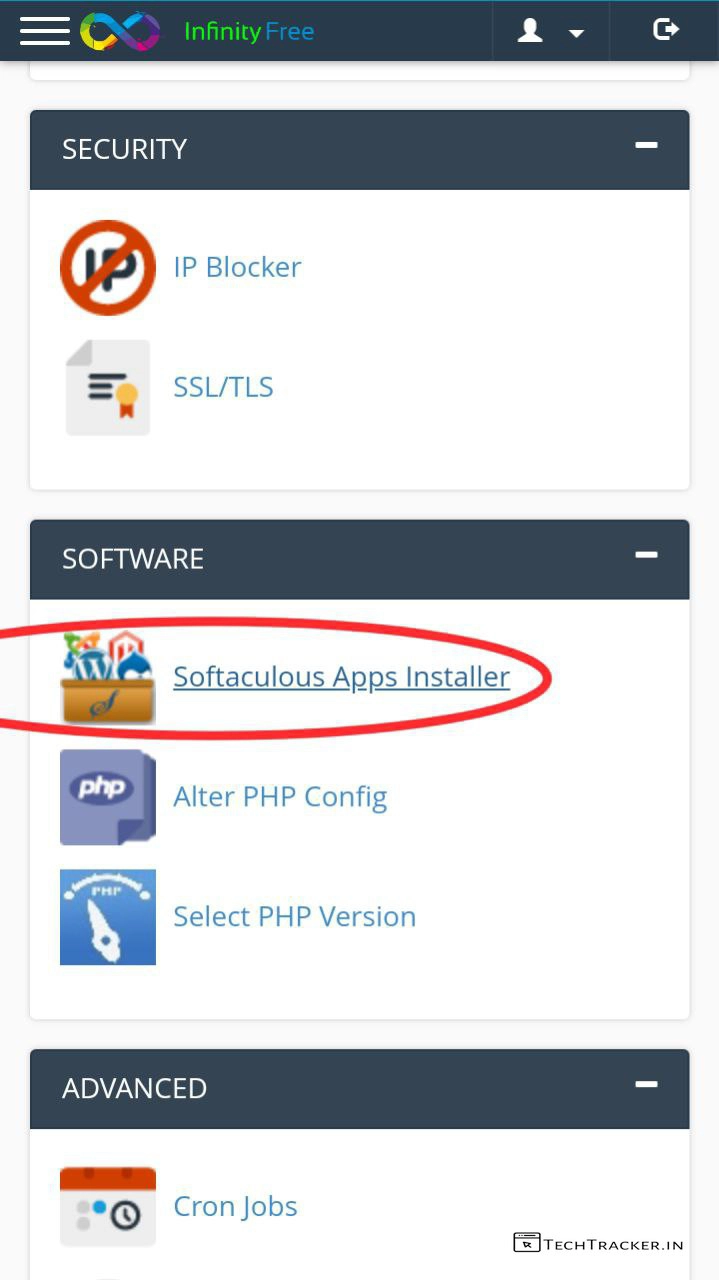
– First buy hosting and add custom domain then login into your Cpanel.
– In Cpanel, tap on Softaculous Apps Installer.
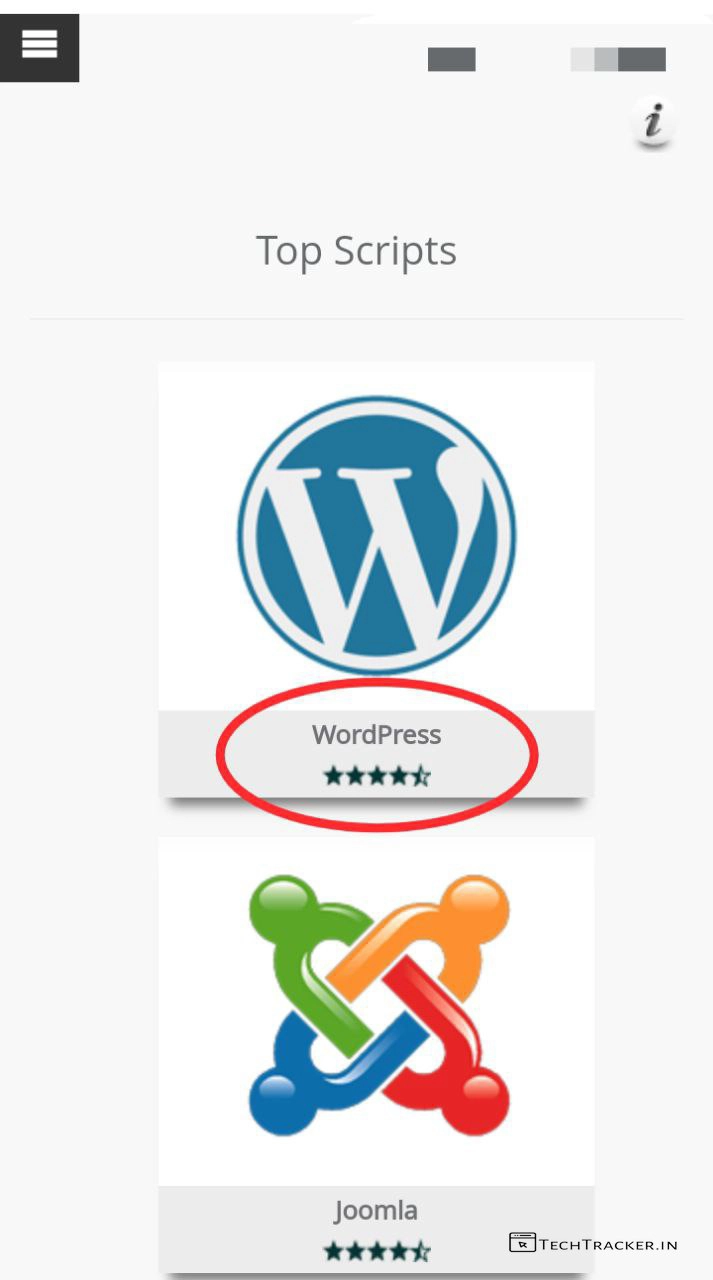
– Tap on WordPress from list.
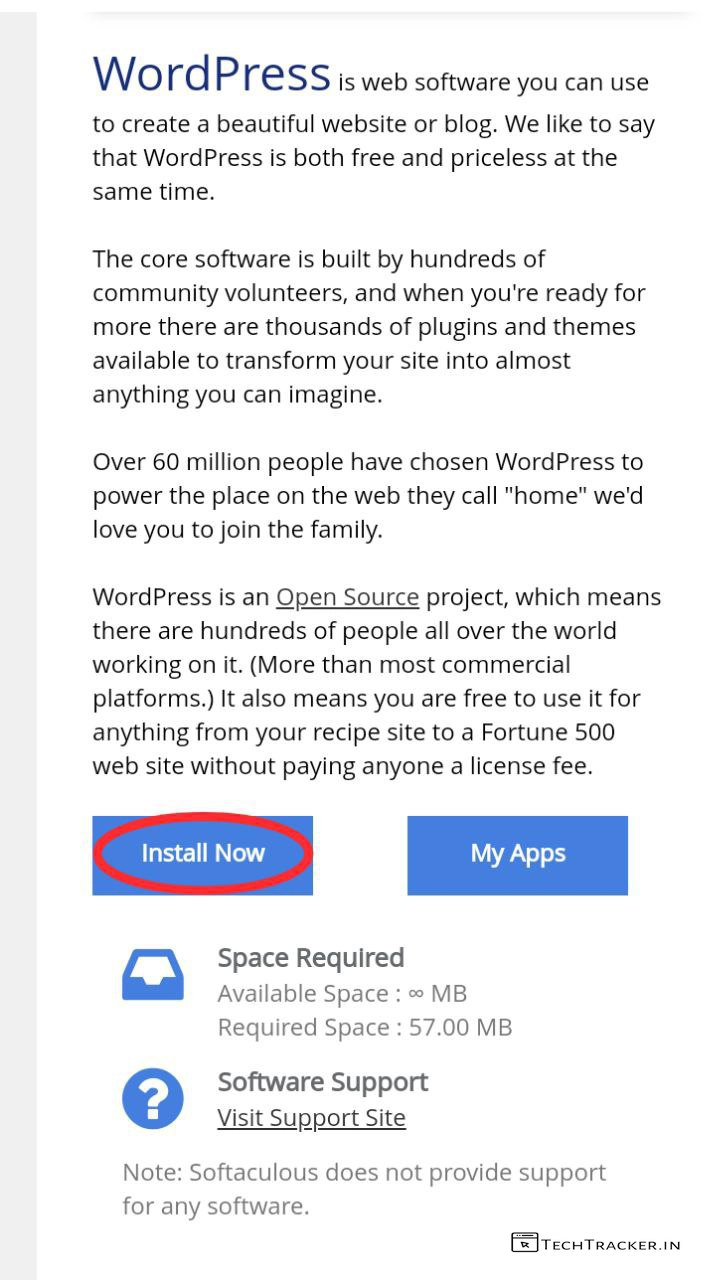
– Tap on Install Now
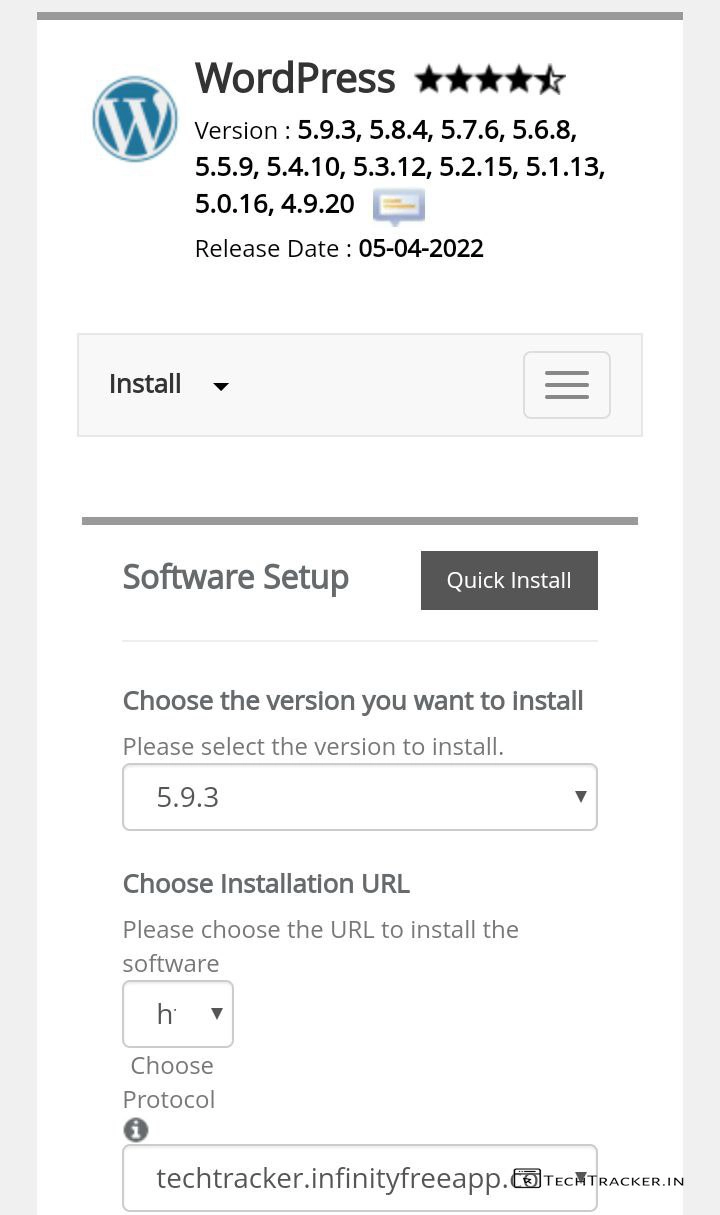
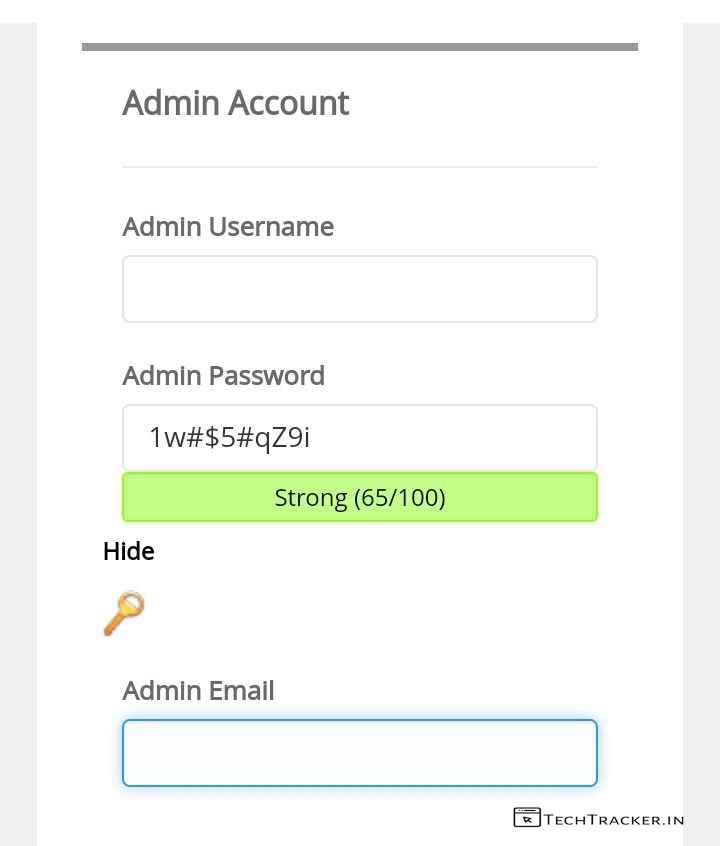
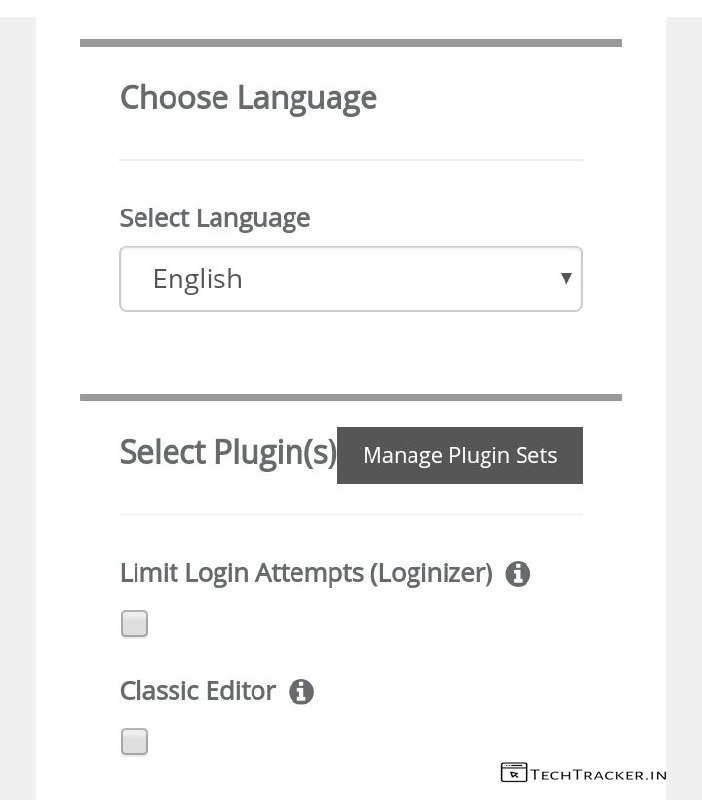
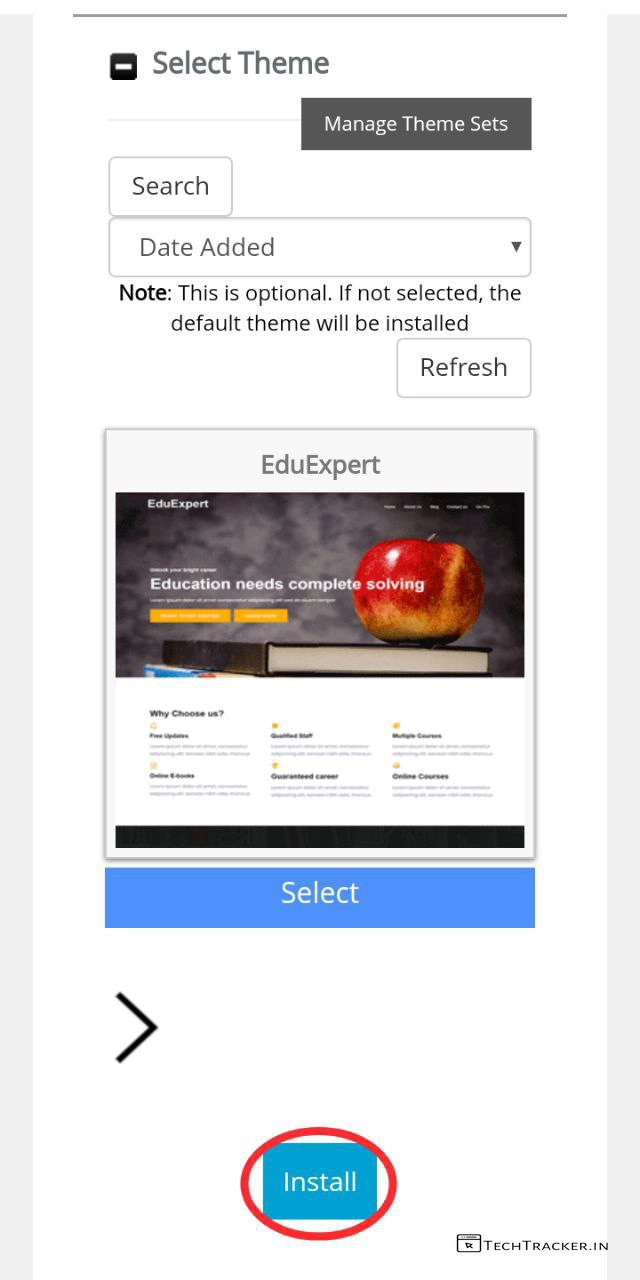
– Fill required details and select WordPress theme then tap on Install
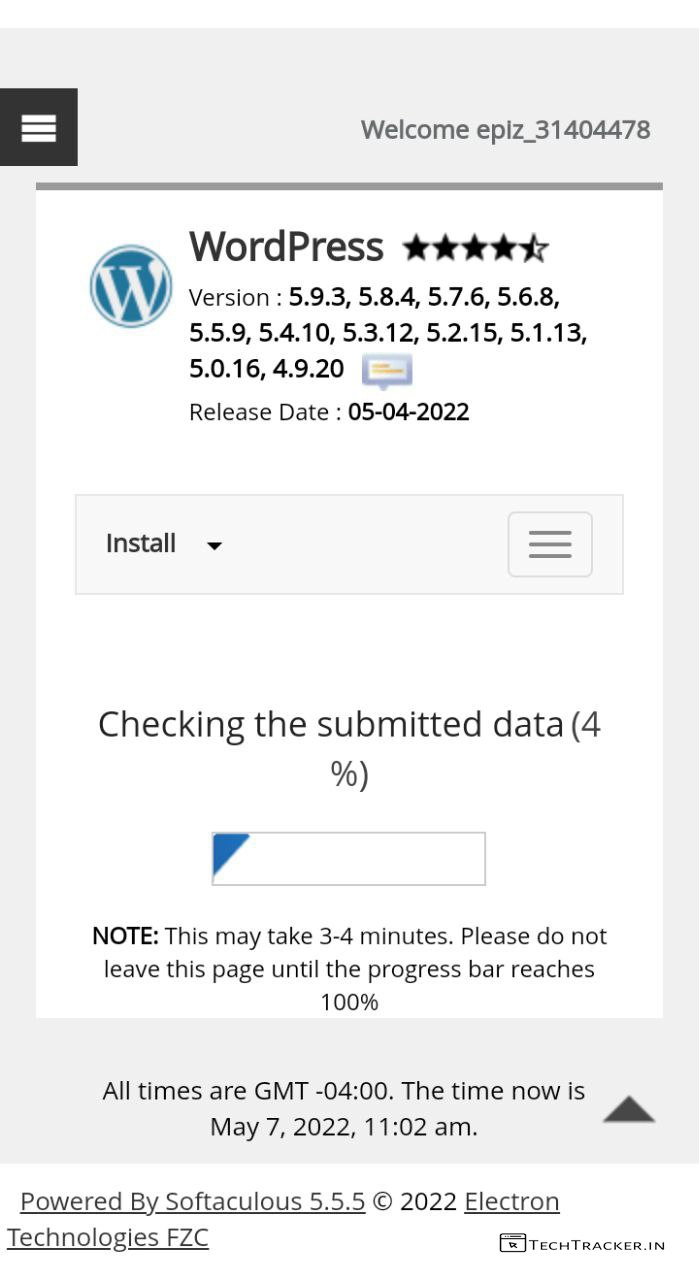
– It will start installing WordPress.
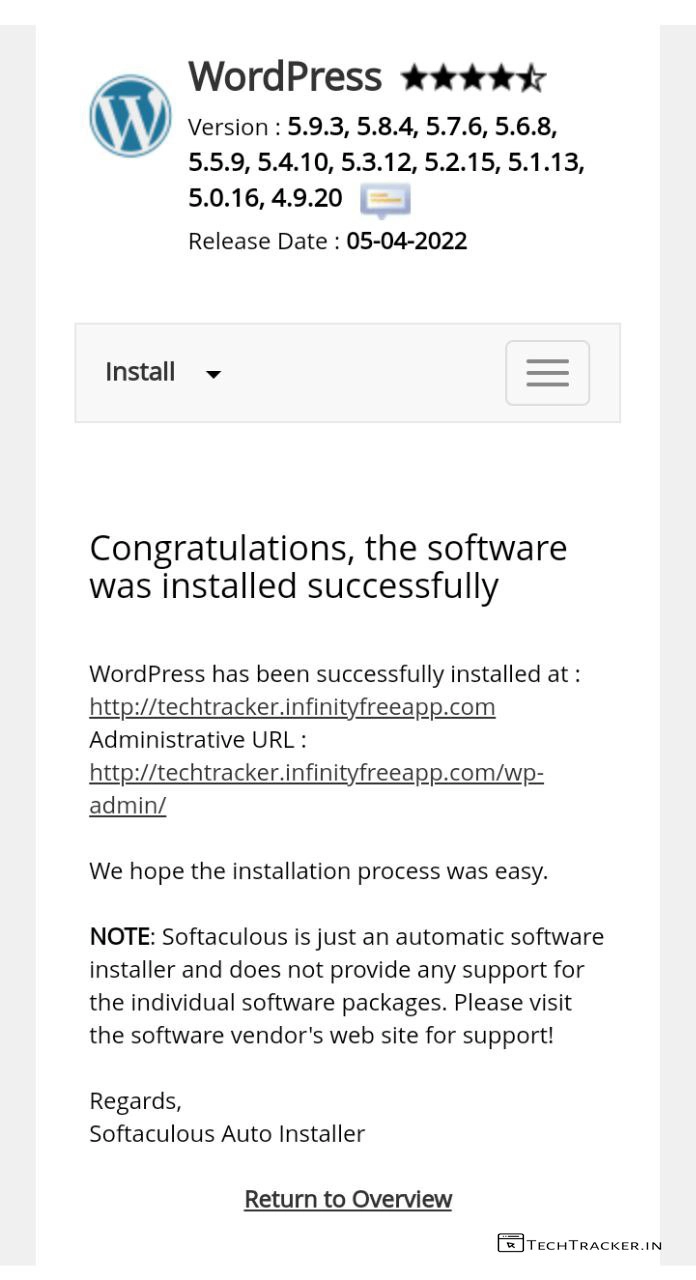
– Once installed, Go to yourwebsite/wp-admin/ to login.
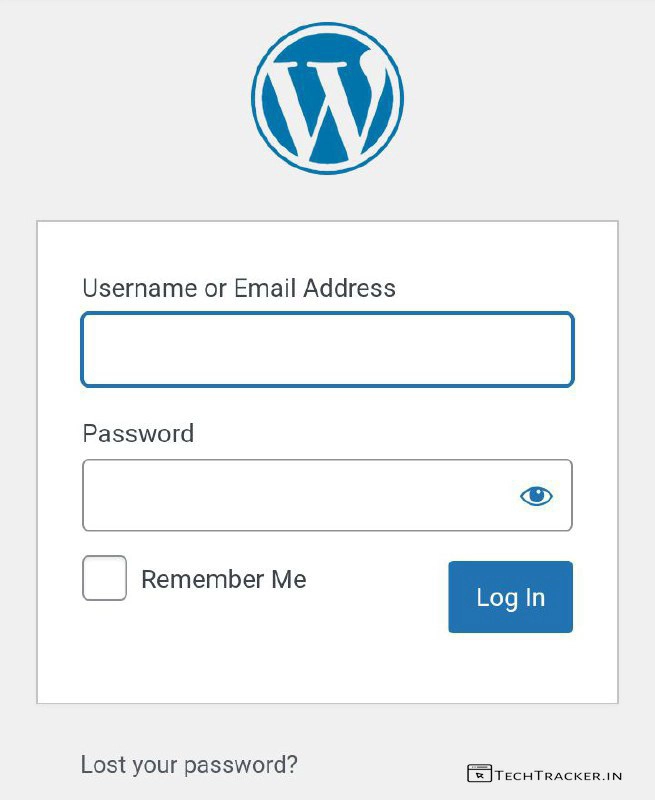
– Enter your Username or Email Address, Password then tap on Log in.
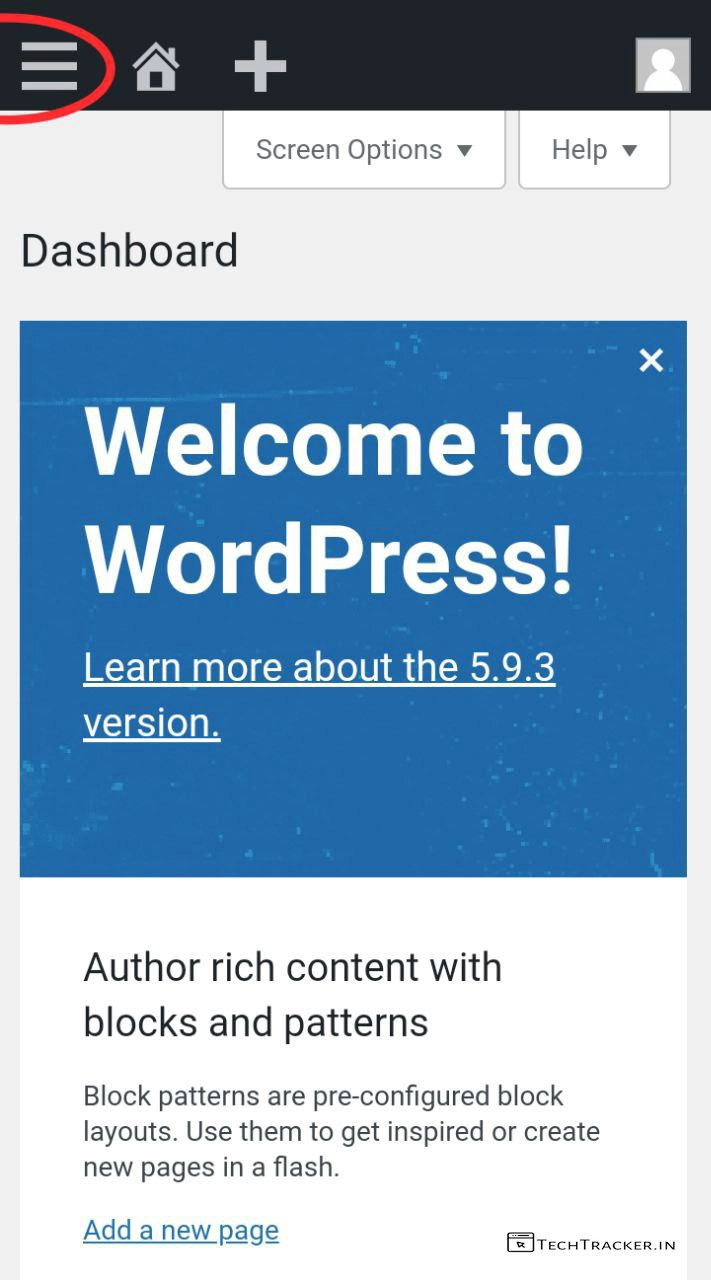
– You’re in WordPress, Tap on ≡
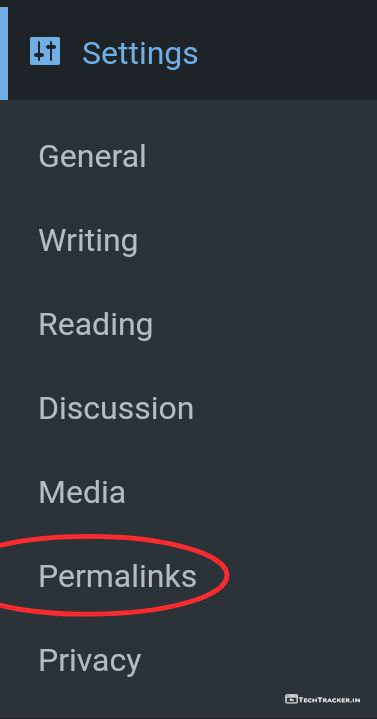
– Tap on Settings then tap on Permalinks.
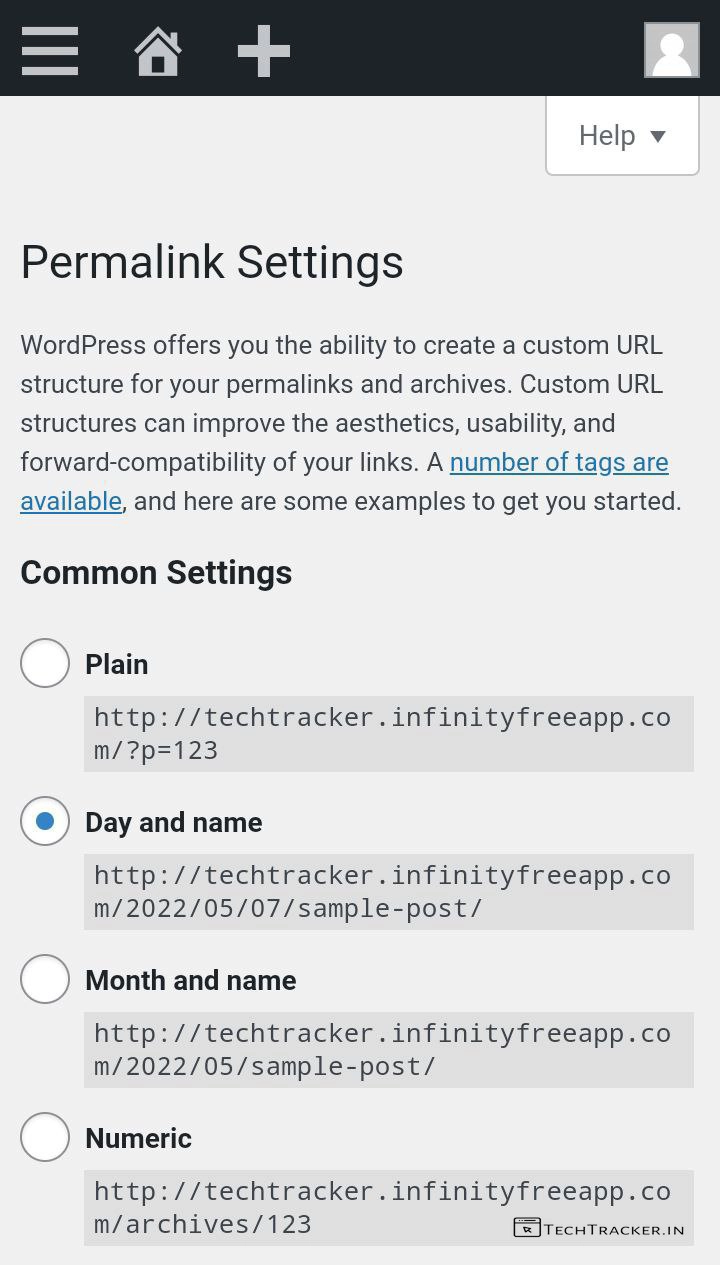
– Select Day and name [ Blogger Format ] it’s essential for SEO and no errors.
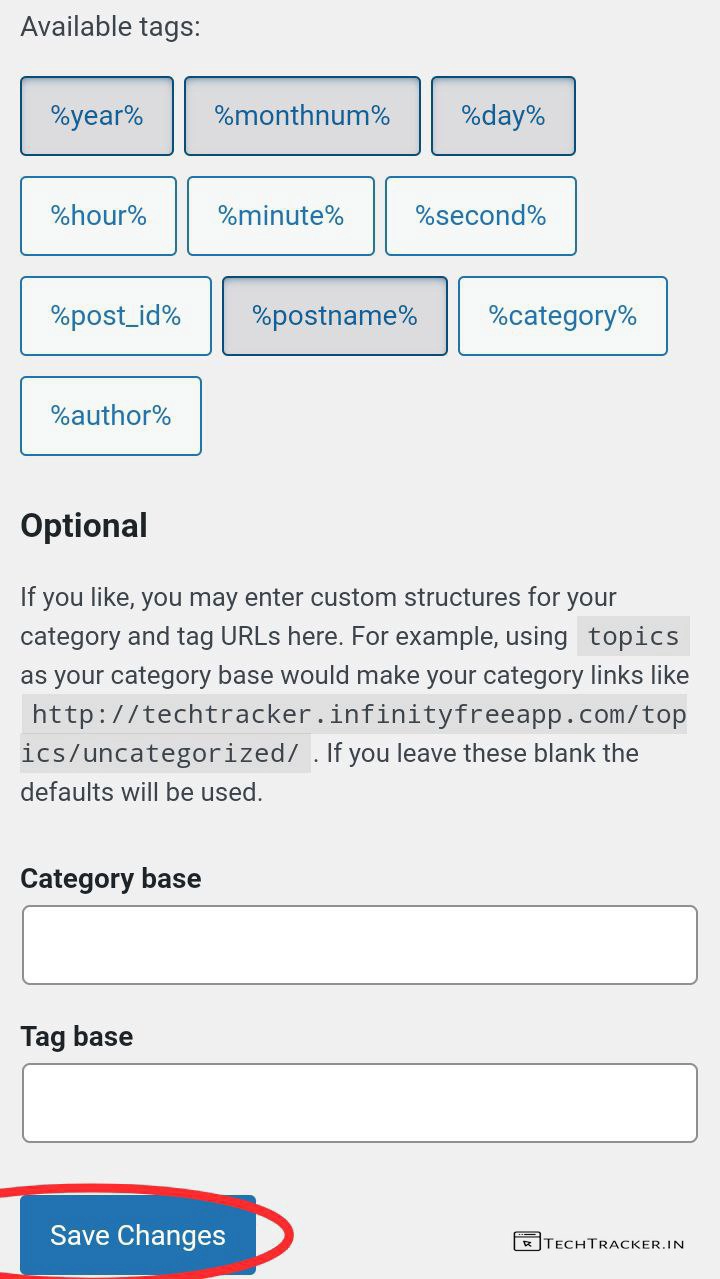
– Scroll down then tap on Save Changes
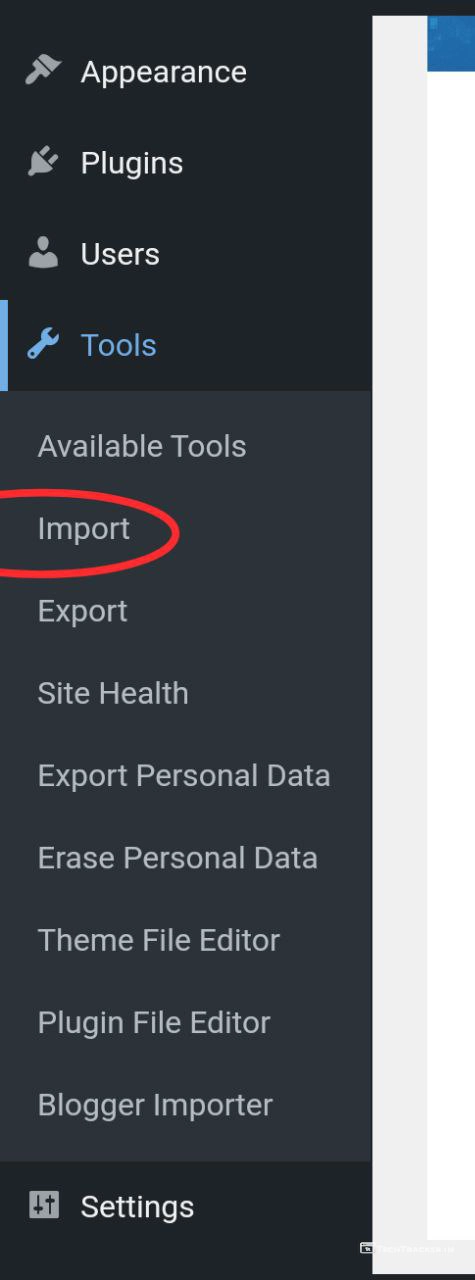
– Tap on ≡
– Tap on Tools then tap on Import.
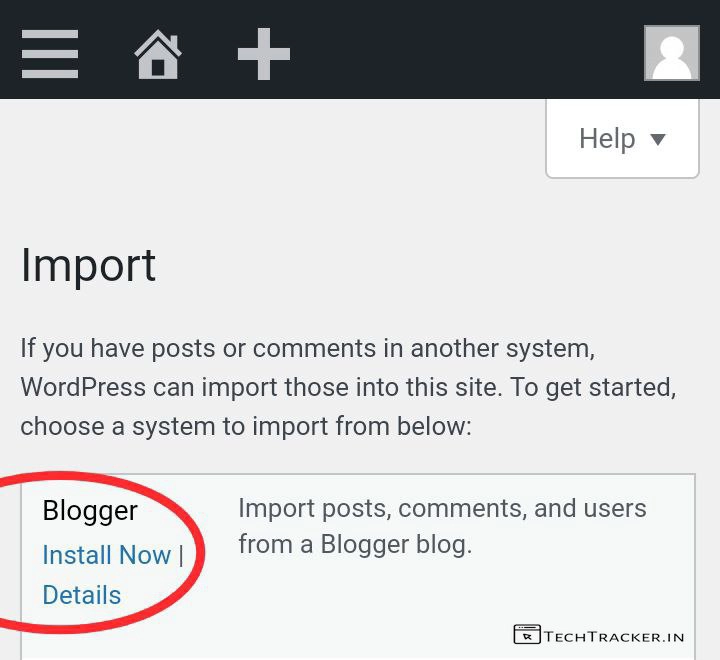
– Tap on Blogger Install Now
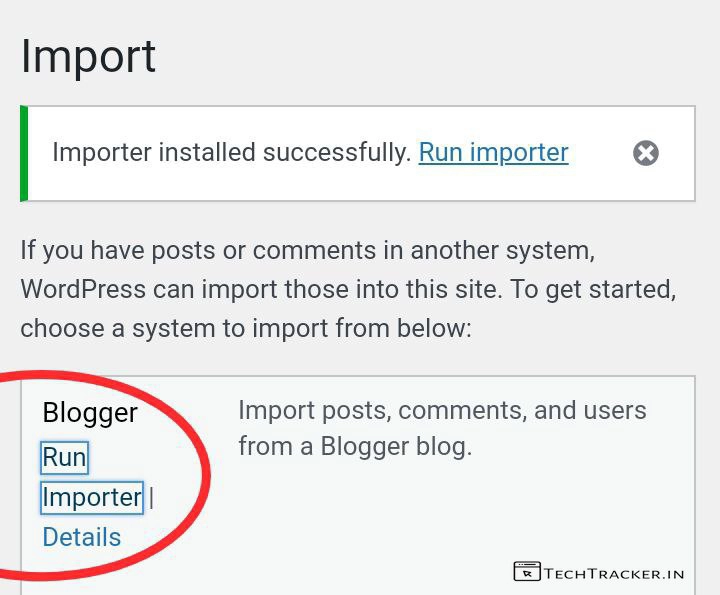
– Importer installed successfully, now tap on Run Importer
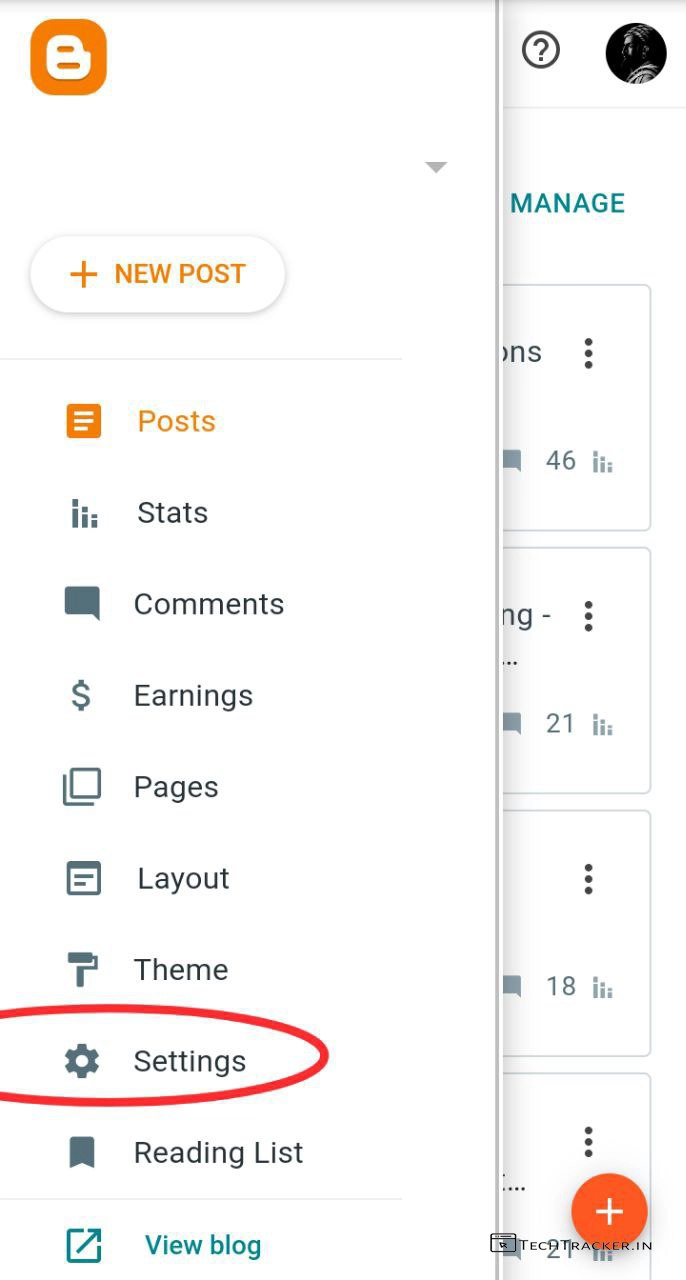
– Now, Login to your Blogger Dashboard
– Tap on ≡ then tap on Settings
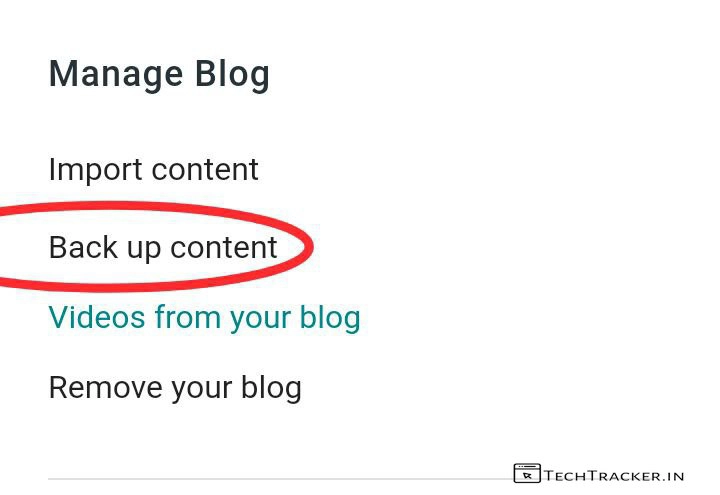
– Scroll down, In Manage Blog tap on Back up content.
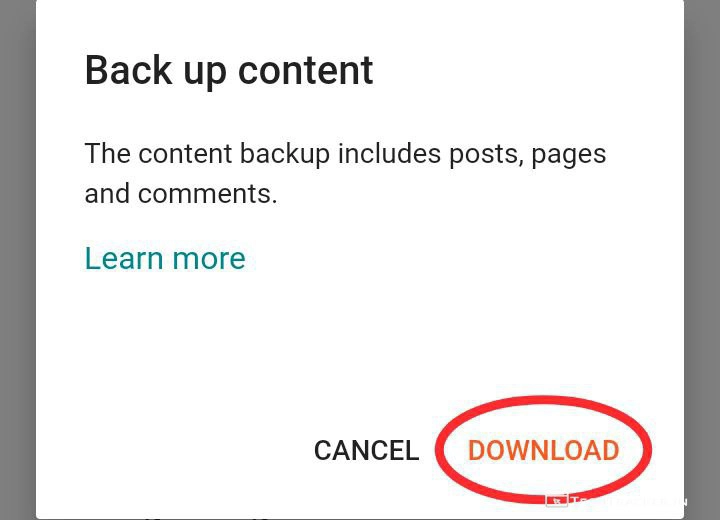
– Tap on Download
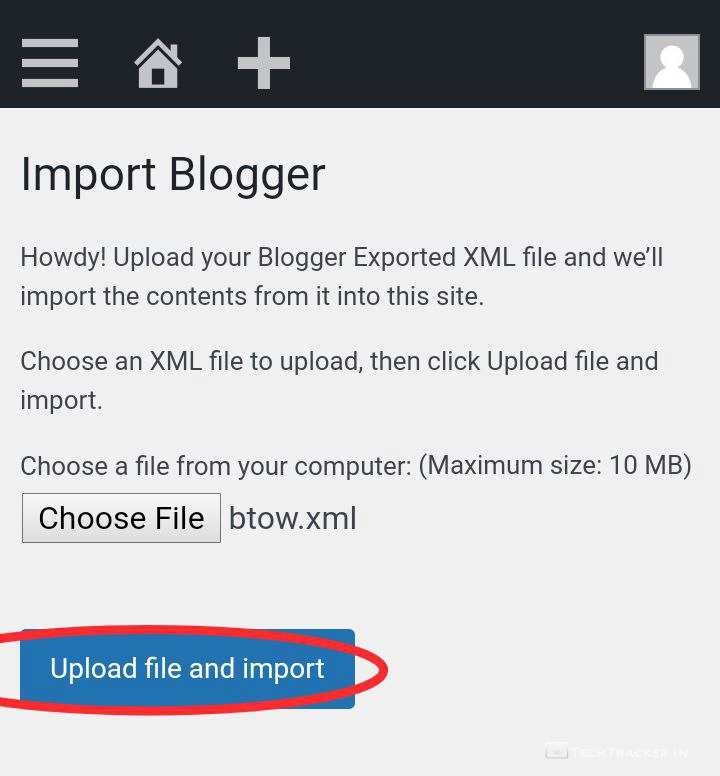
– Once content is backed up, head back to WordPress then tap on Choose File.
– Select blogger backup .xml file then tap on Upload file and import
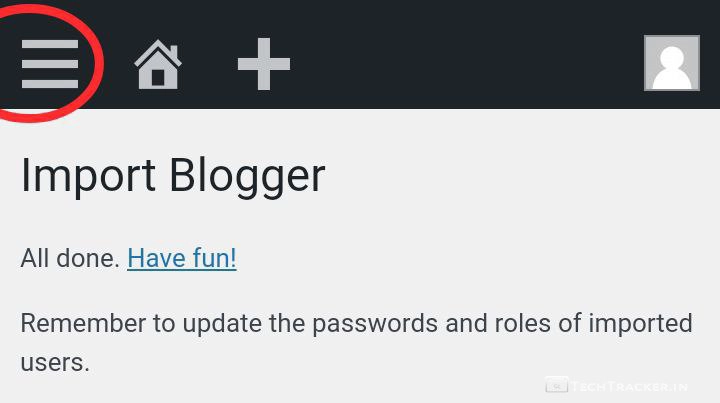
– Done, Tap on ≡
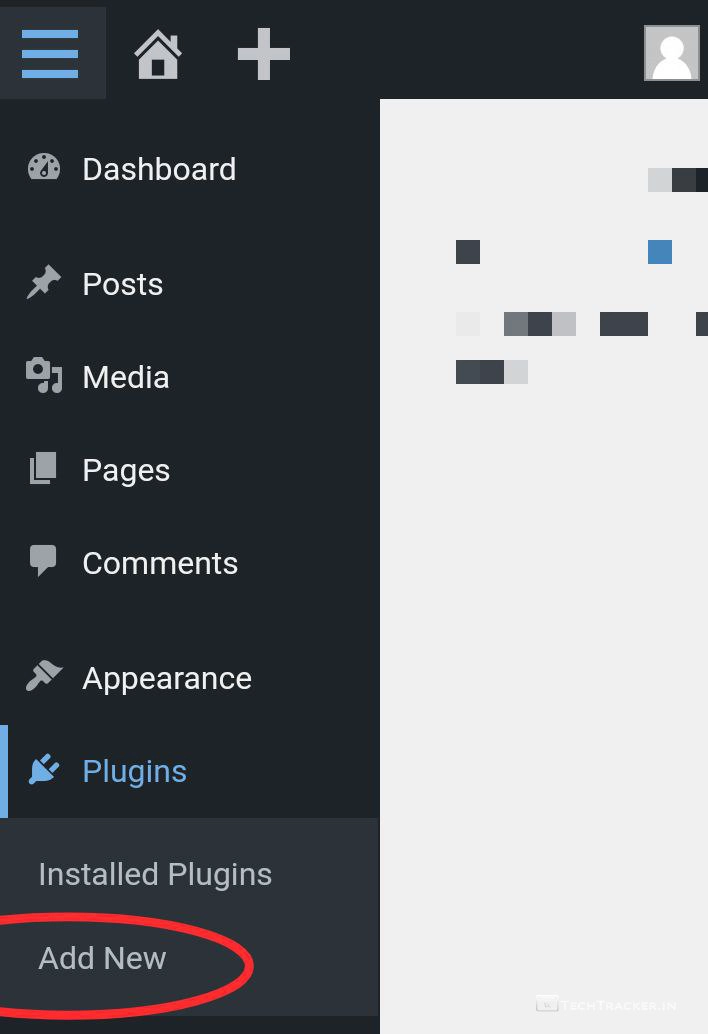
– Tap on Plugins then tap on Add New
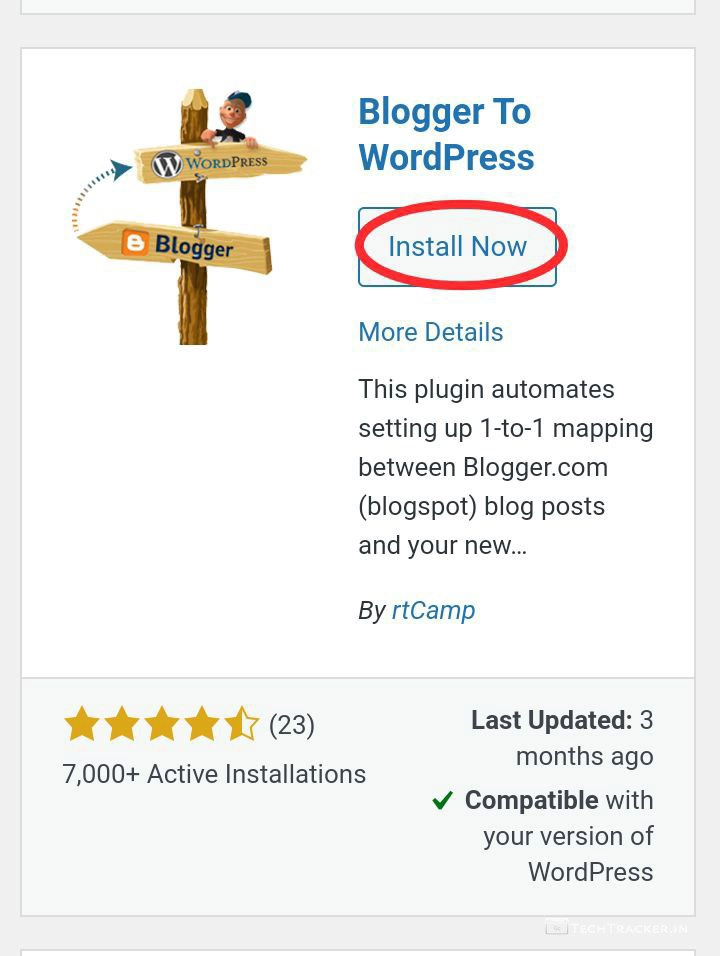
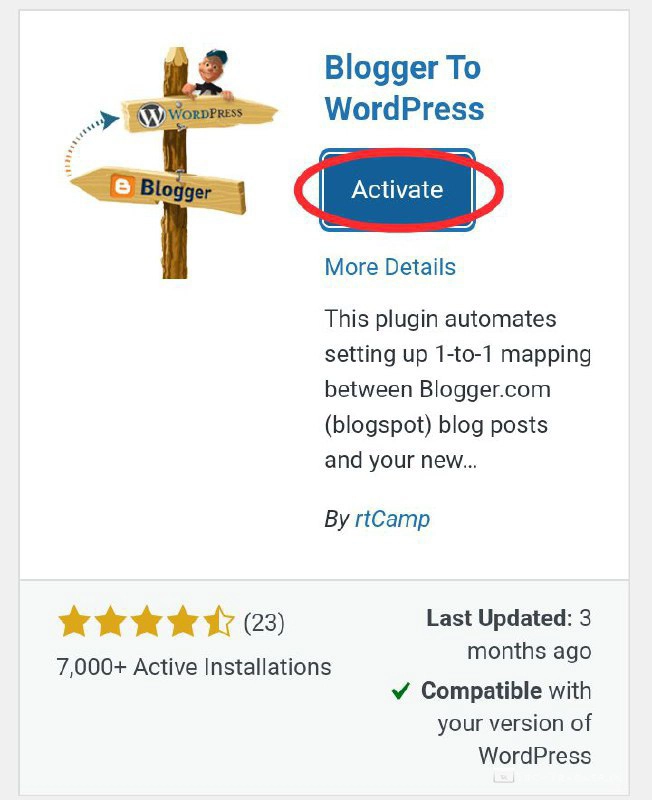
– Search for Blogger To WordPress plugin by rtCamp then Install and activate it.
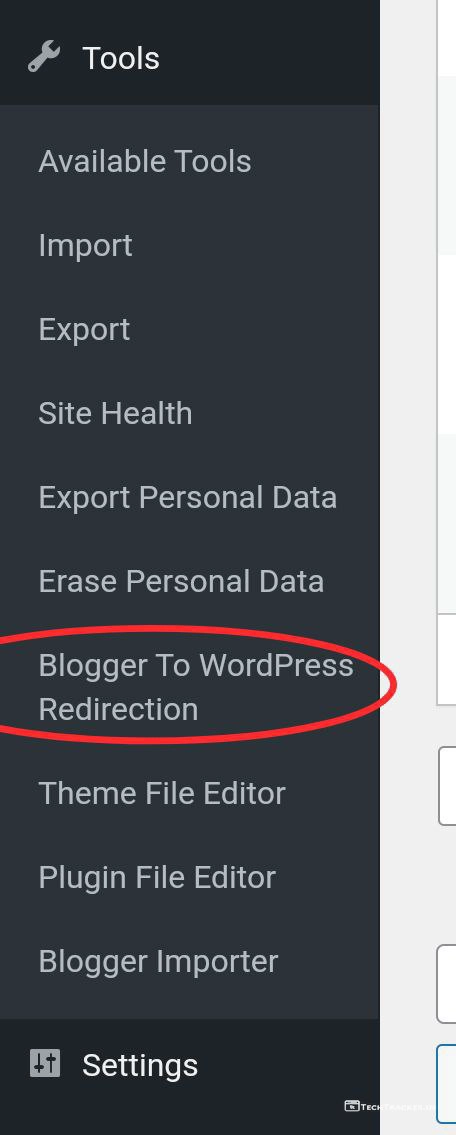
– Now, tap on ≡
– Tap on Tools then tap on Blogger To WordPress Redirection.
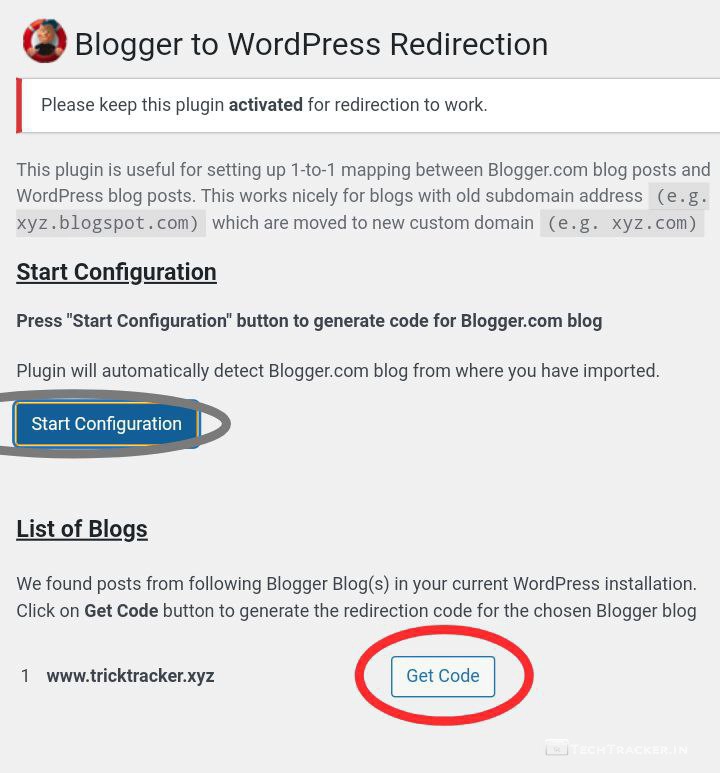
– Tap on Start Configuration then tap on Get Code.
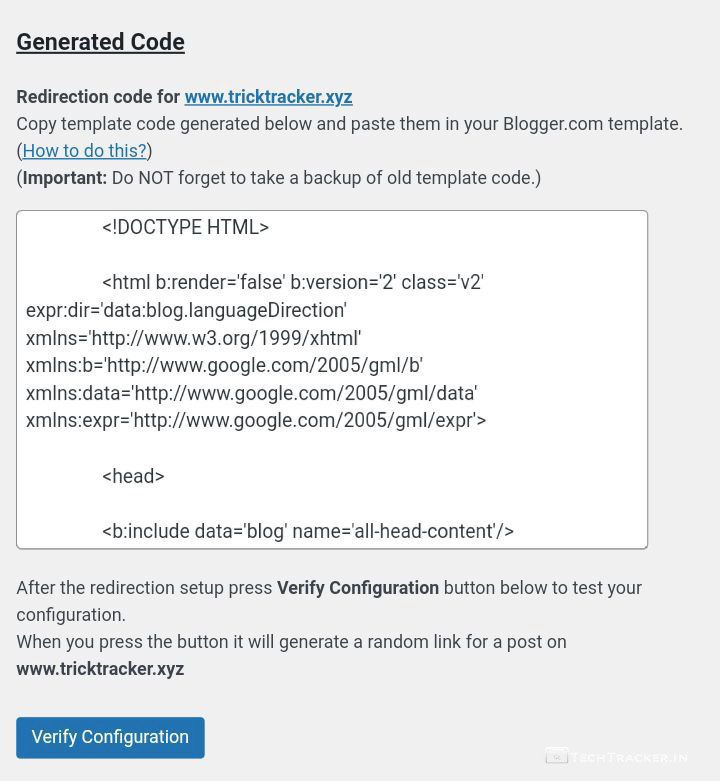
– Copy template code and go to Blogger Dashboard.
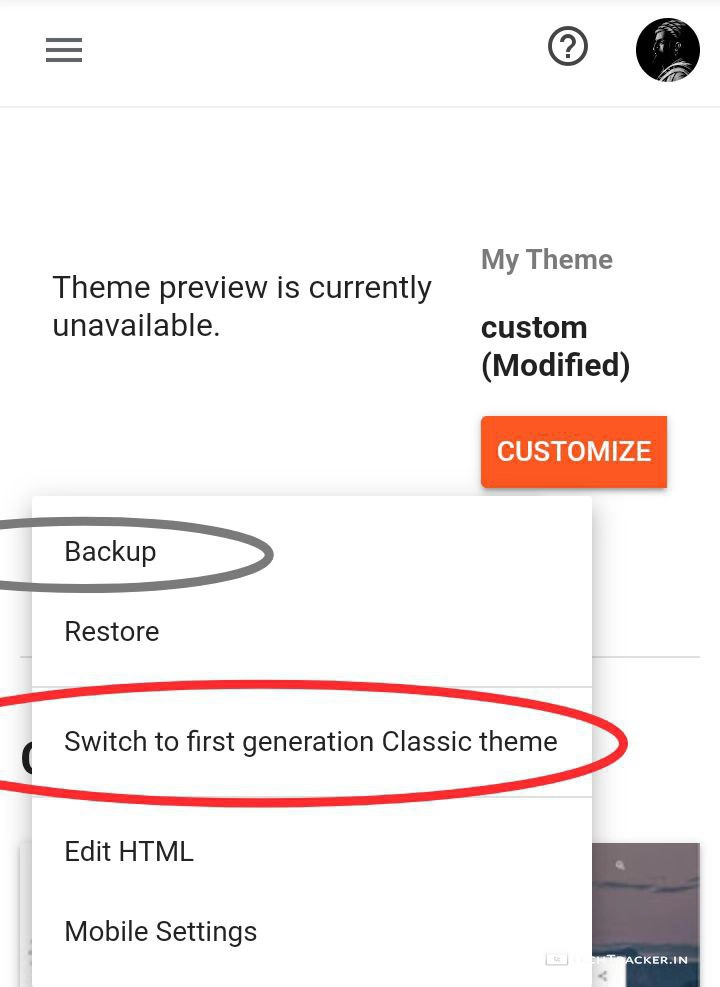
– In Themes, Tap on Switch to first generation Classic theme.
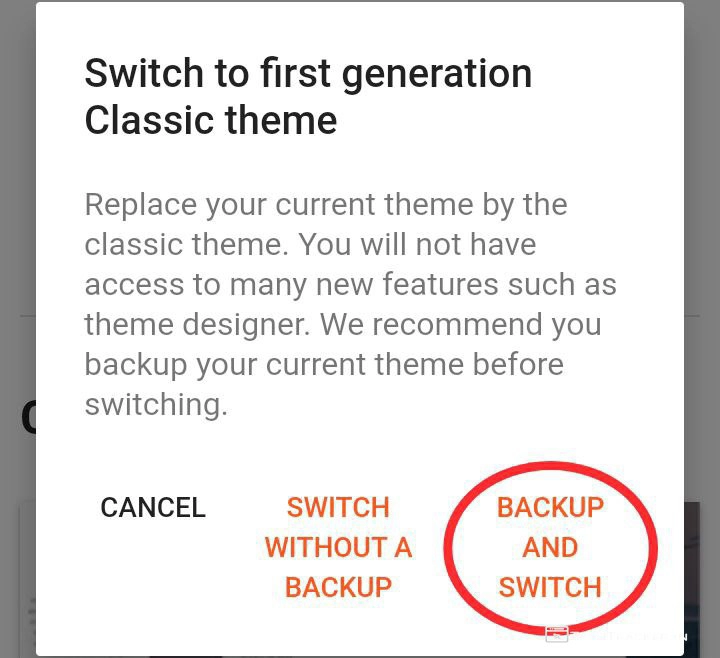
– Tap on BACKUP AND SWITCH, it will automatically backup existing theme.
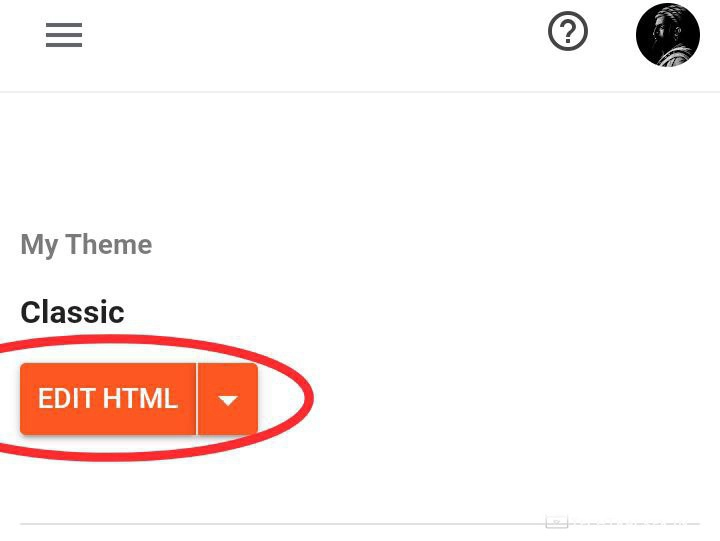
– Tap on Edit HTML
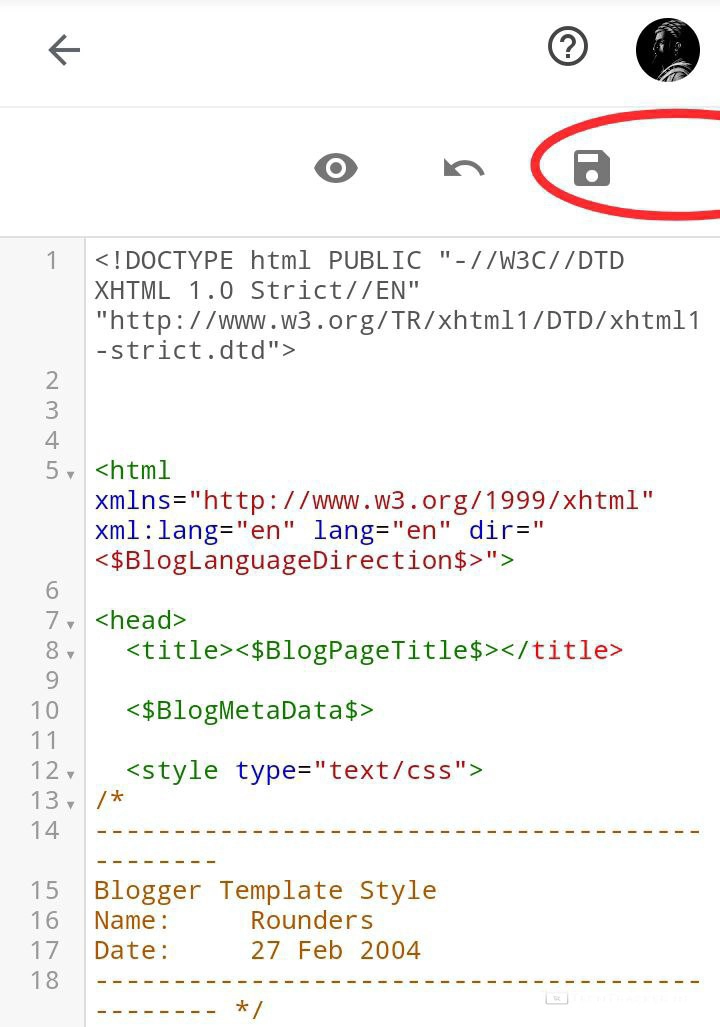
– Remove existing code and paste that code you copied earlier from Blogger to WordPress plugin then save it.
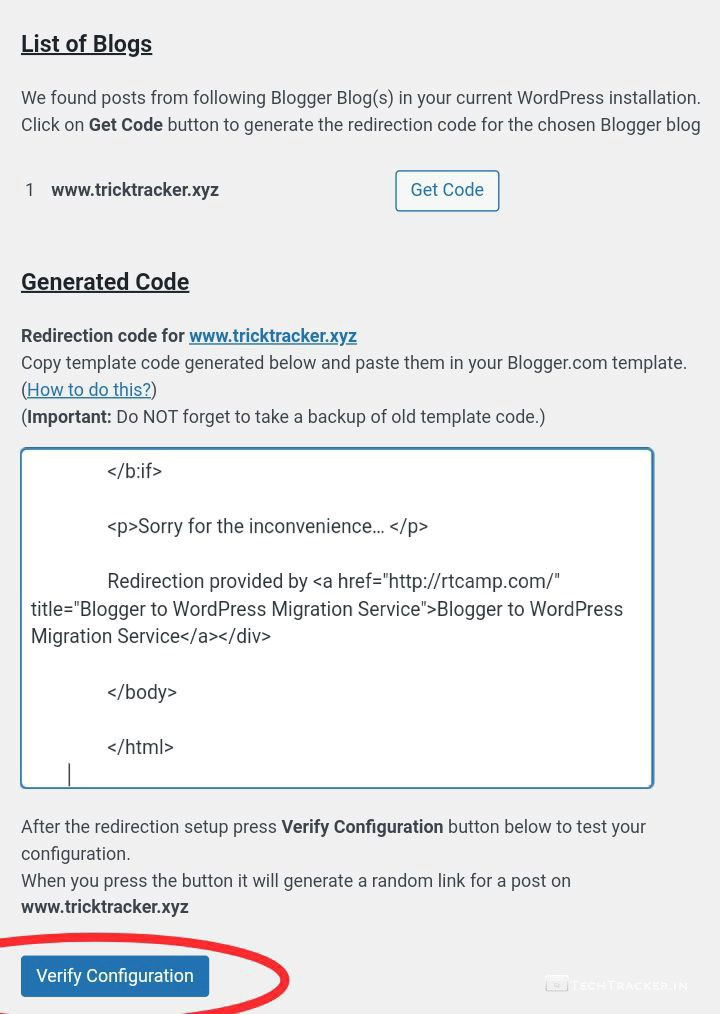
– Go back to WordPress, then tap on Verify Configuration.
That’s it, you successfully imported blogger website to WordPress.
Atlast, this are just highlighted features of WordPress there may be many hidden features in-build that provides you external benefits to give the ultimate usage experience, anyway if you want to move from Blogger to WordPress then this is right now best method for sure.
Overall, It is very easy to move from Blogger to WordPress thanks to clean and simple intuitive interface of WordPress that ensures user friendly experience, but in any project there is always space for improvement so let’s wait and see will WordPress get any major UI changes in future to make it even more better, as of now WordPress is fantastic.
Moreover, it is definitely worth to mention if you use custom domain on Blogger then make sure you first remove custom domain on Blogger then add that Custom domain on your WordPress hosting platform to move from Blogger to WordPress with no errors.
Finally, This is how you can transfer your Blogger website to WordPress in 3 simple steps, are you an existing user of this method? If yes do say your experience and mention if you know any better method to move from Blogger to WordPress in our comment section below, see ya 🙂