

Long links not only lengthy in characters but also look bad when you want to share them with your social networks followers or friends etc, isn’t? while short links look cute and doesn’t occupy much space on your social media posts, that’s why most people like to shorten thier length long links using URL shorteners.
URL shorteners are everywhere, most popular social networks like YouTube, Facebook and Twitter etc use thier own API to shorten long links, and now a days people and influencers like bloggers and marketing teams also started using URL shortners thanks to free URL shortening services like Bit.ly, Rebrand.ly, Ow.ly etc.
Kevin Gilbertson created first ever URL shortener named Tinyurl In 2002 from then many people and companies like Google also created thier own URL shortners but only from past few years the usage of URL shortners got exponential growth due to increase of internet users.
We are moving towards security and privacy focused Web3 decentralized internet but still most URL shortening platforms use centralised servers which are less secure and vulnerable to attacks like DDos and brueforce etc that can steal your personal data.
Anyhow, to fix this problem recently we found an method to create self hosted url shortening site using Cloudflare which not only provide you fast url shortener but also protect and secure your url shortener from all types of attacks, so do you like it? are you interested? If yes let’s begin.
• How to create self hosting URL shortner using Cloudflare for free •
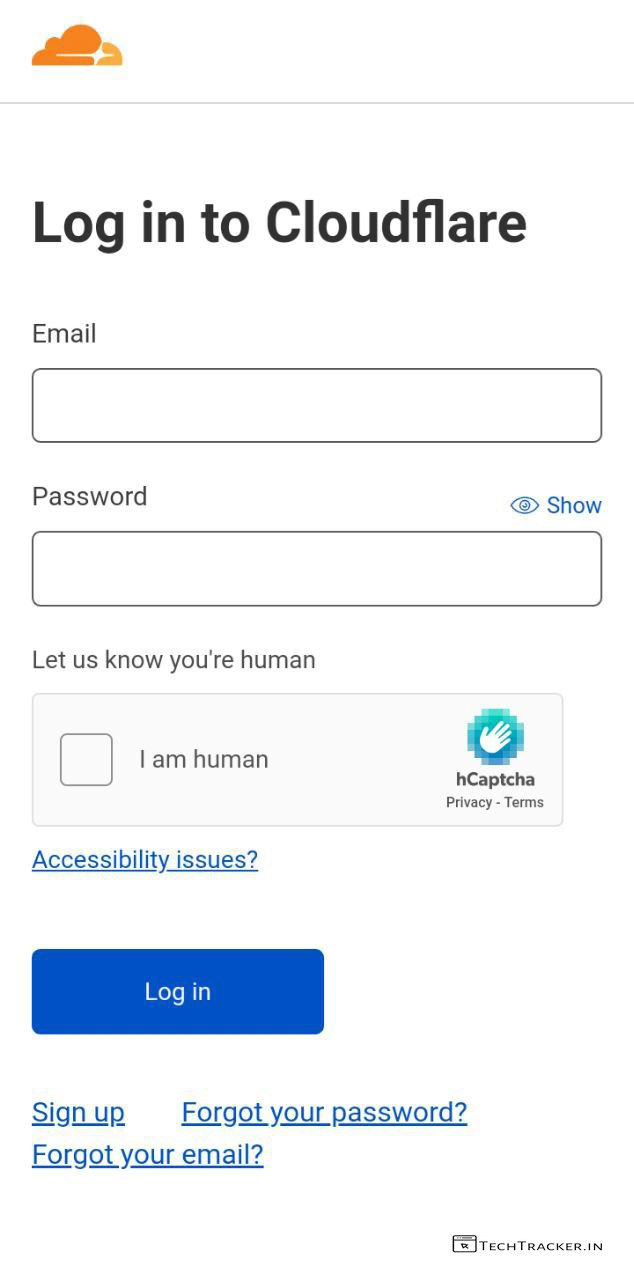
– Go to Cloudflare.com, sign up and login then add your website.
+ How to add cloudflare on blogger to optimize and stop bot traffic.
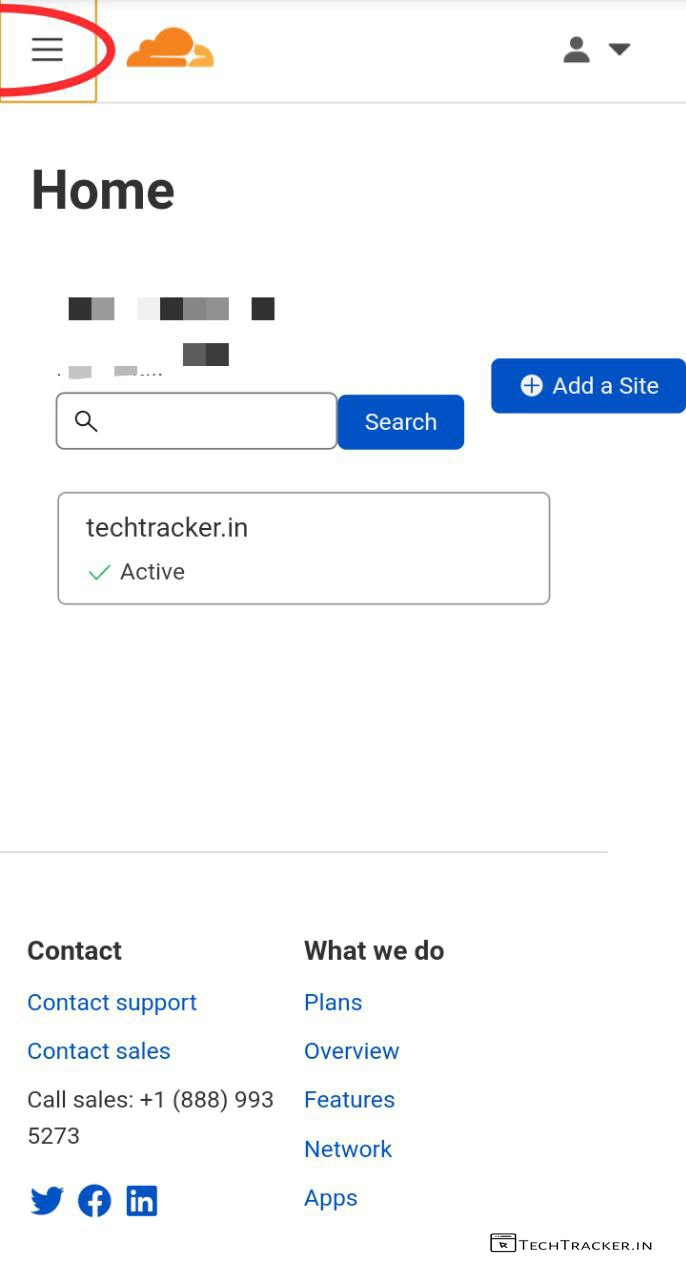
– Once, your website is added on Cloudflare, simply go to dashboard then tap on ≡
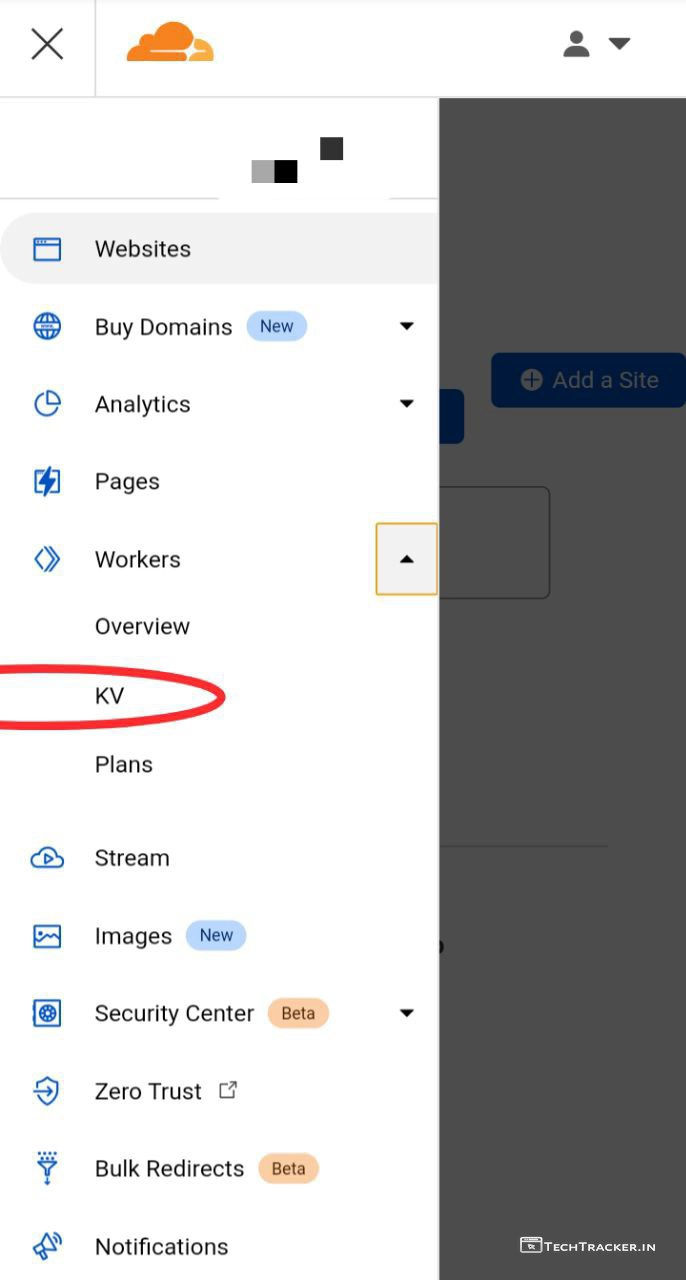
– Tap on Workers drop-down menu then tap on KV
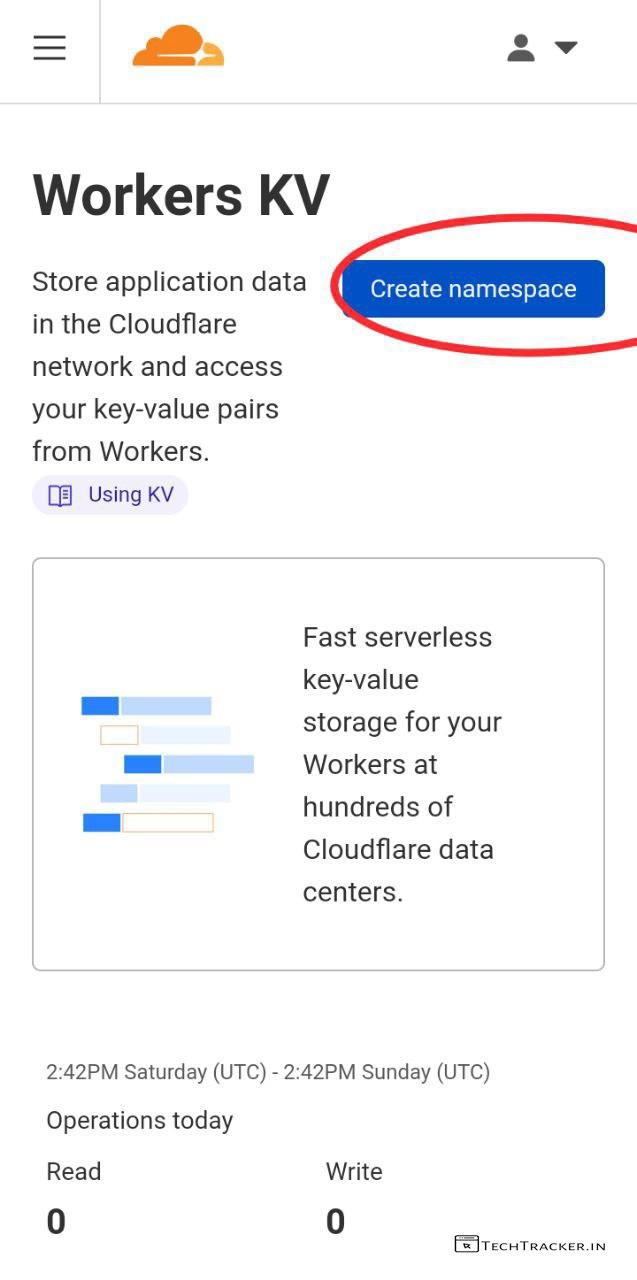
– Tap on Create namespace
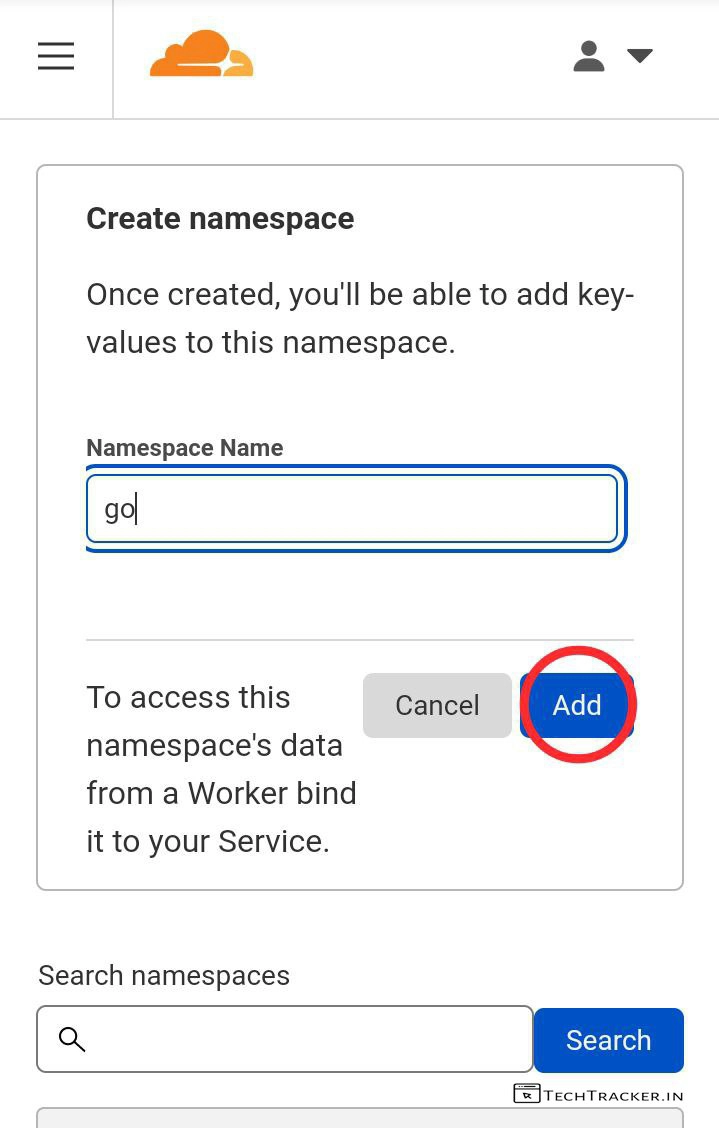
– Enter your preferred Namespace Name then tap on Add
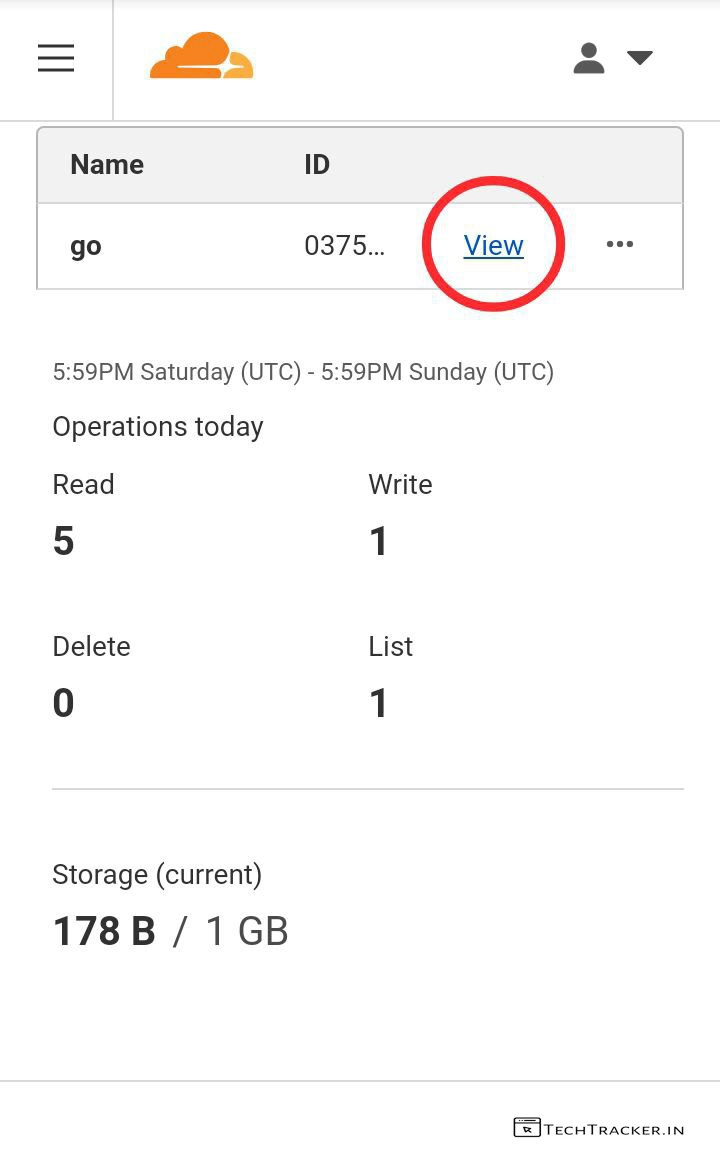
– Once, created tap on View
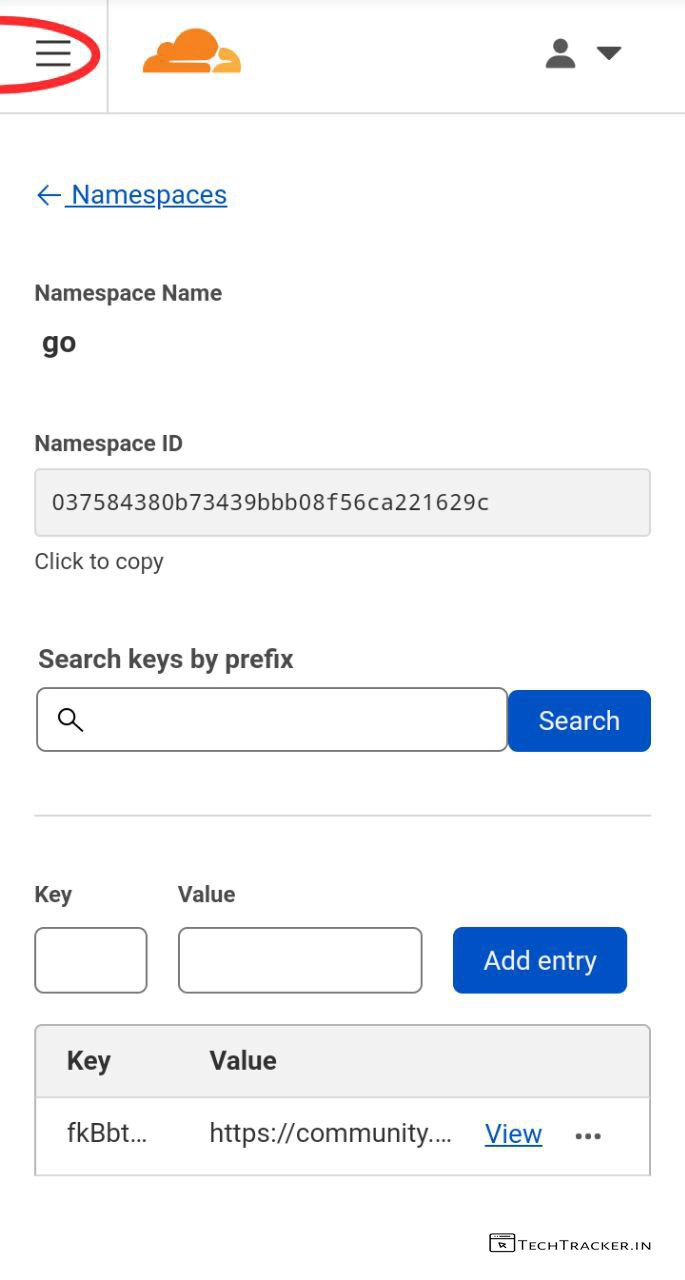
– Here, you can see just Namespace ID is created but no key and value entries, it’s fine you’ll get them later on.
– Tap on ≡
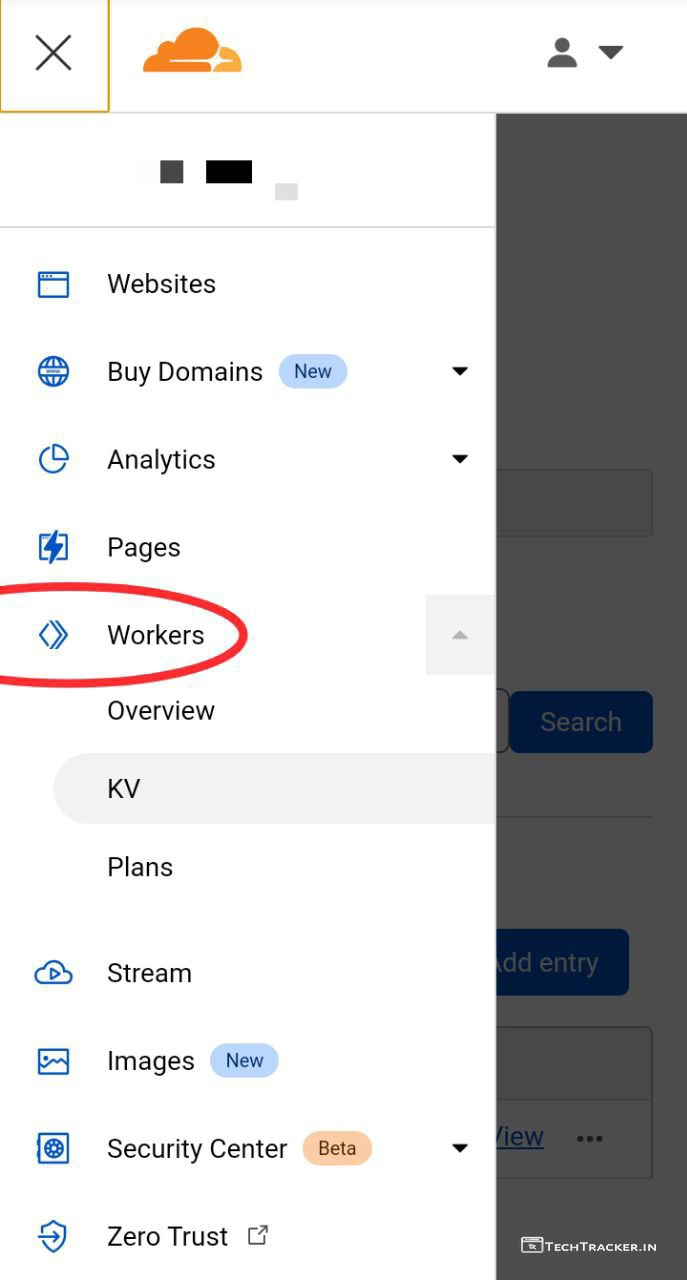
– Tap on Workers
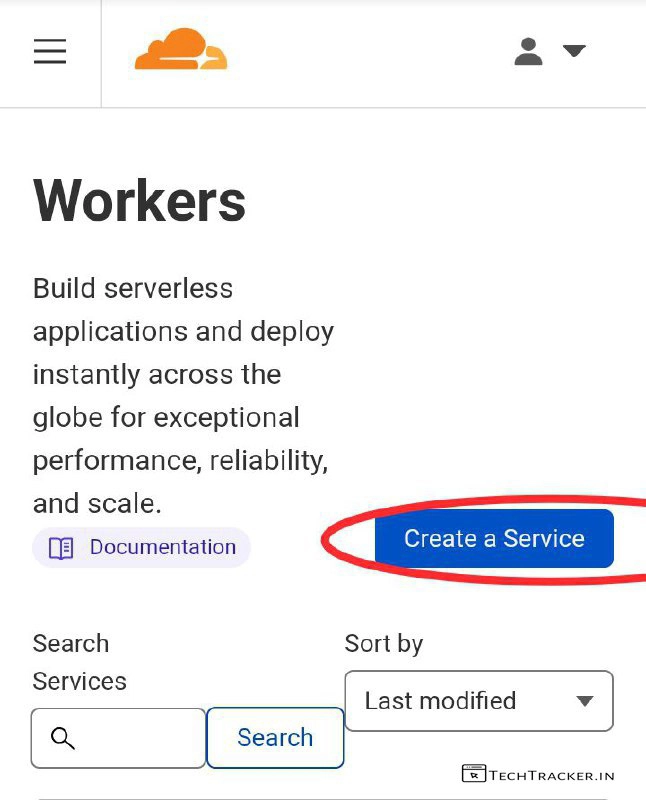
– Tap on Create a Service
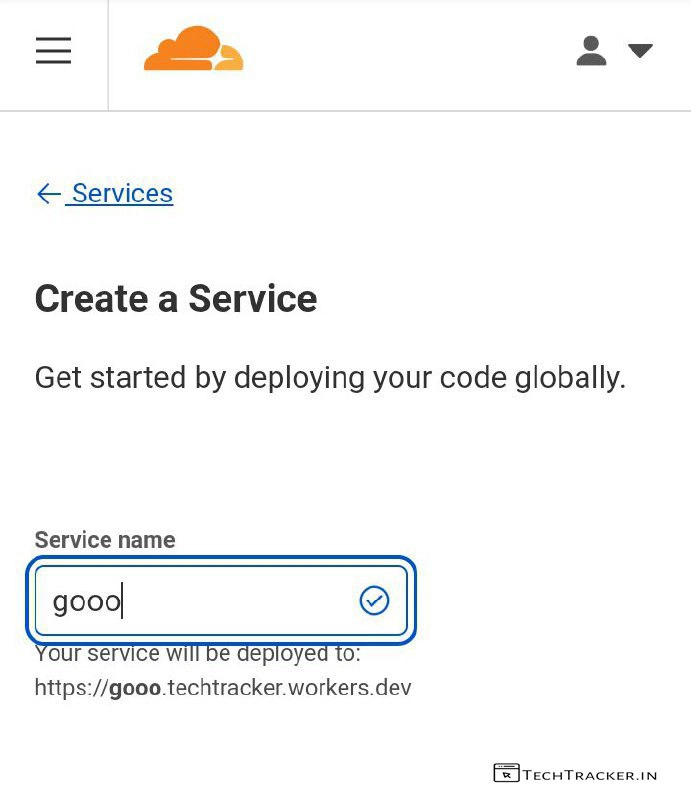
– Enter your preferred Service name then scroll down.
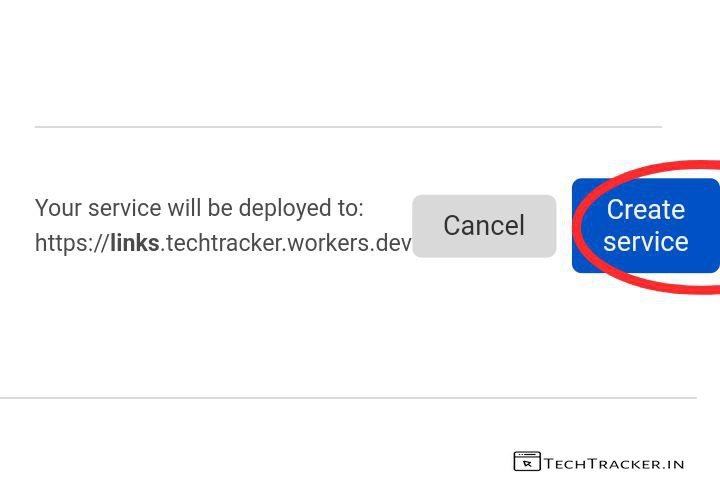
– Tap on Create service
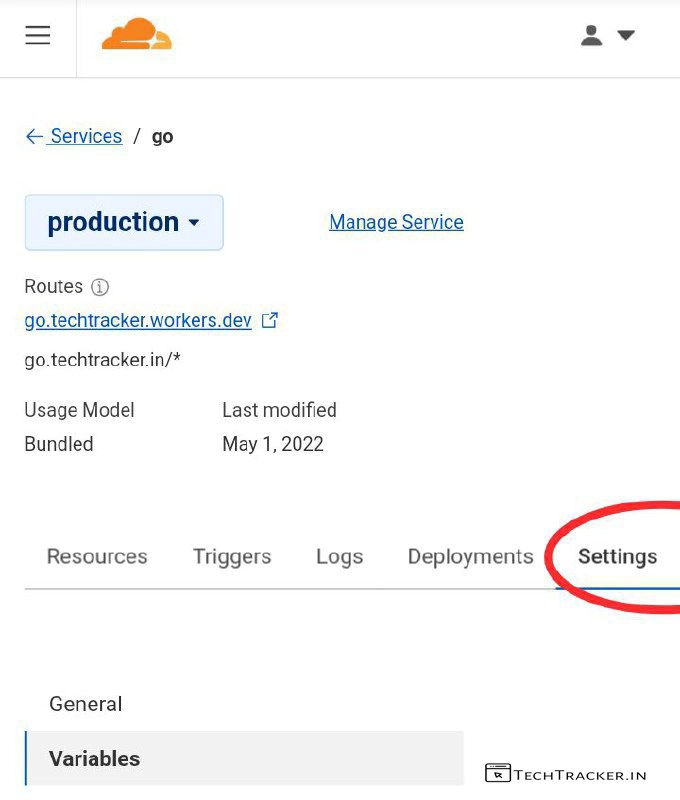
– Here, Tap on Settings and Variables then scroll down.
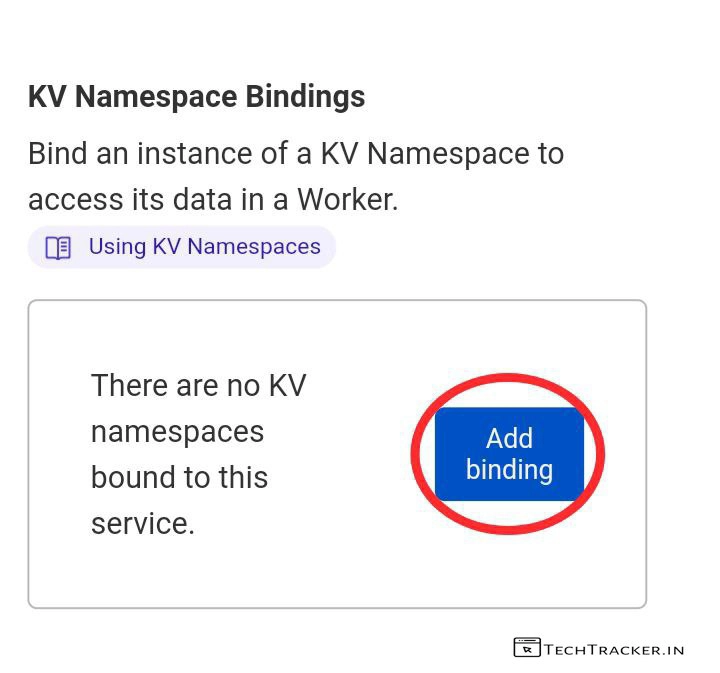
– In KV Namespace Bindings, tap on Add binding
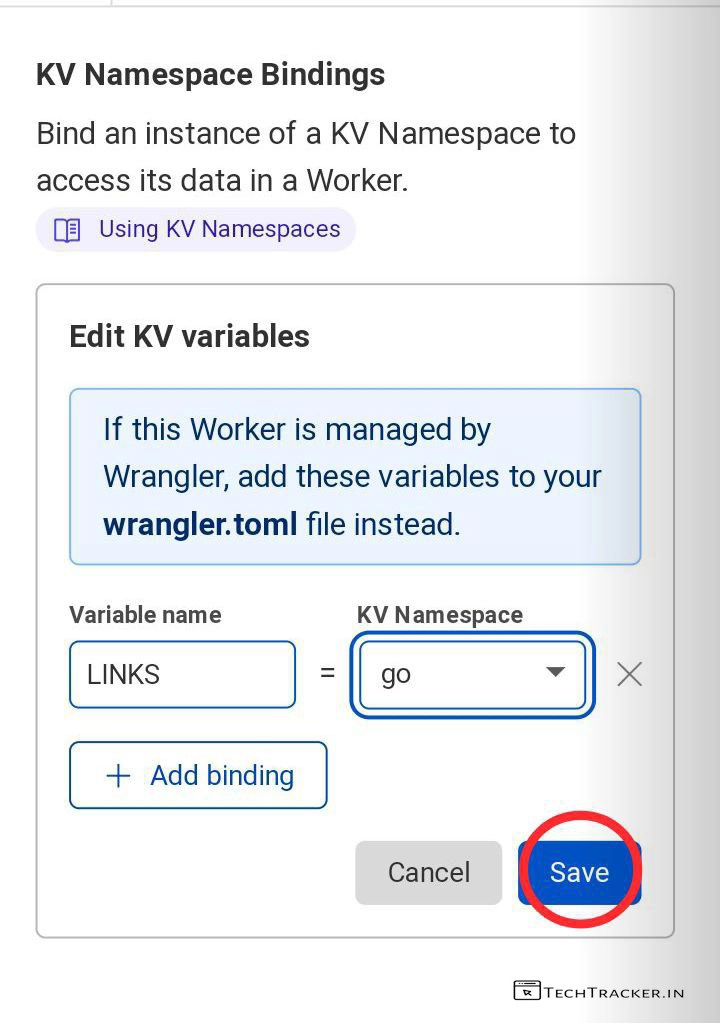
– Enter Variable name : LINKS and select KV Namespace name which you created earlier for url shortener from drop-down menu then tap on Save [ Must ]
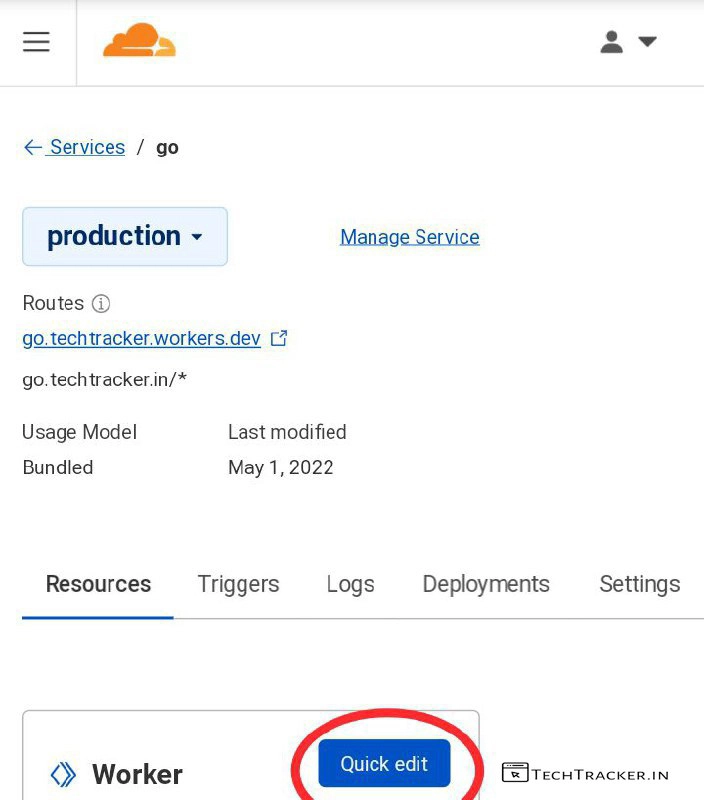
– Go back, In Resources tap on Quick edit
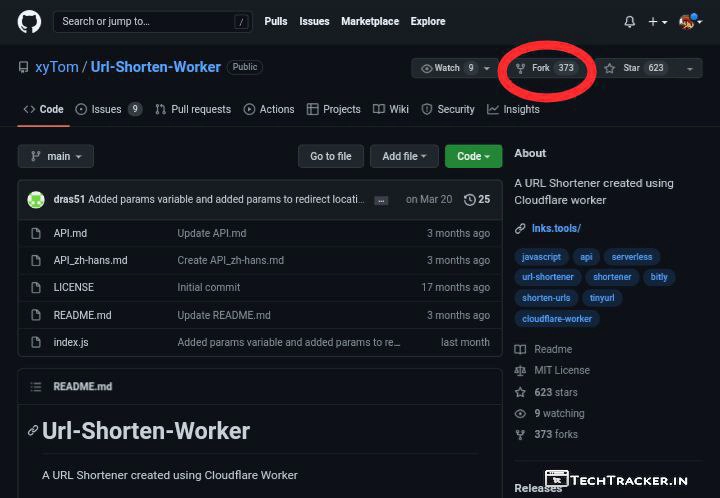
– Go to github.com/xyTom/Url-Shorten-Worker then fork repository.
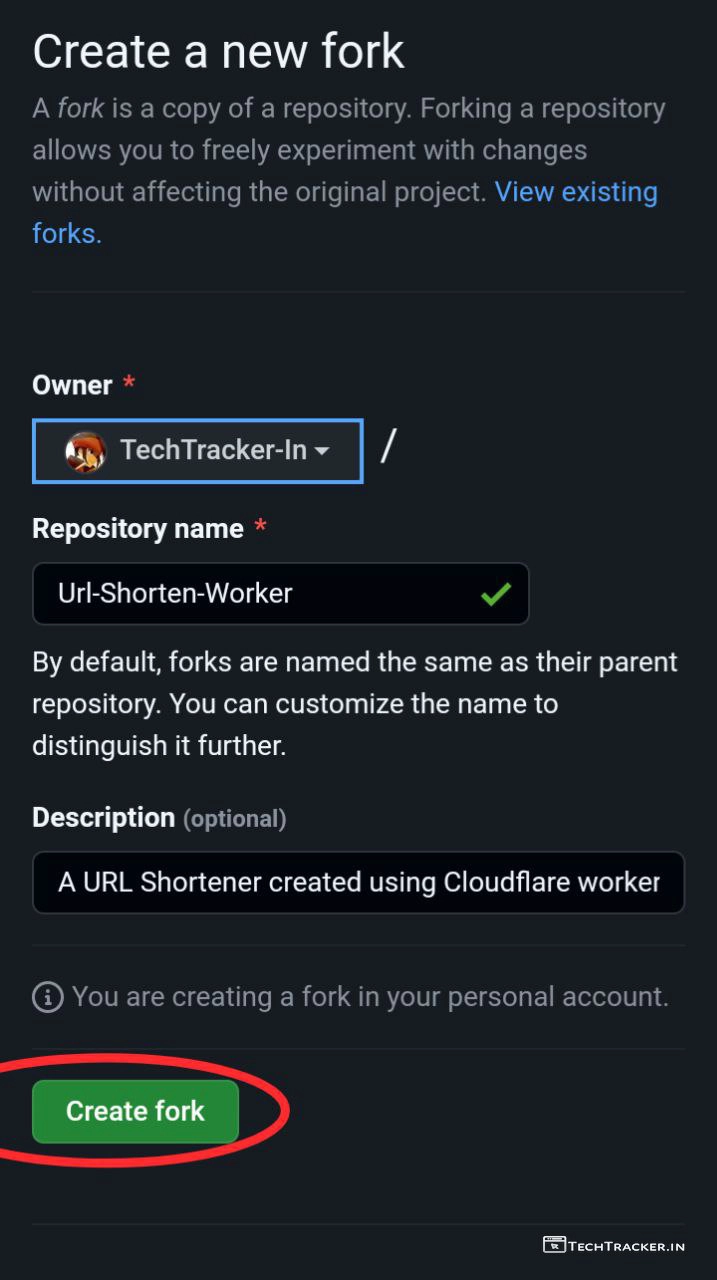
– Enter Repository name, Description then tap on Create fork
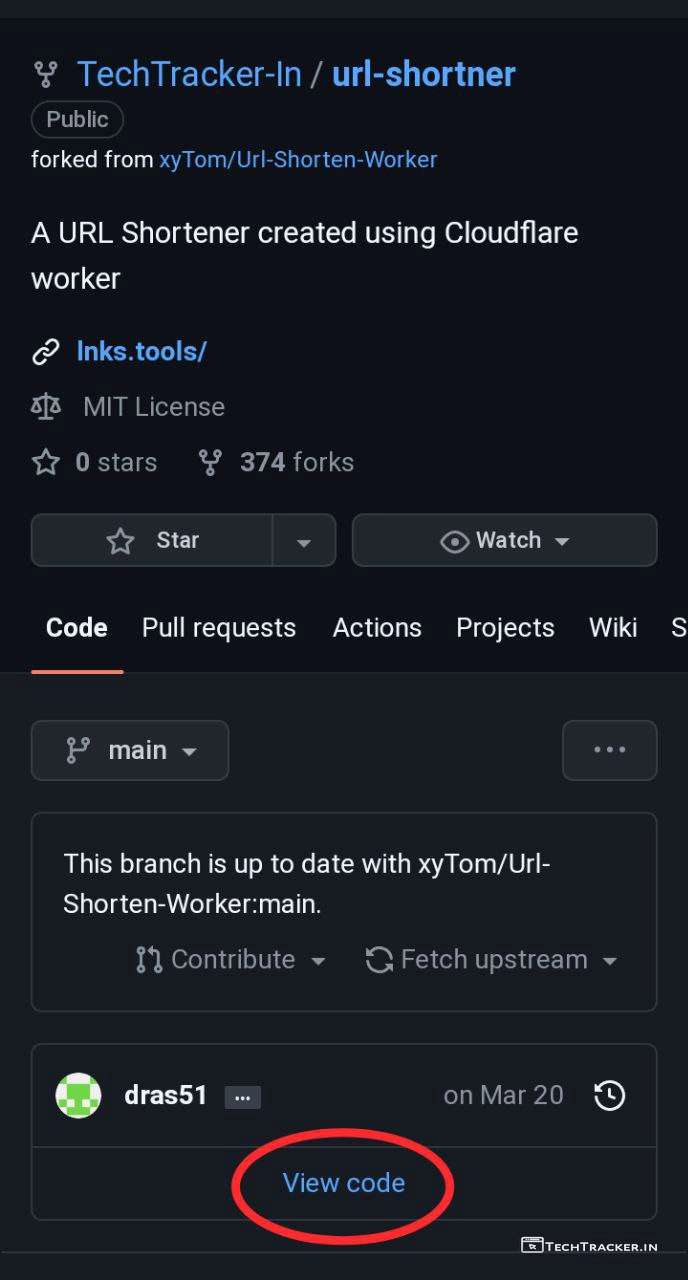
– Tap on View code
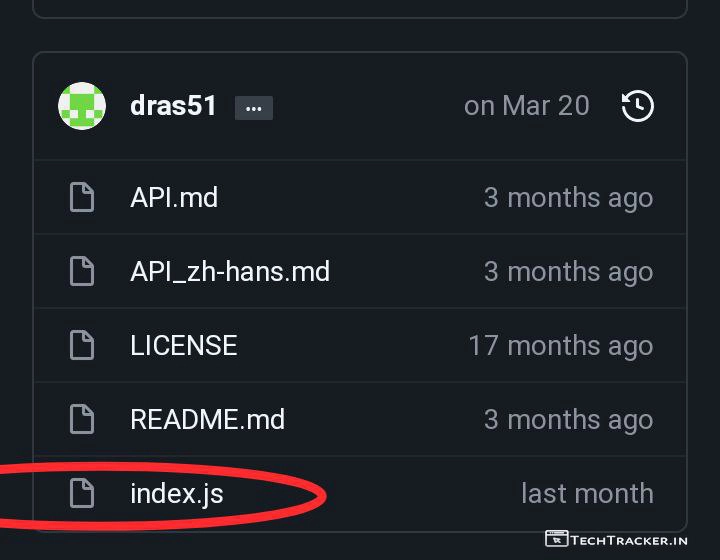
– Tap on index.js
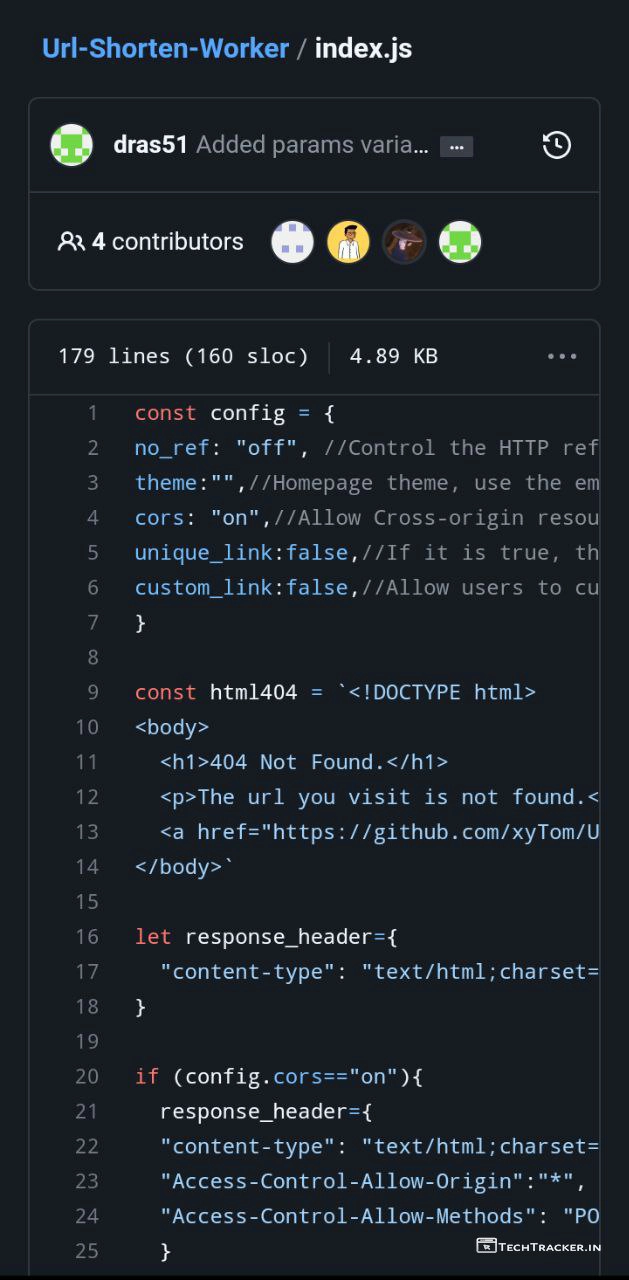
– Copy all code of Index.js, then head back to Cloudflare.
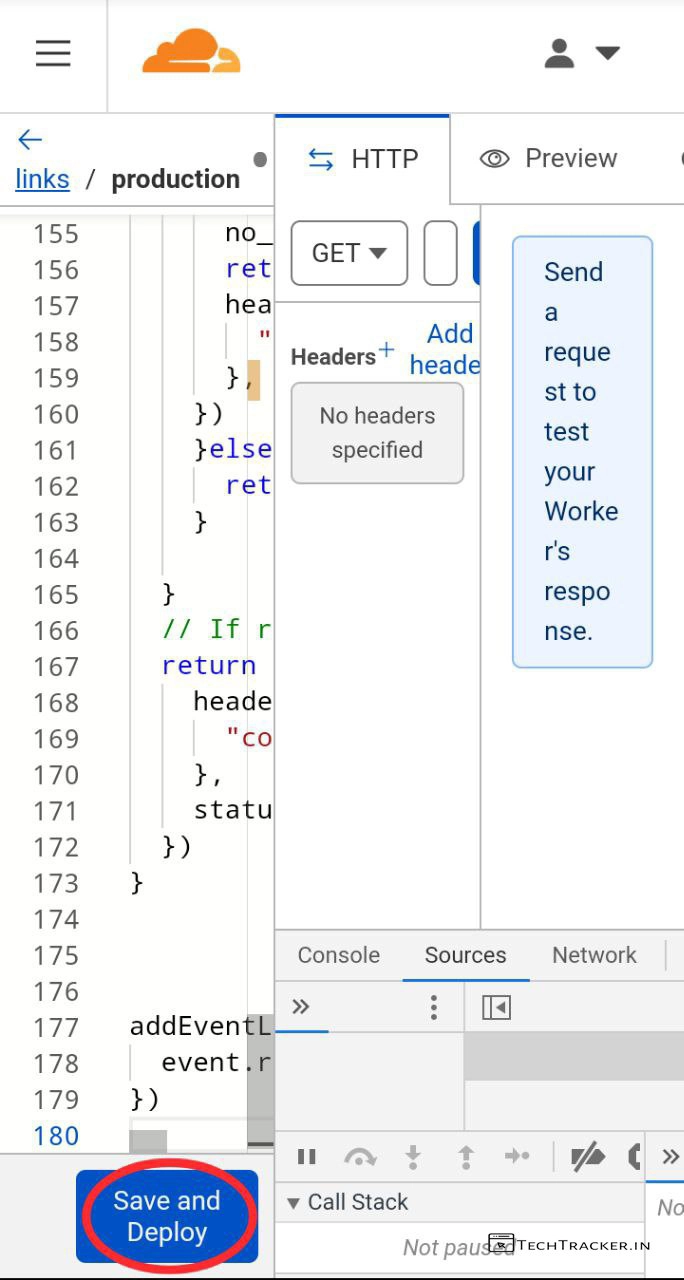
– Remove existing code and paste Index.js code then tap on Save and Deploy
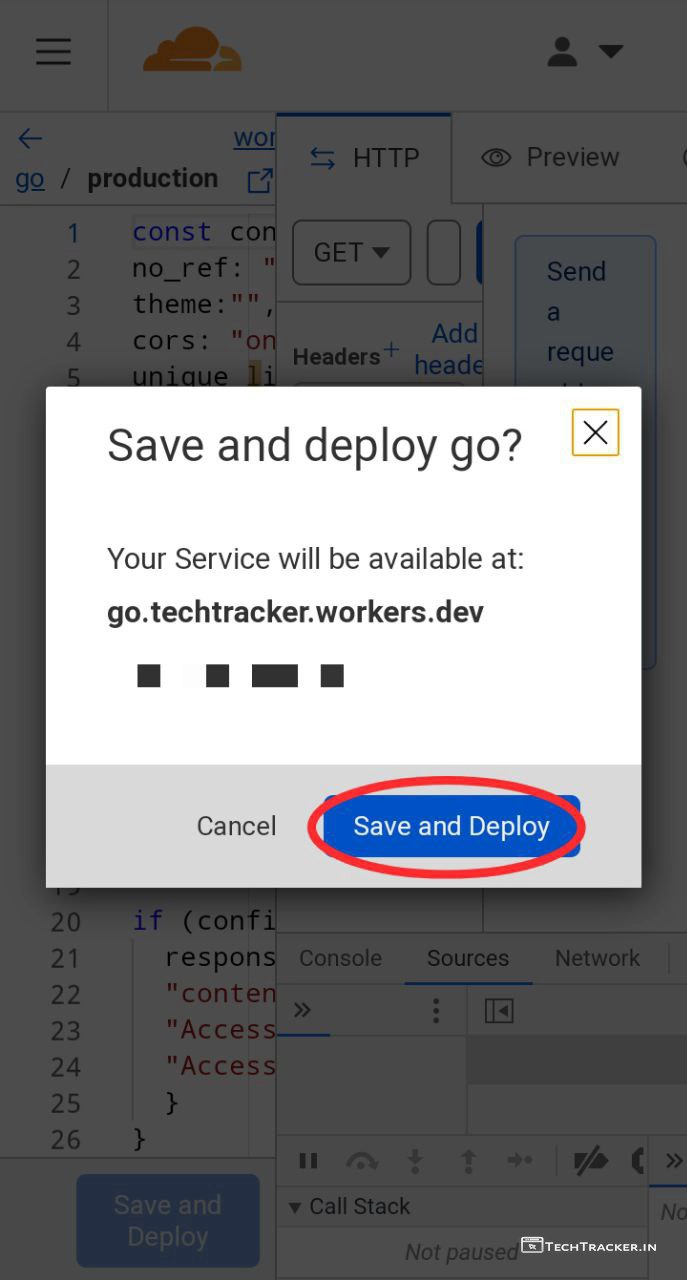
– Tap on Save and Deploy again.
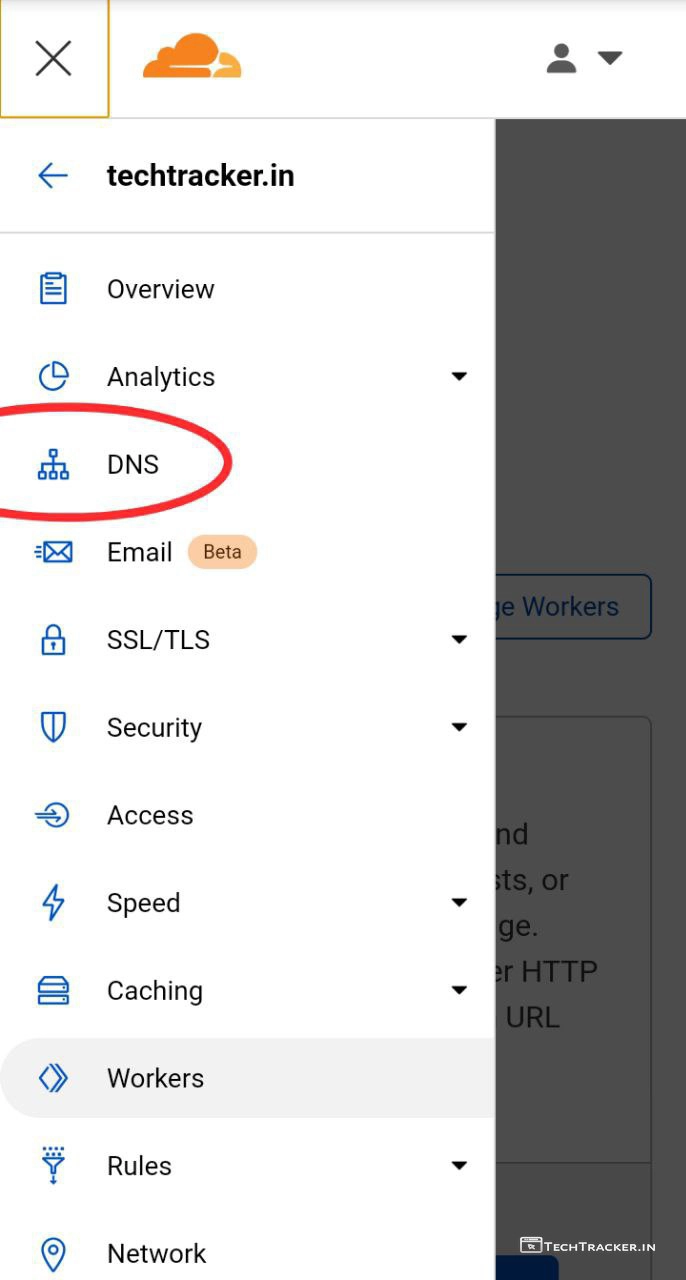
– Go back, Tap on ≡ then tap on DNS
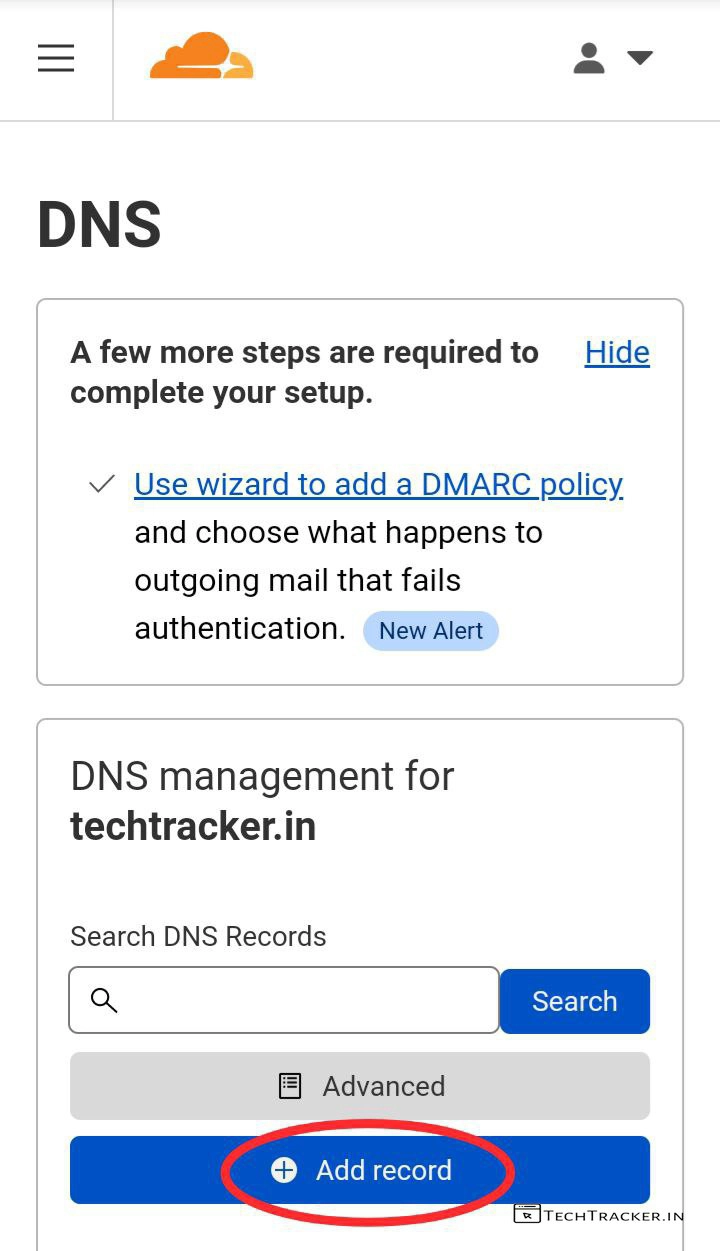
– Tap on + Add record
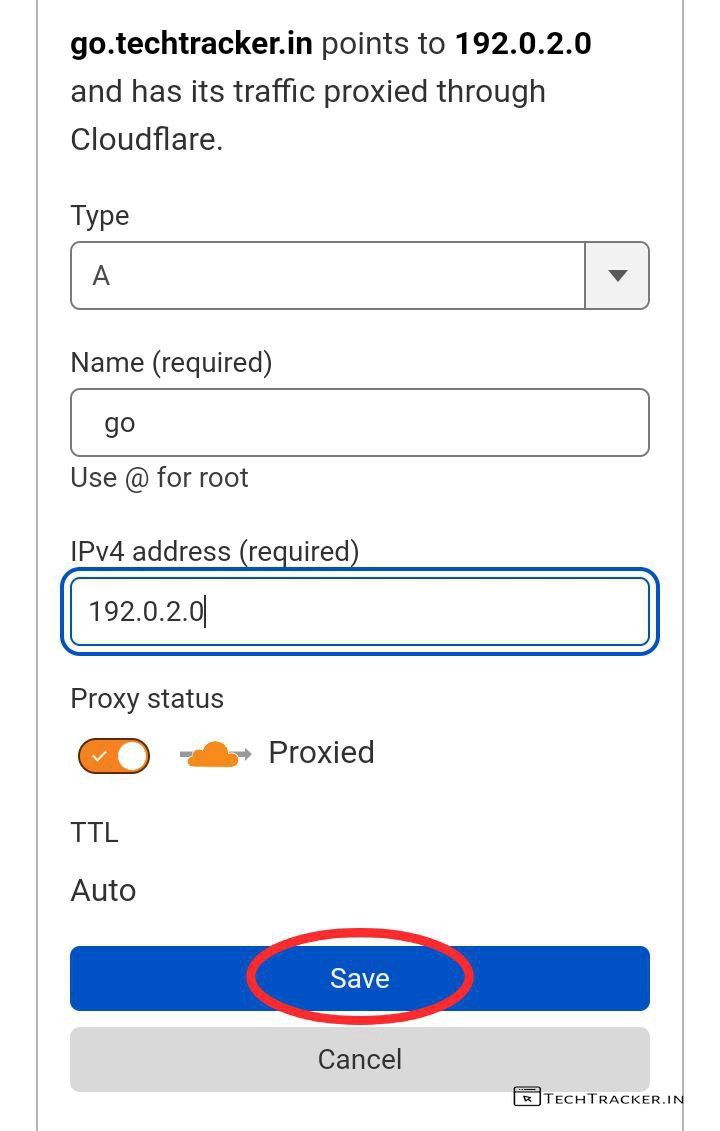
– Enter your preferred sub-domain name, and IPv4 address : 192.0.2.0 or you can also use other dns record IPv4 address, if by any chance this not worked.
– Tap on Save
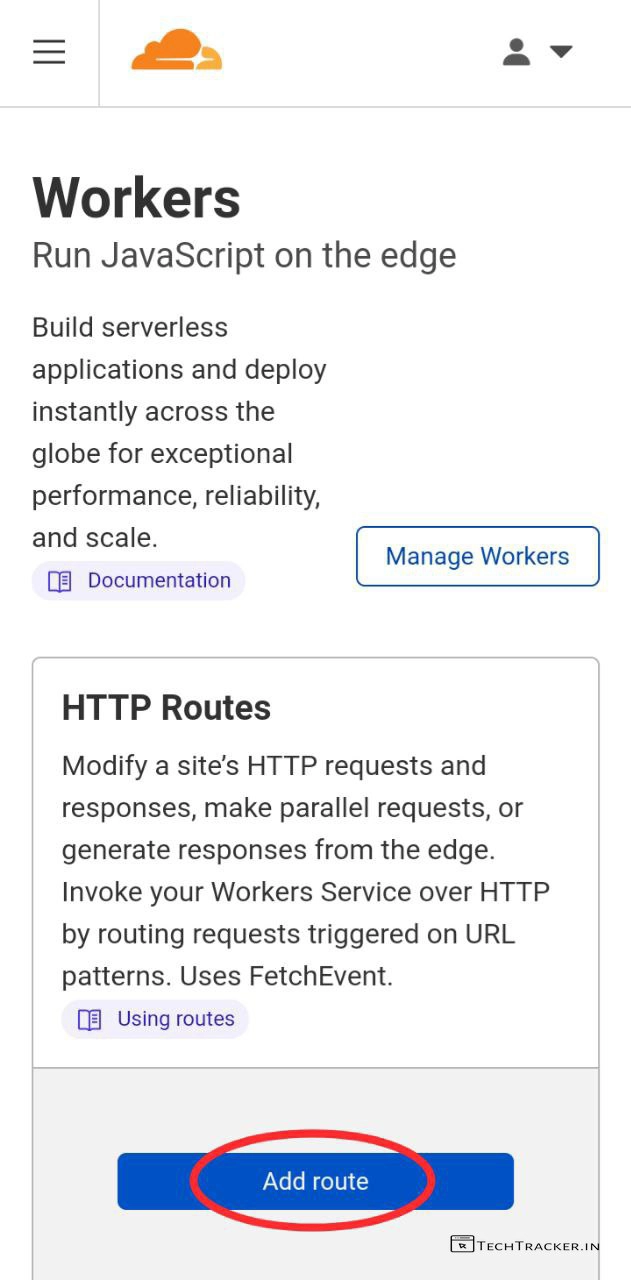
– Go back to Workers, then tap on Add route
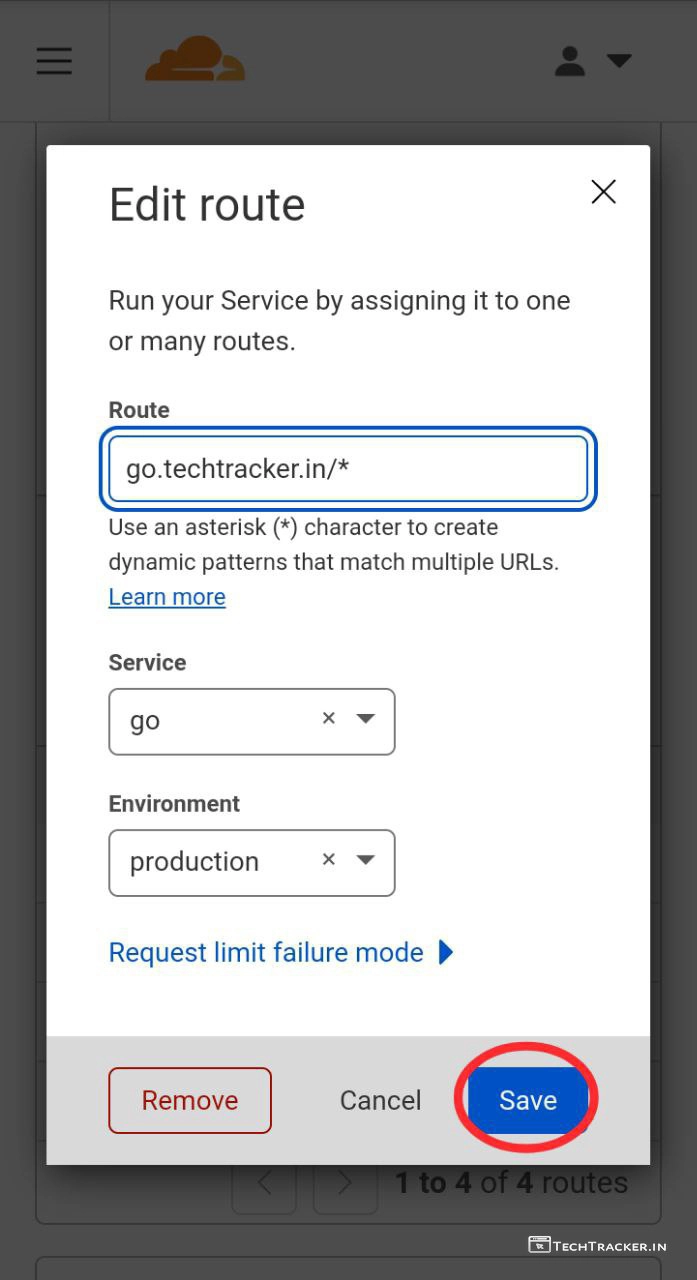
– Replace my website with yours, and select Service, Environment then tap on Save
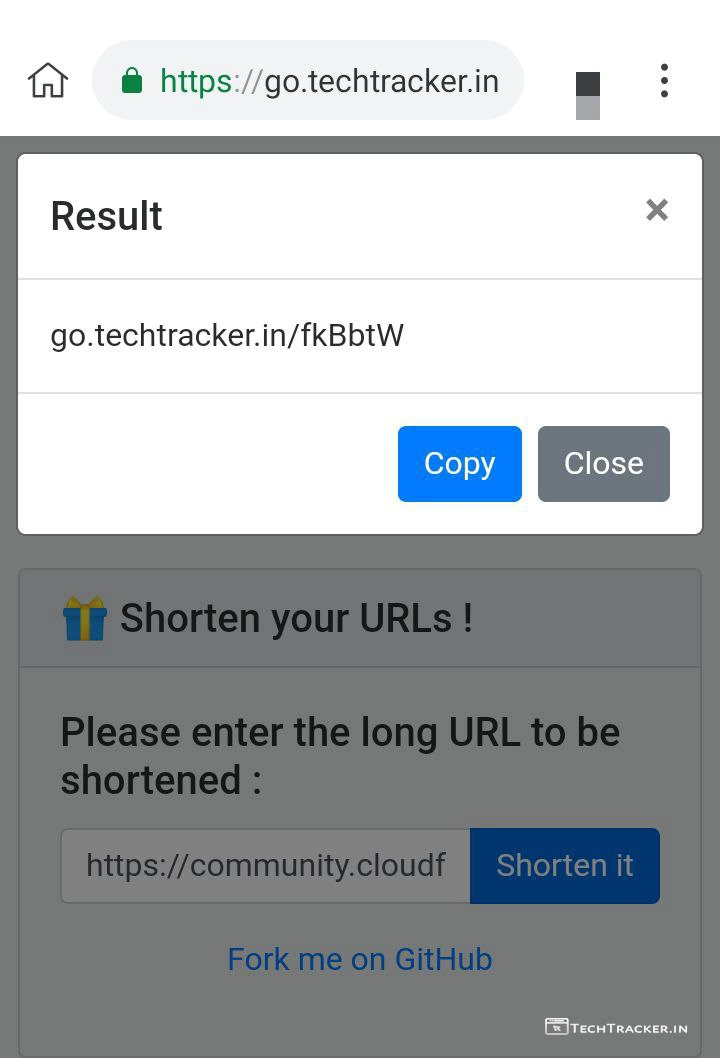
– Woohoo, Go to your URL shortener sub domain that we just created now and paste your long link in blank.
– Tap on Shorten it, You’ll get short link.
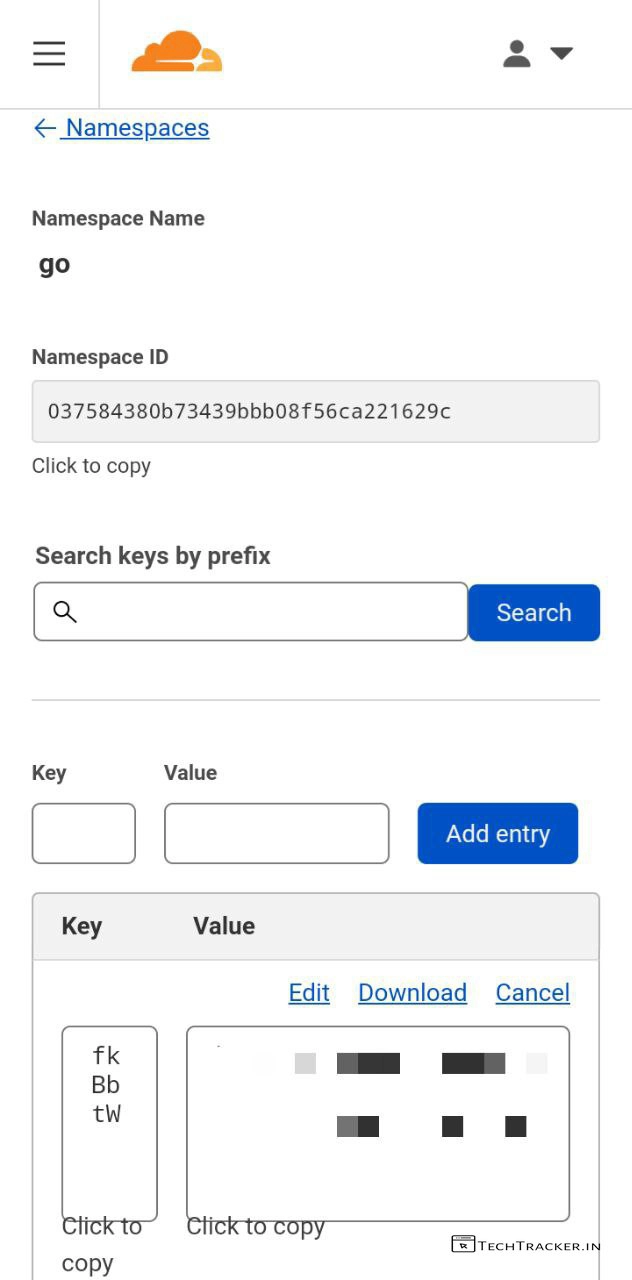
– To check details of shortlink.
– Go to Cloudflare Workers KV, where you will get key and value which you can view, edit and delete, isn’t amazing?
• How to edit URL shortener website •
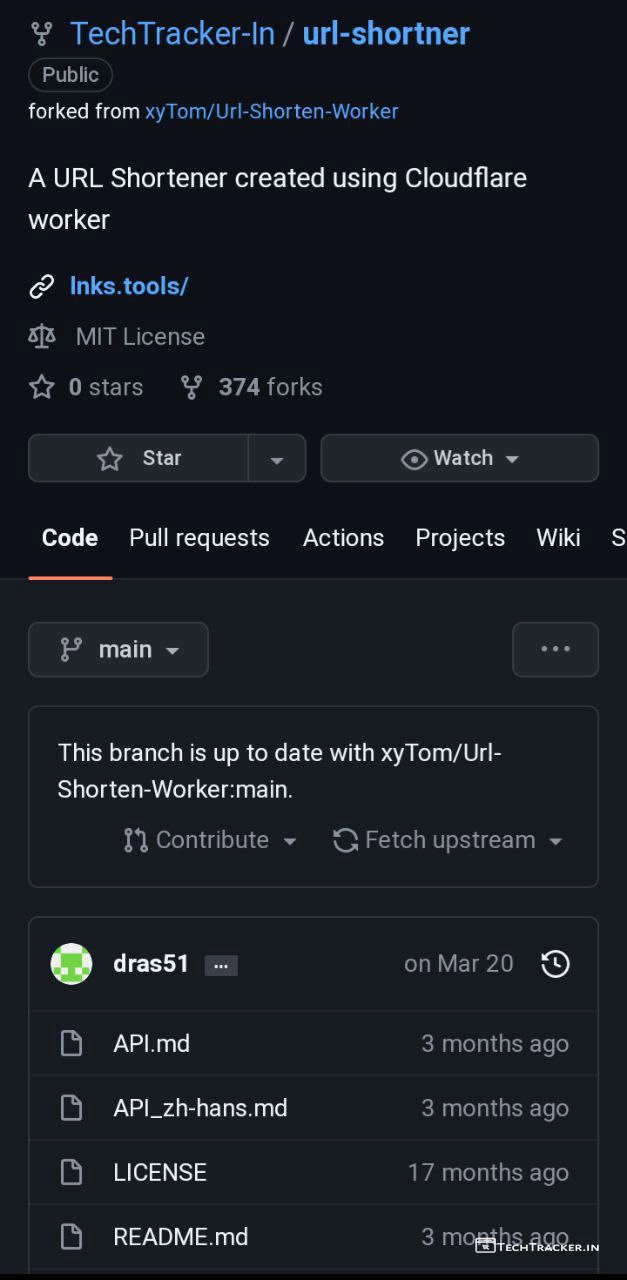
– Go to your forked repository of github.com/xyTom/Url-Shorten-Worker. then here you can add .html file and add to change url shortener layout as you like.
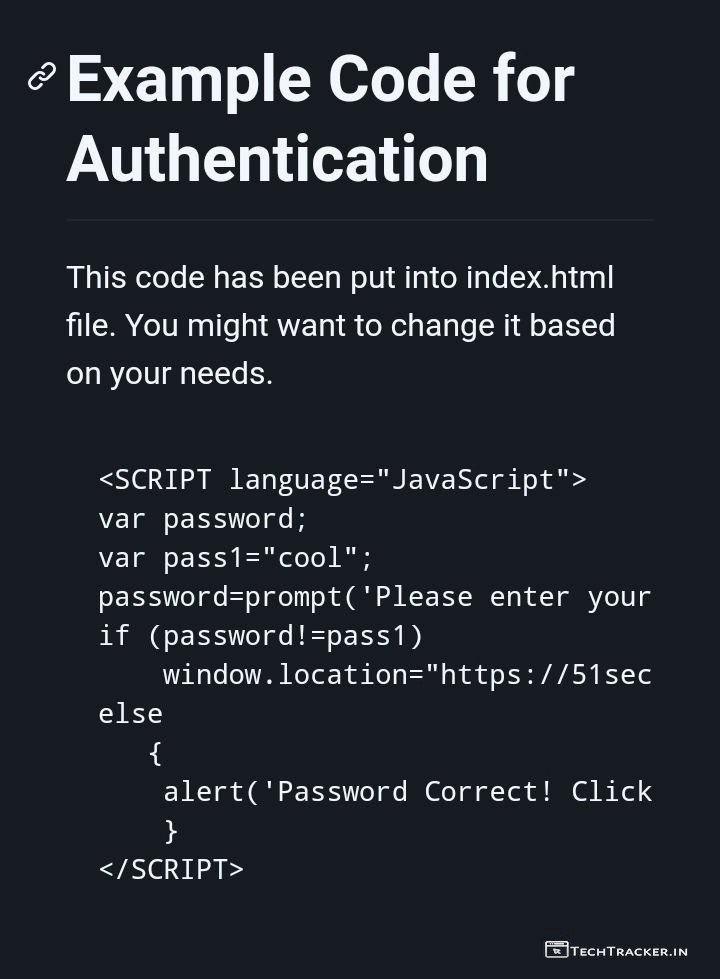
– If you added your custom .html file then edit and add the above code by replacing your site to get authentication window.
Done, you successfully created self hosted url shortner website using Cloudflare.
Atlast, this are just highlighted features of
xyTom/Url-Shorten-Worker there may be many hidden features in-built to provide external features for ultimate usage experience, anyway if you want to create secure URL shortener website then using this method is best choice.
Overall, it is very easy to implement xyTom/Url-Shorten-Worker on Cloudflare to get self hosting URL shortener for free, thanks to user friendly GitHub repository but in any project there is always space available for improvement so let’s wait and see will xyTom/Url-Shorten-Worker get any major changes in future to make it even better as of now it’s fantastic.
Moreover, xyTom/Url-Shorten-Worker + Cloudflare Workers is one of the very few methods available out there on internet to get secure and reliable URL shortener for free, yes indeed if you’re searching for such method then xyTom/Url-Shorten-Worker has potential to become your new favourite for sure.
Finally, this is how you can get free self hosting URL shortener using Cloudflare, are you an existing user of this method? If yes do say your experience and mention if you know any better method to get secure URL shortener in our comment section below, see ya 🙂